One sentence is all it takes—give your Agent image and video creation capabilities with PixPix MCP

Works with leading Agents such as Codex, WorkBuddy, Claude Code, and ZCode. With PixPix MCP, you can create content using the world's most popular image and video models.

QUICK START

Copy the prompt to your Agent and follow its instructions to authorize and start using PixPix

01

Account authorization will complete in your browser when you first invoke PixPix tools.

WHY AGENT + MCP

Put Creative Power into Your Workflow

Agents understand objectives, break down tasks, and chain steps together. PixPix MCP executes image and video generation, turning a single chat prompt into a complete content production pipeline.

AUTOMATION

From Goal to Continuous Execution

Agents break complex requirements into structured steps, selecting and calling the right PixPix tools continuously.

Your Prompt

Create a launch asset pack for this new product

Agent DecompositionMain Image · Image Suite · Video
MULTIMODAL

Empower Agents with Vision and Video

Agents do more than output text—they generate and refine production-ready visual assets using PixPix.

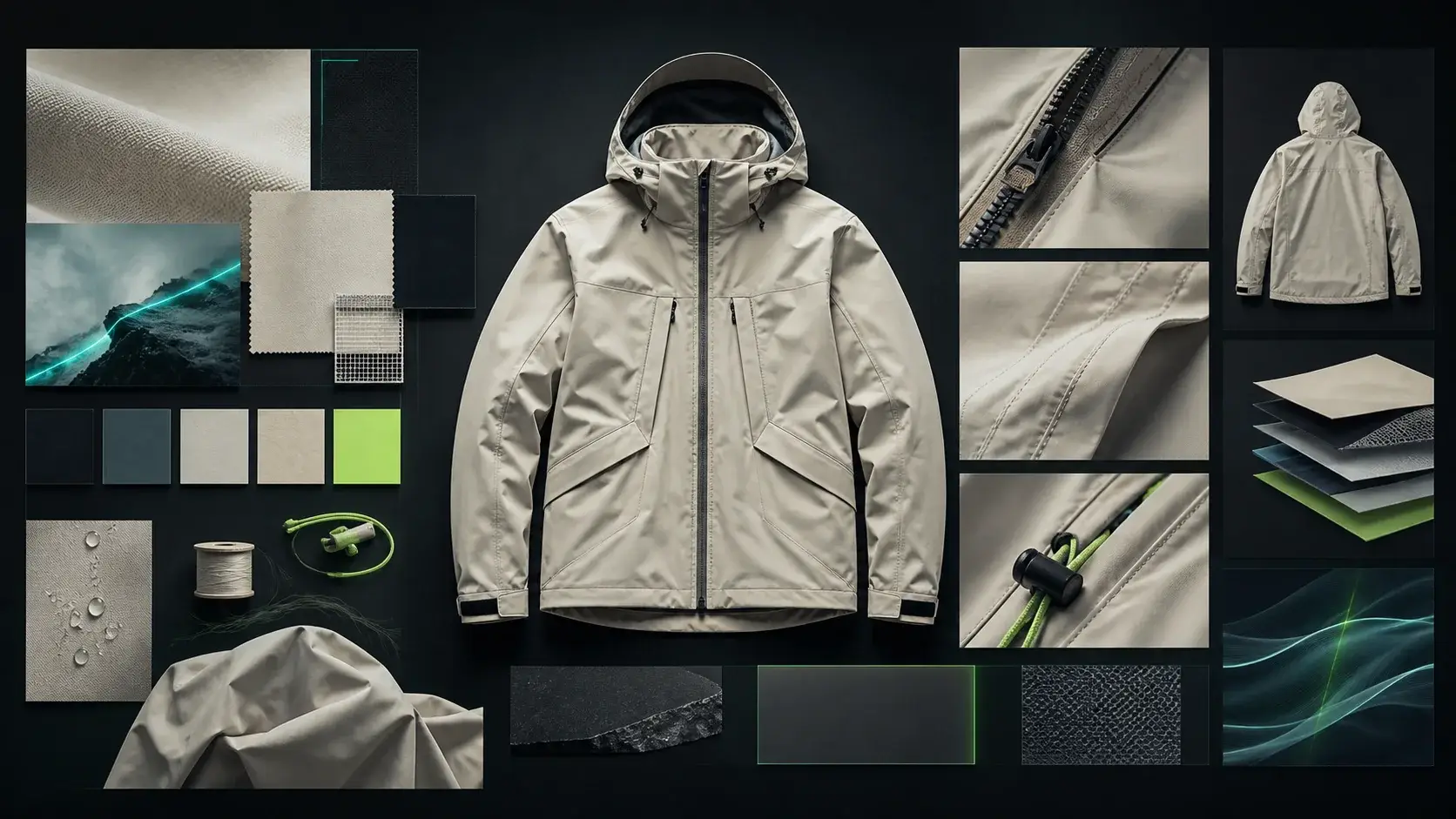
Fashion design collage with garment, fabric, and detail referencesIMAGE
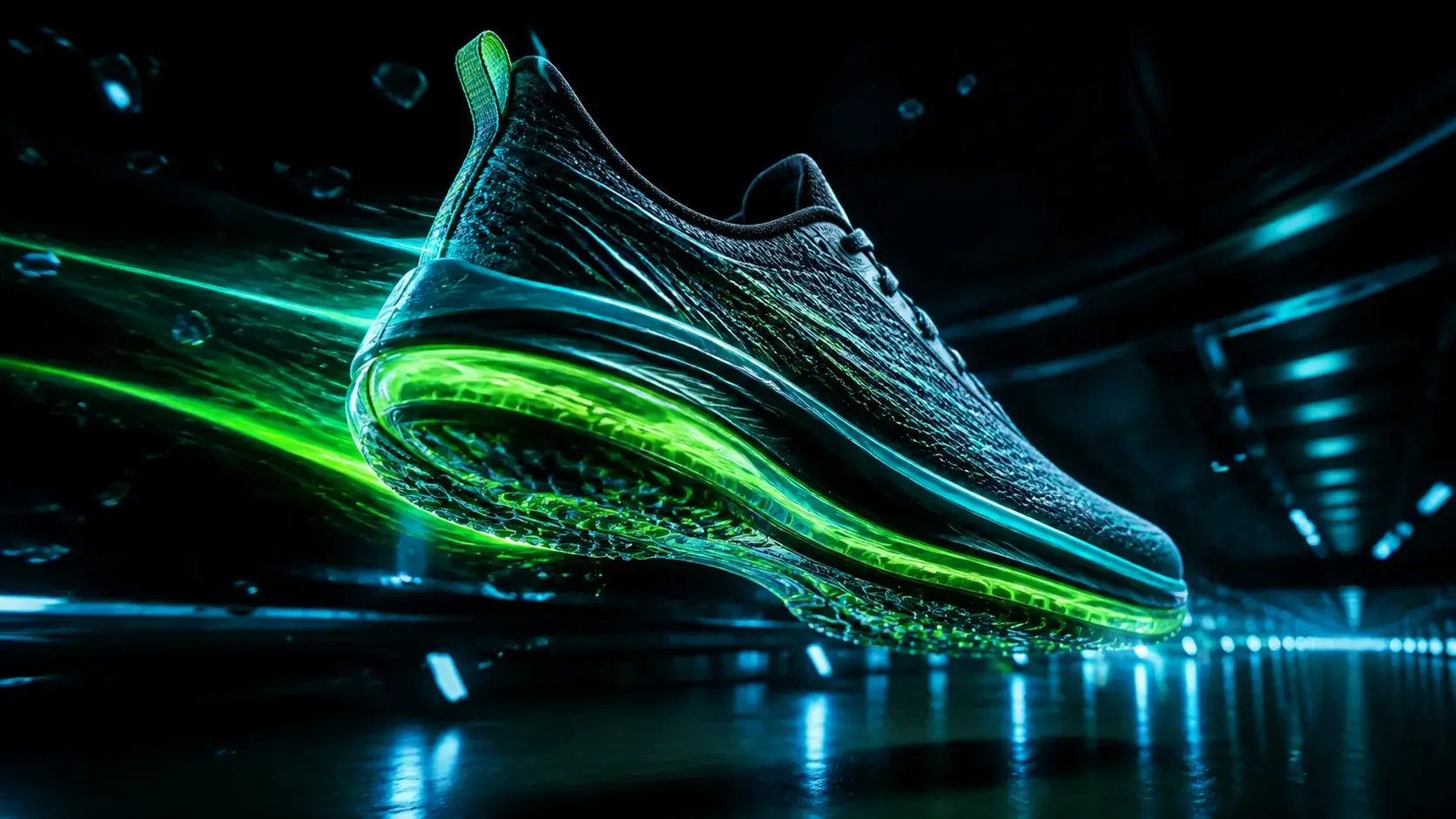
Futuristic sneaker video scene with glowing cyan-green light trailsVIDEO
BATCH

Batch Repetitive Creative Tasks

×12

Hand assets and uniform guidelines to your Agent to execute repetitive tasks item by item with PixPix.

WORKFLOW

Seamlessly Integrate with Existing Workflows

PixPix becomes the creative engine in your pipeline while your Agent organizes assets, reviews results, and delivers next steps.

01

Your Assets

02

Agent Understanding

03

PixPix Generation

04

Deliver Results

SUPPORTED CAPABILITIES

What PixPix MCP Can Do

Organized by business capabilities provided by PixPix MCP. Actual availability depends on feature release, account tier, and model configuration.

CREATE

General Generation

Create images and videos from text prompts or reference materials.

  • Image Generation
  • Video Generation
  • Video Editing
COMMERCE

E-Commerce Content

Rapidly generate complete sets of product visual assets.

  • Product Image Suite
  • A+ / Detail Page
  • Product Retouching
  • Apparel Image Set
MARKETING

Marketing Video

Video workflows designed for product showcase and content marketing.

  • Seller Video
  • Video Replication
EDIT

Image Editing

Perform common post-processing adjustments on existing images.

  • Image Replication
  • HD Upscale
  • Remove Background

HOW TO USE

Use PixPix Just Like Chatting

State your goal, references, and expected output. The Agent selects matching PixPix tools and tracks generation tasks.

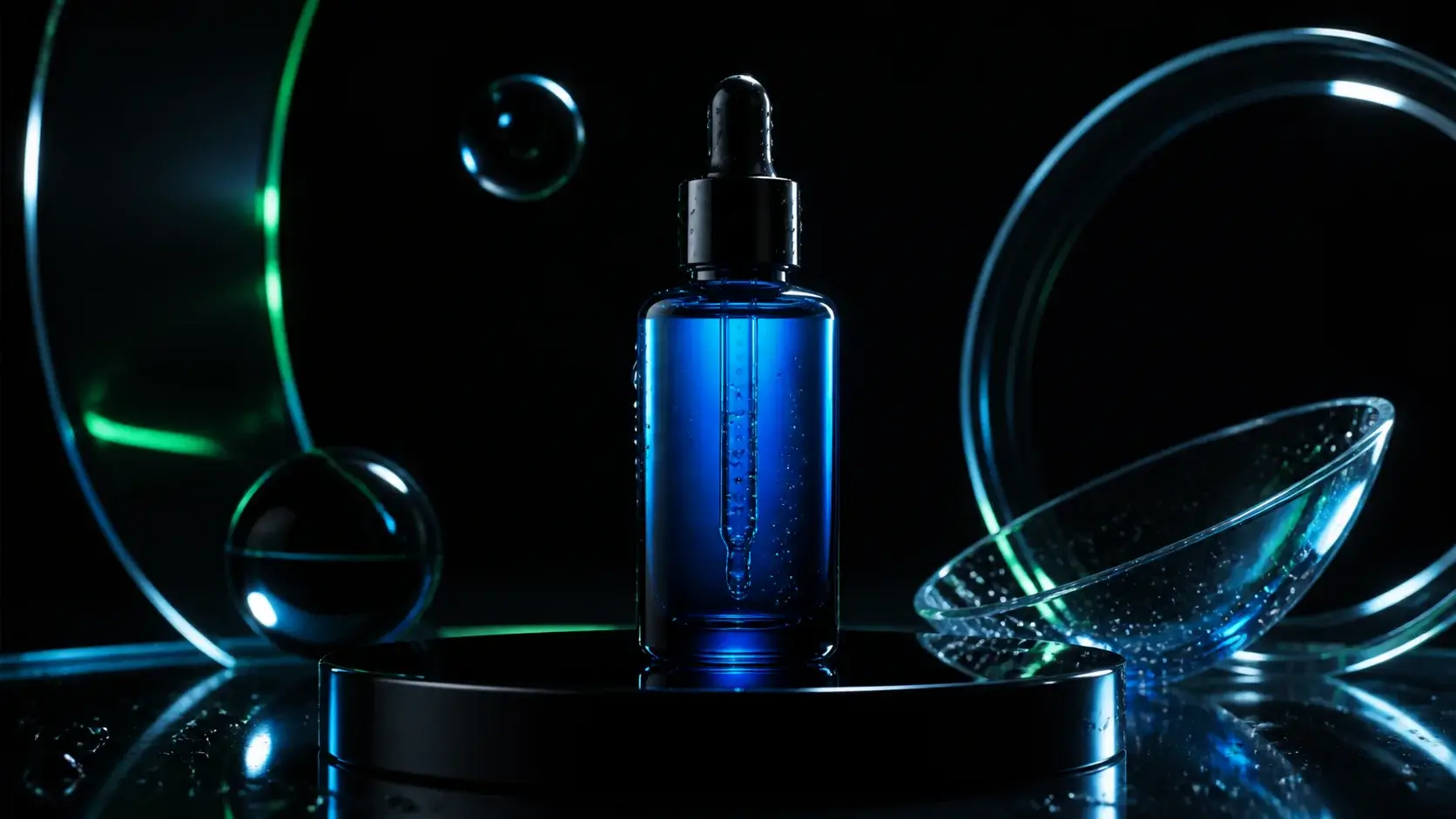
Blue serum skincare product in a dark studio settingTEXT → IMAGE
Image Generation

Generate a 16:9 skincare e-commerce hero image using PixPix: dark studio backdrop, blue glass bottle, cyan-green rim lighting.

Fashion design collage with garment, fabric, and detail referencesIMAGE → IMAGE
Image-to-Image

Referencing product.png on my desktop, create a fashion design proposal collage with fabric textures and detail closeups.

Futuristic sneaker video scene with glowing cyan-green light trailsIMAGE → VIDEO
Video Generation

Turn this sneaker image into a dynamic product video with glowing cyan-green motion streaks while keeping the shoe crisp.

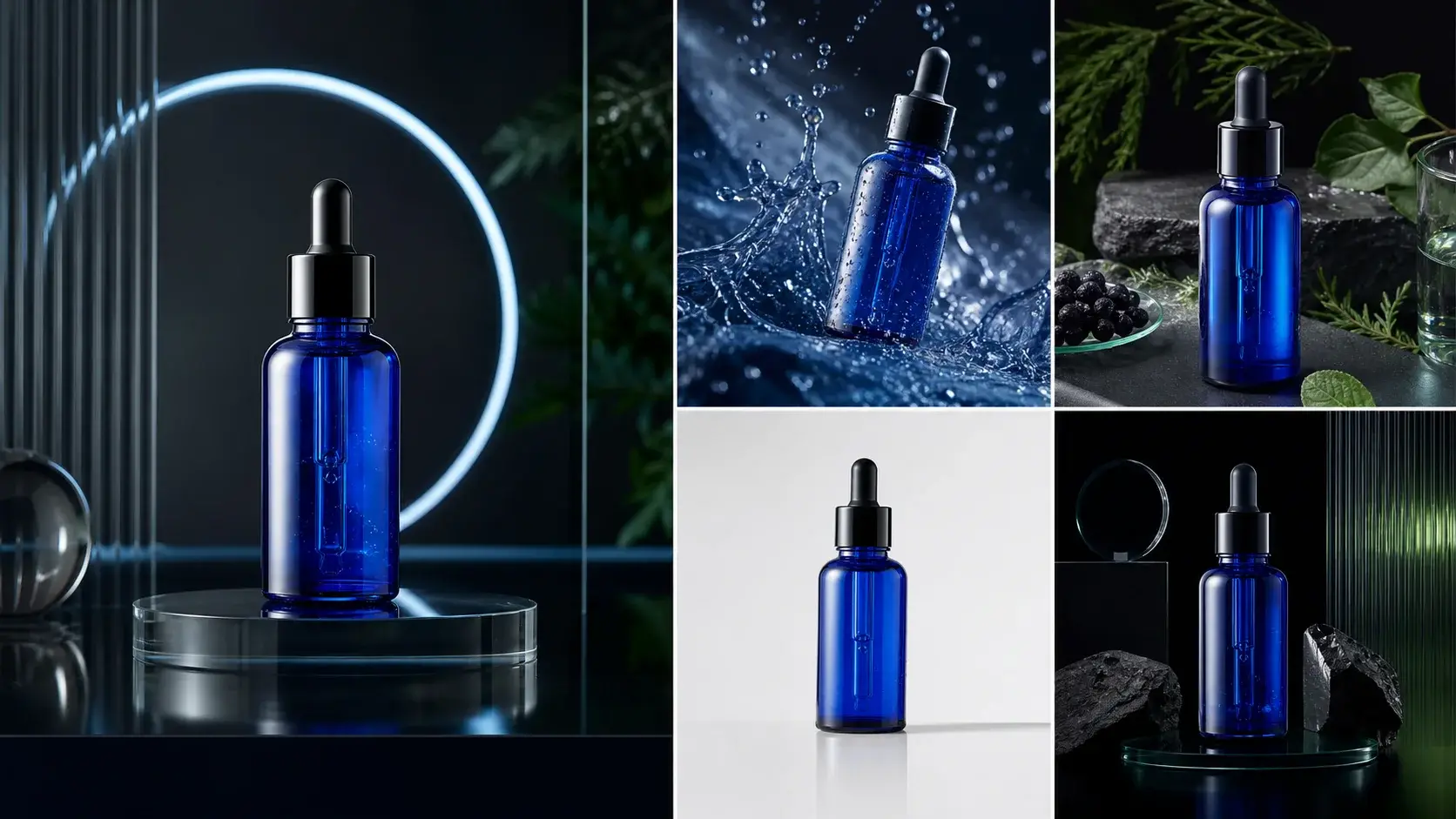
Five consistent e-commerce scene photos of the blue serum productPRODUCT IMAGE SUITE
Product Image Suite

Reference product.png and generate five consistent e-commerce scene photos in different environments for the same product.