PixPix launches Seedance’s HD capability: version 2.5 supports 1080P, while version 2.0 adds 4K support.
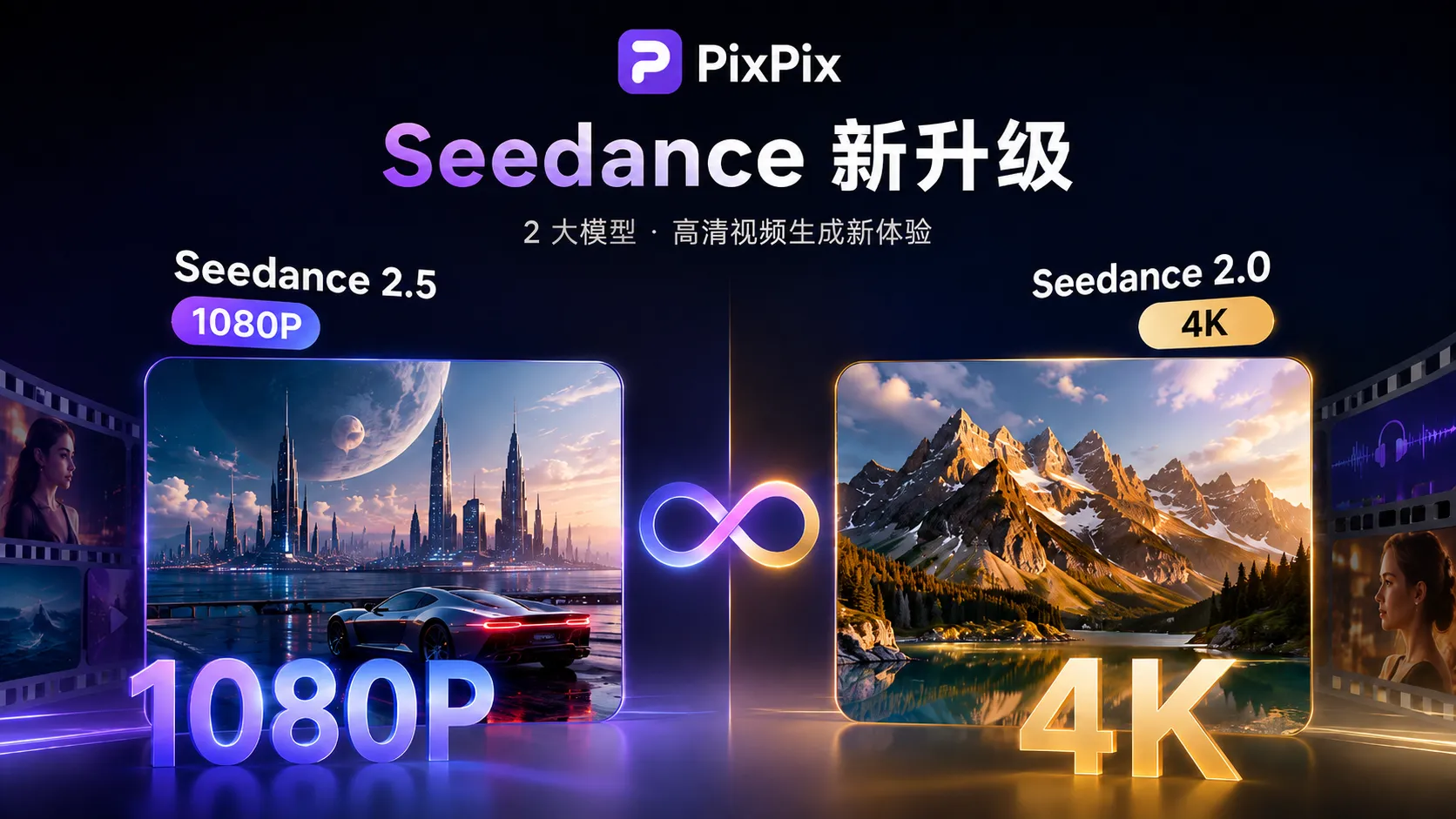
AI video generation is advancing from “being able to generate” to “being able to deliver.” Currently, PixPix has updated the Seedance series’ video-generation capabilities: Seedance 2.5 now includes 1080P high-definition generation, while also launching the Seedance 2.0 4K video-generation option.
Users can select the most suitable Seedance model and resolution in PixPix based on video length, reference control, and desired final image quality.
Previously, PixPix had already integrated Seedance 2.5, supporting up to 30 seconds of video generation, multi-modal referencing, audio‑visual joint generation, video extension, and timestamp editing. With the addition of 1080P and 4K formats, the Seedance series now offers a more comprehensive range of video-generation options within PixPix—from creative testing to high‑definition finished products.
Enter PixPix AI Image and Video Generation to experience the latest Seedance video-generation capabilities.
I. What improvements does Seedance 2.5 bring to long‑video quality after adding 1080P?
The key strengths of Seedance 2.5 lie in long‑form storytelling, multi‑modal referencing, and fine‑grained editing. Unlike typical AI videos that last only a few seconds, Seedance 2.5 can generate up to 30 seconds per run and supports further extension. Users can simultaneously use images, videos, and audio as references, enabling the model to understand characters, products, scenes, actions, cinematic language, and sound.
Now, in PixPix, Seedance 2.5 additionally supports 1080P video generation. For ordinary creators, higher resolution better preserves character edges, product textures, environmental details, and lighting nuances.
Especially in close‑up shots of people, clothing displays, product highlights, and real‑world settings, high resolution reduces blurriness when zooming in, leaving more room for subsequent editing, color grading, and post‑production work.
For example, when producing a product ad, you can first quickly test camera angles and movements at lower resolutions; once composition, character portrayal, and product presentation are finalized, switch to 1080P for the final output, making the entire production process much more efficient.
II. How does Seedance 2.5’s 1080P integrate with 30‑second long‑form storytelling?
For Seedance 2.5, 1080P isn’t just an isolated quality upgrade. Its greater value lies in combining with existing features like up to 30 seconds of generation, multi‑modal referencing, and video editing.
Seedance 2.5 allows users to generate up to 30 seconds of video in a single run, while also accepting multiple images, video clips, and audio files as reference material. Compared to traditional methods that rely solely on a brief prompt to produce a few seconds of footage, this approach gives creators richer contextual information.
For instance, when creating a brand short film, you can provide separate reference images of characters, products, and settings, along with action‑reference videos and background music, then describe the relationships between shots in text. The goal isn’t merely to enhance the clarity of individual frames, but to ensure characters, products, actions, and sounds remain coherent over extended periods.
For advertisements, narrative shorts, e‑commerce product videos, and branded content, the combination of 1080P, 30‑second storytelling, and multi‑modal referencing carries far more practical significance than simply increasing resolution.

III. Which projects are best suited for PixPix’s newly launched Seedance 2.0 4K?
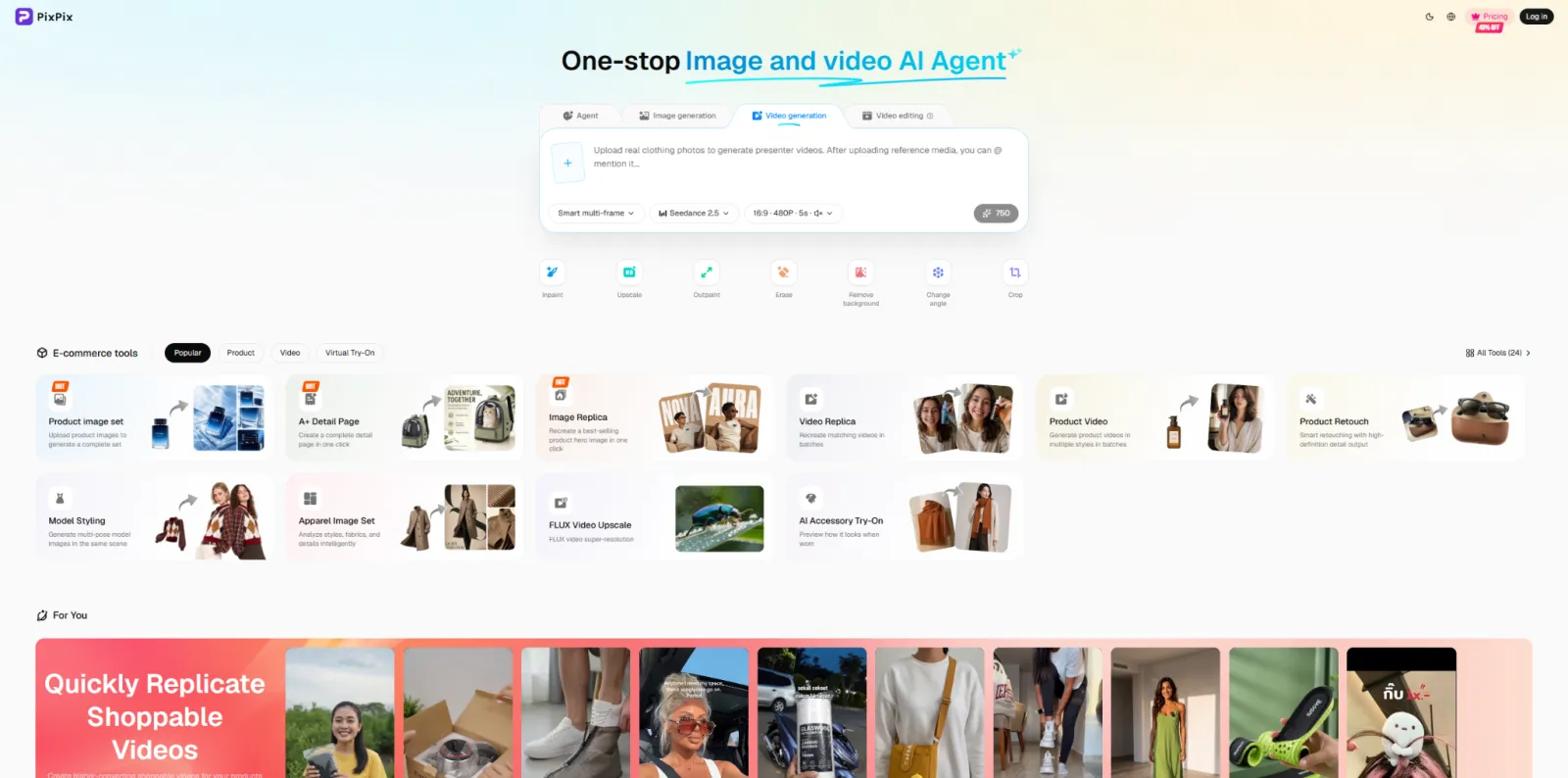
If your primary concern is the final video resolution, PixPix now also offers the Seedance 2.0 4K video‑generation option. Users can access the video‑generation section via PixPix AI Image and Video Generation and choose Seedance 2.0 along with the appropriate resolution according to their project needs.
Seedance 2.0 is equally well suited for creating works using text, images, videos, and other reference materials, delivering robust video‑generation capabilities in scenarios involving human motion, complex movements, and precise visual control. 4K resolution is particularly ideal for content with strict requirements for ultimate image quality.
Examples include brand advertising, product promotional films, creative short films, large‑screen presentations, and projects requiring localized cropping, enlargement, or re‑composition during post‑production.
For such projects, choosing Seedance 2.0 4K allows you to prioritize “final delivery clarity” from the outset.
IV. How should you choose between Seedance 2.5 1080P and Seedance 2.0 4K?
These two capabilities aren’t simply about “the higher the resolution, the better”; instead, selecting based on actual production goals is key.
1. How do you choose when you need long‑form storytelling and extensive reference control?
If you want to create a full-length video lasting 15 to 30 seconds and need to incorporate elements like people, products, actions, visuals, or audio simultaneously, Seedance 2.5 would be more suitable.
It’s better suited for short character‑driven stories, complete product advertisements, multi‑camera social media videos, brand storytelling, recreating reference videos, and other video content that requires further editing. The addition of 1080P resolution also ensures these longer videos achieve greater overall clarity in the final output.
2. How should you choose when higher‑resolution output is required?
If video length and complex references aren’t your top priorities, but your project demands higher final resolution, sharper local details, and more room for post‑production adjustments, then Seedance 2.0 4K is the better choice. For example, close‑up shots of products, brand‑focused visuals, large‑screen content, and high‑definition advertising materials are all best served by prioritizing ultimate output quality.
In short, if you value long video durations, precise reference control, and a cohesive narrative, go with Seedance 2.5 1080P; if you prioritize higher‑resolution output, choose Seedance 2.0 4K.
V. What real‑world impact do 1080P and 4K have on AI‑generated videos?
For AI‑generated videos, increasing resolution isn’t just about making things look sharper. In product videos, packaging text, edge outlines, glass reflections, metallic textures, and fabric patterns all rely on sufficient pixel information. If the original generation resolution is too low, enlarging the footage later can easily lead to blurred edges and loss of fine details.

In portrait‑style videos, higher resolution helps preserve facial features, hair, skin, and clothing details—especially noticeable in close‑ups and medium shots. For videos requiring extensive post‑production work, higher resolution also provides greater flexibility for cropping and composition.
For instance, a landscape‑oriented video might eventually be repurposed into a 9:16 vertical ad, which typically requires re‑cropping the main subject. If the source video has higher resolution, the cropped version will still maintain better visual quality. Thus, from a practical workflow perspective, high‑resolution AI videos are gradually evolving from optional extras to essential components in commercial content production.
VI. How do you generate high‑resolution videos using Seedance in PixPix?
Currently, users can directly access the video generation process through PixPix AI Image and Video Generation.
Open PixPix and navigate to the video generation section.
Choose either Seedance 2.5 or Seedance 2.0 based on your creative goals.
Upload reference materials such as images or videos, or simply enter textual prompts.
Select the desired video resolution and generation parameters.
After generating the first draft, continue refining it according to the characters, products, actions, and shot effects.
If using Seedance 2.5, it’s recommended to first finalize your reference materials and narrative logic, then select 1080P output as needed. If the final project demands exceptionally high image quality, consider opting for Seedance 2.0 4K depending on the specific generation task.
Throughout this entire process, developers don’t need to configure APIs themselves, making it ideal for e‑commerce operators, content creators, designers, and brand teams to directly produce videos and verify results.
VII. How does PixPix continuously enhance its library of high‑quality AI video models?
Recent model upgrades reveal shifting priorities in AI video competition. Initially, the focus was on whether images could come to life; later, attention turned to character consistency, product fidelity, camera movement, and realistic physical effects. Now, video length, reference control, audio‑visual synchronization, and final resolution have emerged as new key areas of emphasis.
The launch of Seedance 2.5 1080P and Seedance 2.0 4K offers two clearer options tailored to different types of projects. For narratives requiring greater completeness, use Seedance 2.5; for productions demanding higher‑end quality, consider Seedance 2.0 4K.
PixPix will also keep integrating and updating mainstream AI image and video generation models, enabling users to select the most suitable capabilities within the same platform based on their creative needs. Currently, Seedance 2.5 1080P and Seedance 2.0 4K are already available on PixPix.
Enter PixPix AI Image and Video Generation, and start leveraging the latest Seedance high-definition AI video-generation capabilities.

AI Image Tool Built for E-commerce Teams
For new product launches, advertising, and promotional campaigns, use AI to generate product images, scene visuals, ad creatives, and short video assets — making content production faster.