Social commerce
Create content for stores and social feeds
Use people, everyday scenes and close-up details to explain a selling point for Amazon, Shopify or TikTok.
Upload images, describe your idea, or add references. Let AI create scenes, camera moves, and sound.
Eight ways to showcase a product. Find a direction, edit the prompt and make it yours.
From a first impression to a closer look, build content around your product.

Product photo
Product showcase
Upload product images and describe materials, scenes and camera moves. Create launches, detail shots and product hero films.
Social commerce
Use people, everyday scenes and close-up details to explain a selling point for Amazon, Shopify or TikTok.
Product demos
Organize unboxing, first use and key actions into clear scenes for introductions, tutorials and feature explanations.
Creative variations
Try different openings, scenes, camera moves and performances to compare selling points and content directions.
One product · Four creative directions
Prepare your references, describe the idea and create your product video.


Add product photos, with optional person images or a reference video to guide the idea.


Preview the result, check your product details and continue adjusting the prompt or supported edits.
Make it easier to start creating, and easier to keep content fresh.
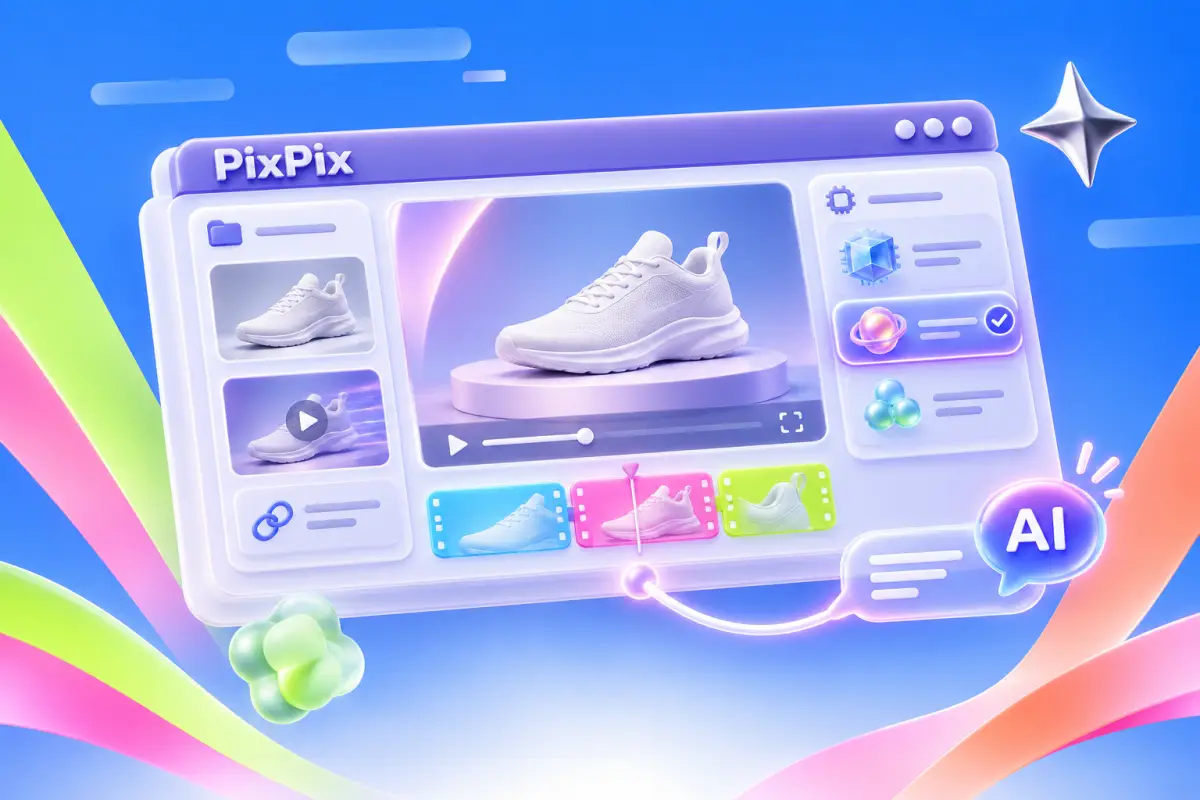
One workspace
Prepare assets, choose a model and continue refining in one place.
Reference-led creation
Bring a reference video, describe the shots and rhythm you like, then add your product.
Creator content
Put your product into a natural demonstration with actions and dialogue that add context.
Product scenes
Try lighting, backgrounds and settings from product images, then extend a strong direction into motion.
Reusable assets
Carry product details, references and creative direction into the next piece of content.
Video refinement
Use supported video editing modes to adjust a subject or scene and compare versions.
Different creative tasks have different starting points.
Bring your product and a clear idea. Make something worth watching.
Get more generations and early access to new creative features from PixPix.
What to know about assets, models and creating your video.