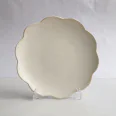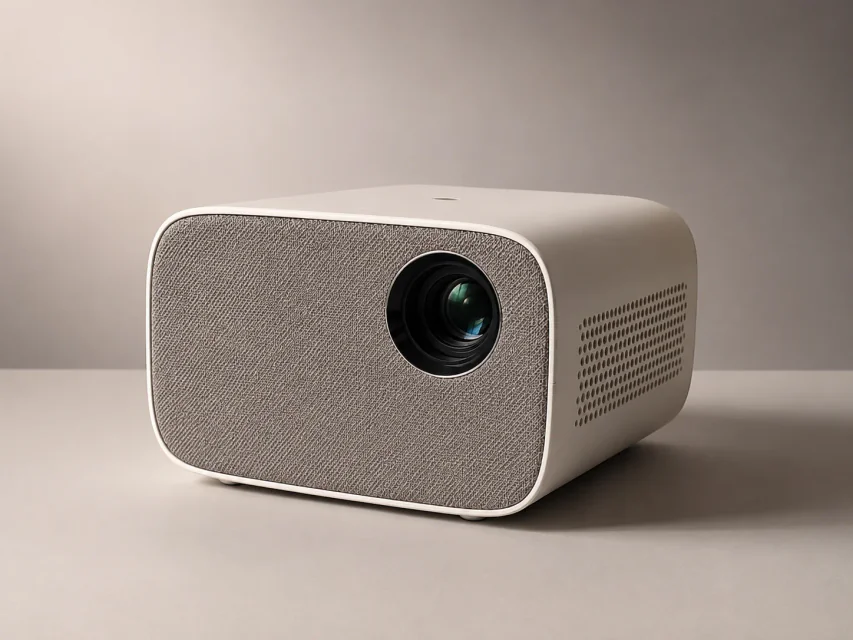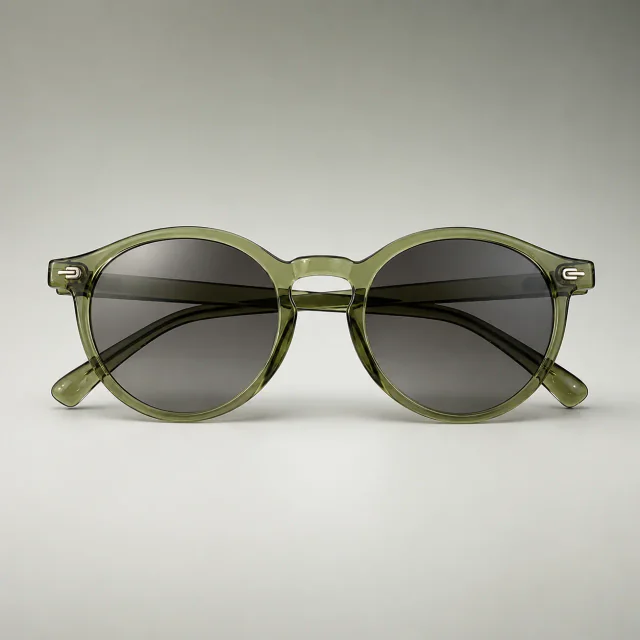
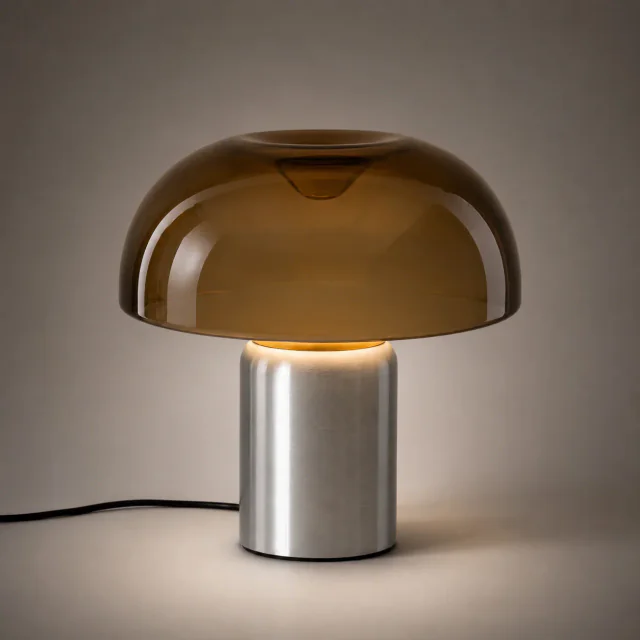
KI-Tool zur Produktretusche

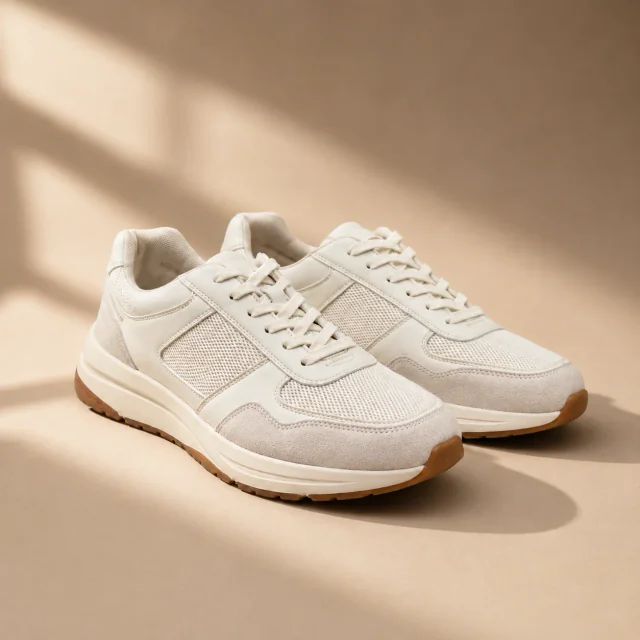
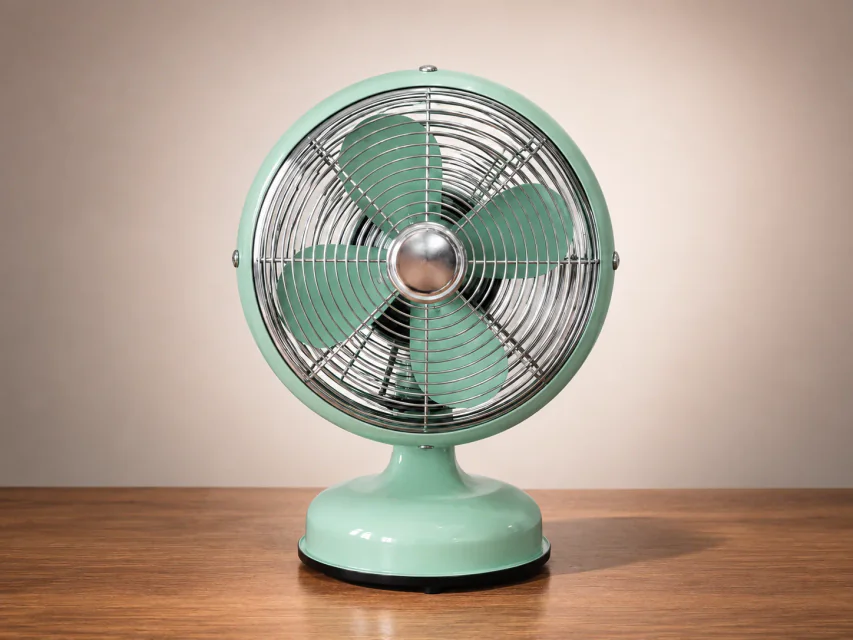
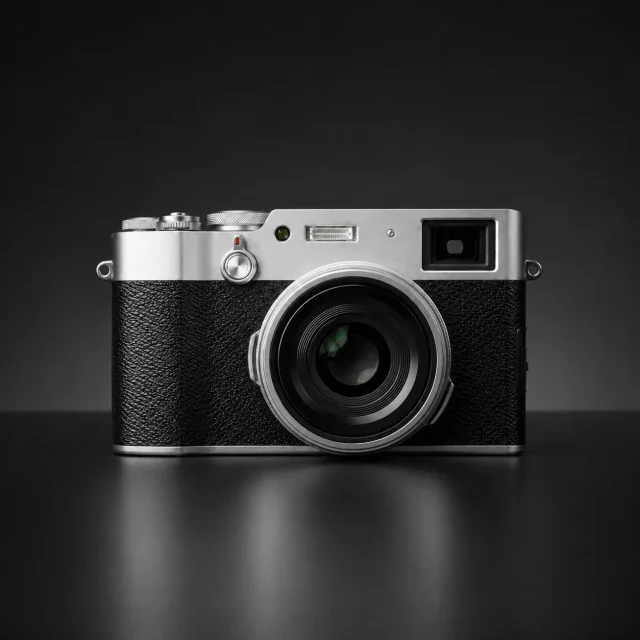
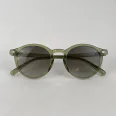
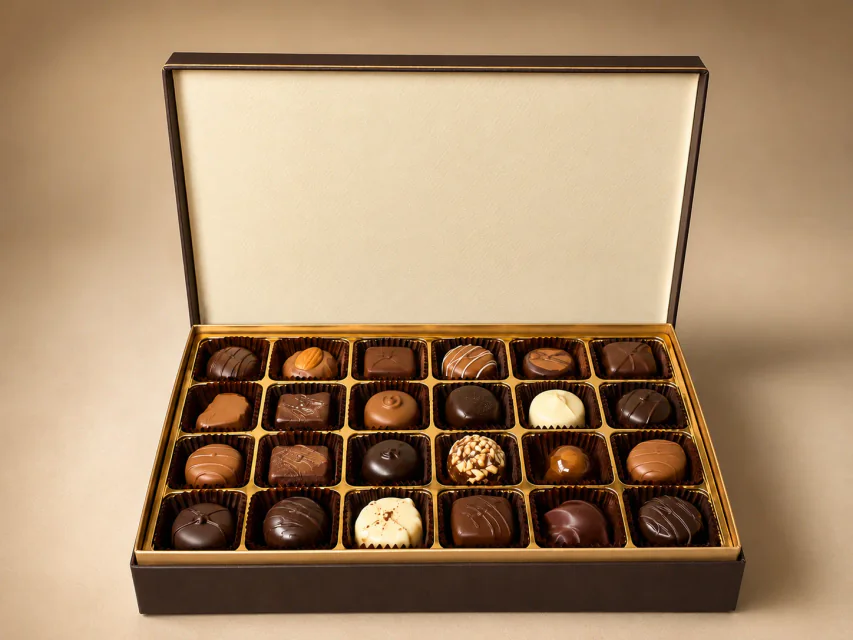
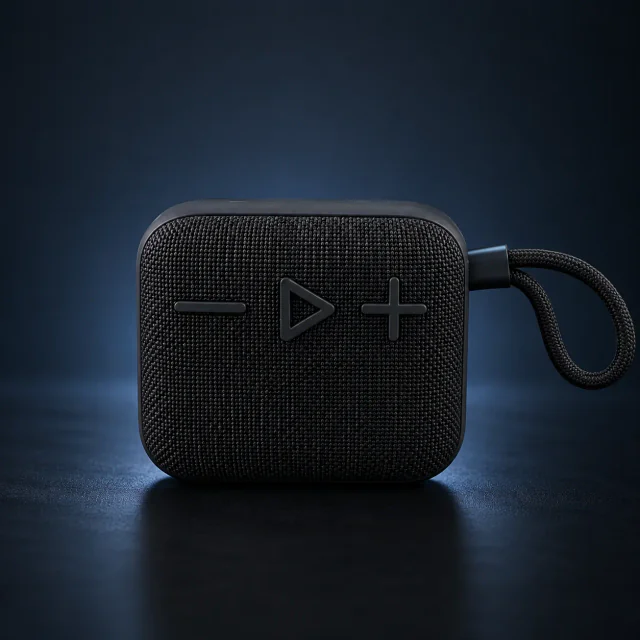
Lade ein Produktfoto hoch und nutze PixPix AI, um Kratzer zu reparieren, die Schärfe zu verbessern sowie Farbe und Perspektive zu korrigieren.
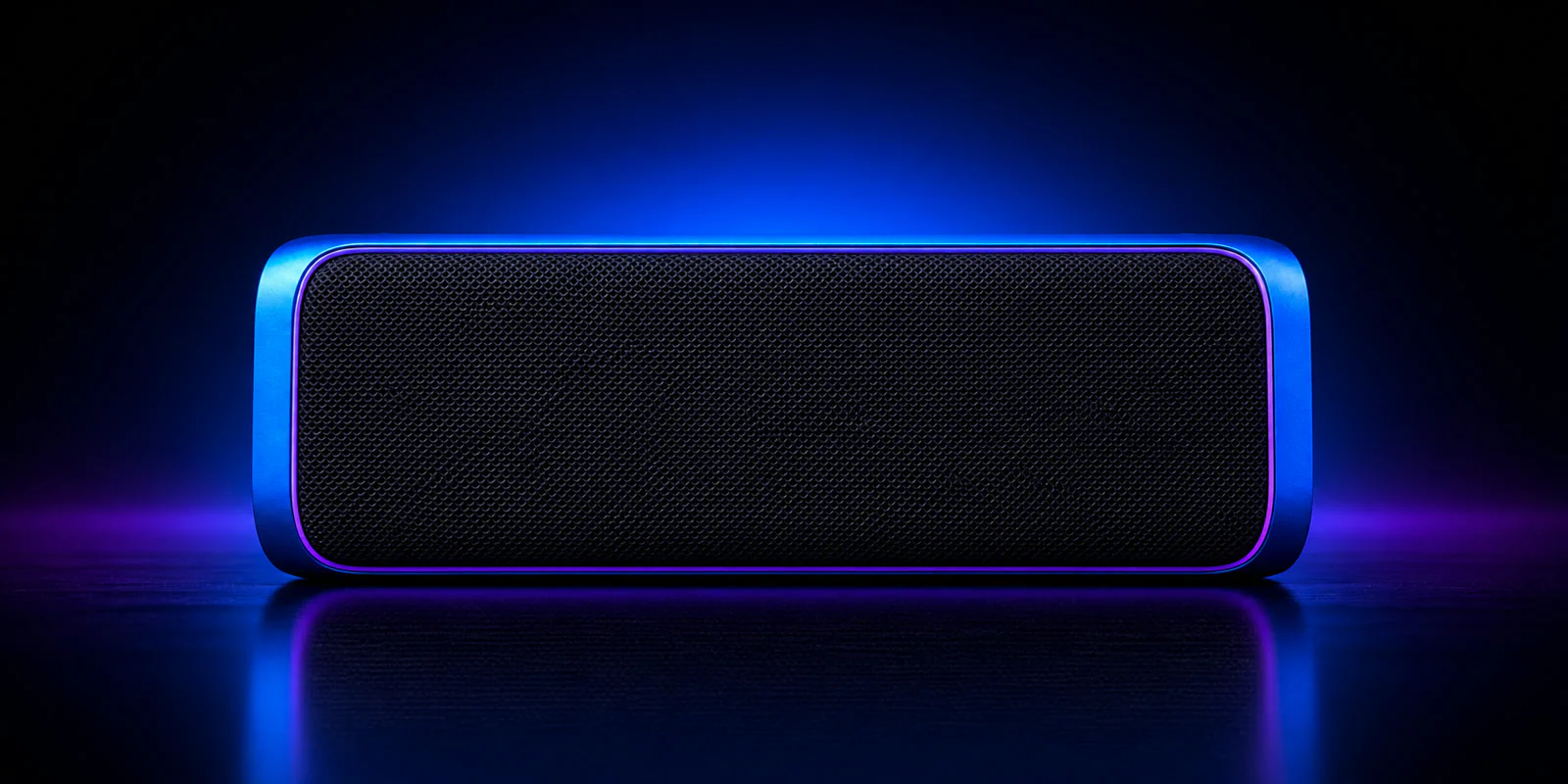
Nach der Retusche

Beispiele für KI-Produktretusche

Von der Fehlerkorrektur bis zur Materialoptimierung verbessert PixPix Schärfe, Farbe und Finish, ohne die Produktstruktur zu verändern.
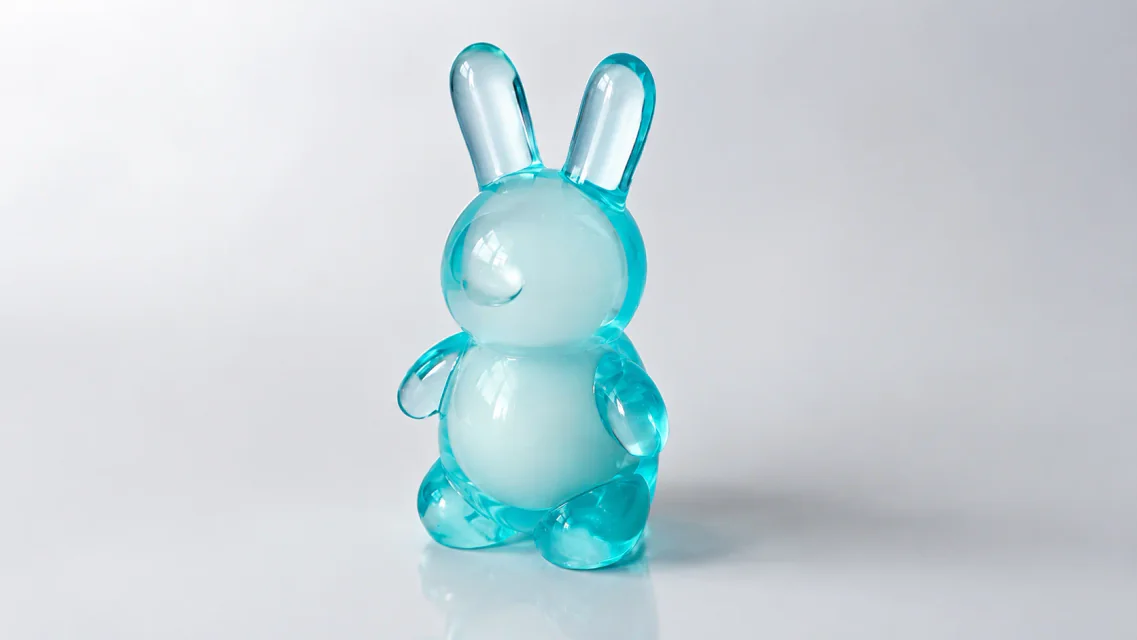
Verfeinertes Produktbild einer Tischlampe
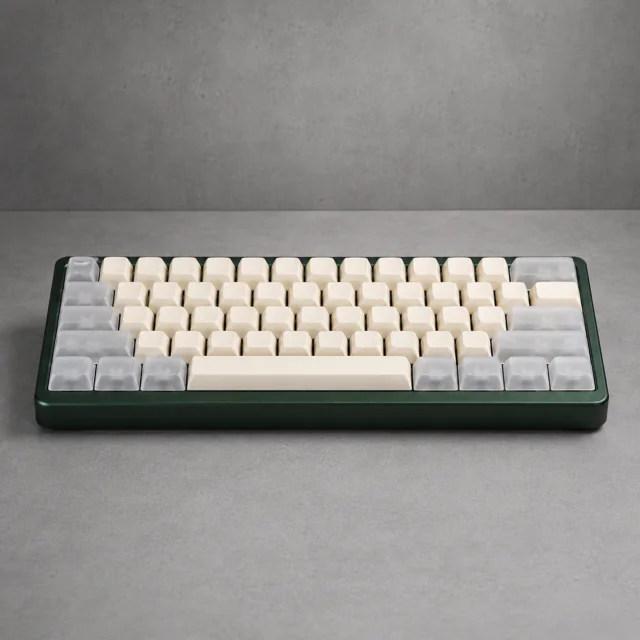
Verfeinertes Produktbild einer mechanischen Tastatur
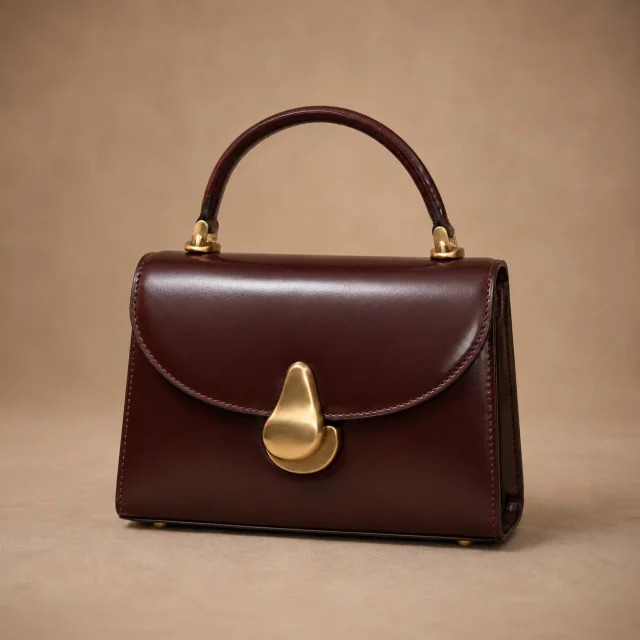
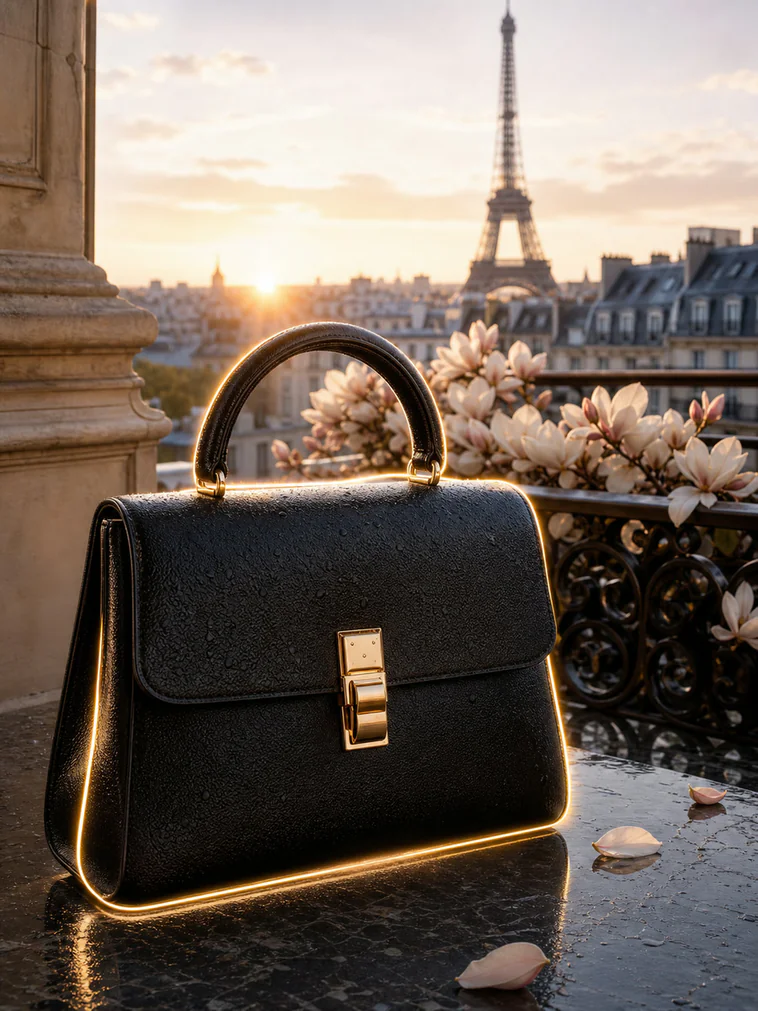
Verfeinertes Produktbild einer Lederhandtasche
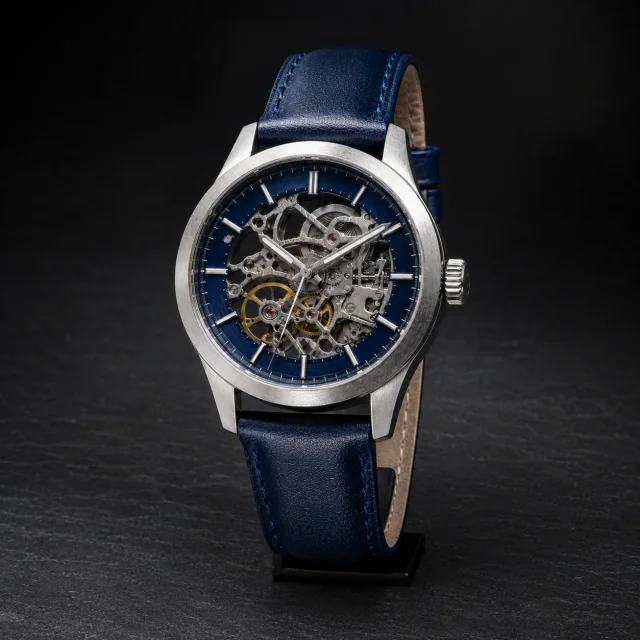
Verfeinertes Produktbild einer Armbanduhr
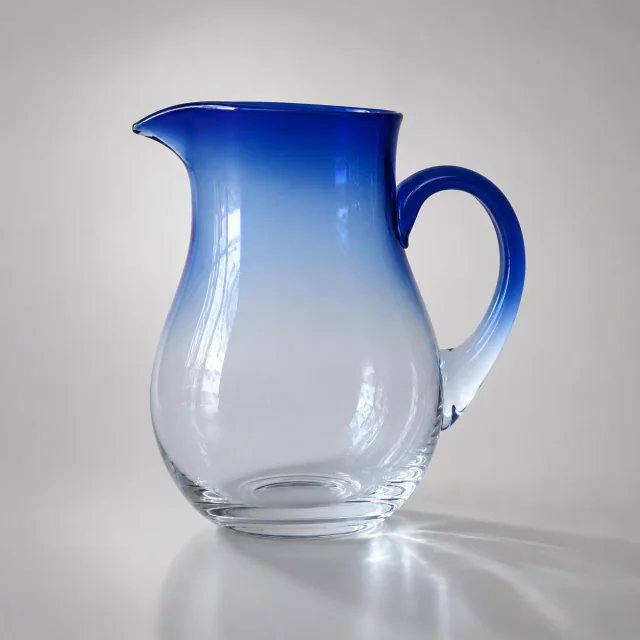
Verfeinertes Produktbild eines Glaskrugs
Verfeinertes Produktbild einer Lederhandtasche
Verfeinertes Produktbild eines Glaskrugs
Verfeinertes Produktbild einer Tischlampe
Verfeinertes Produktbild einer Armbanduhr
Verfeinertes Produktbild einer mechanischen Tastatur

Produktretusche mit PixPix AI

Produktstruktur und Materialien verstehen, wichtige Details bewahren und ein hochwertiges kommerzielles Finish erzeugen.

Product feature preservation example

Produktmerkmale bewahren

Recognize the original shape, material, color, and brand details.
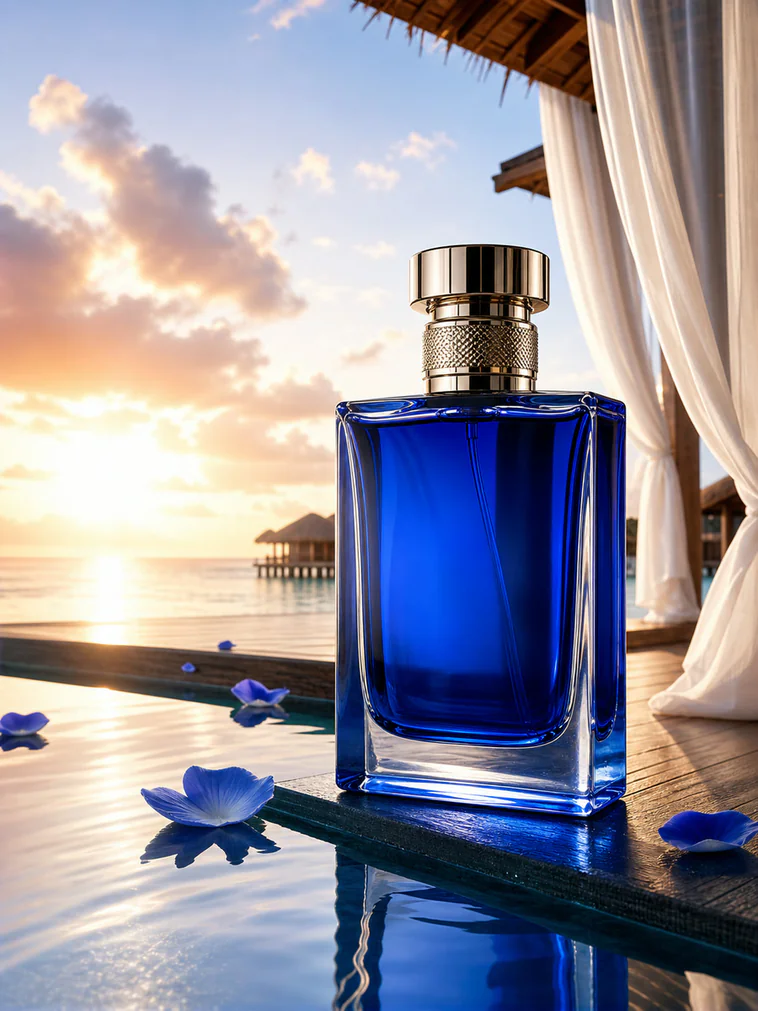
Product scratch and blemish repair example

Feine Mängel reparieren

Clean up scratches, stains, dust, and local texture issues.
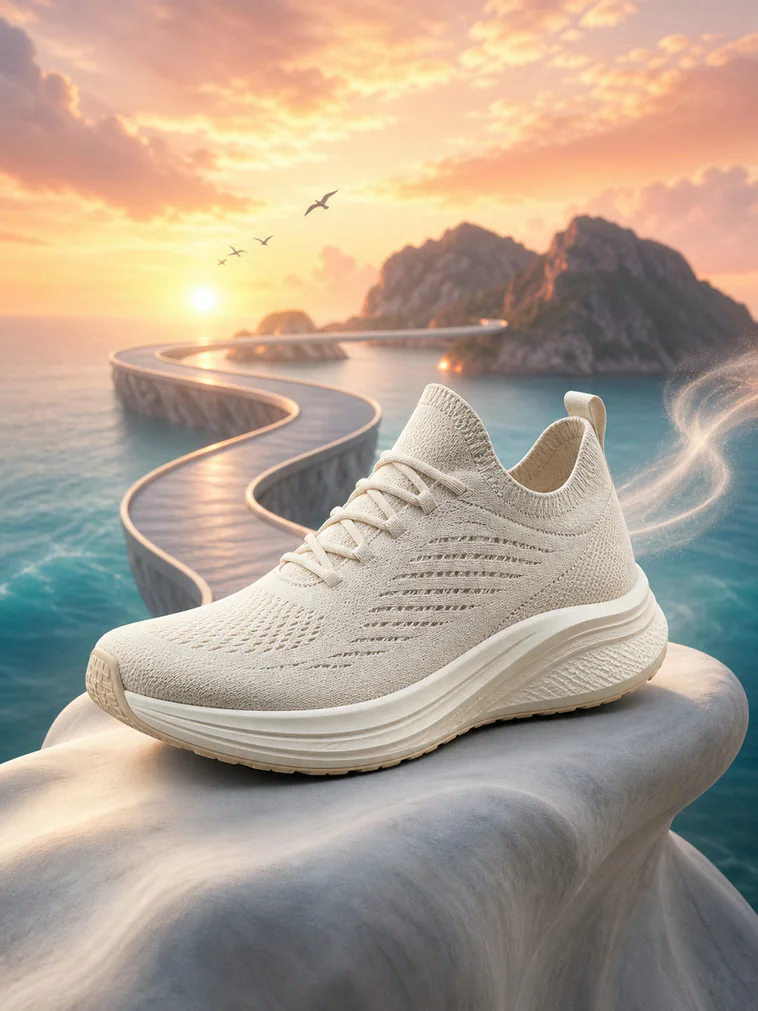
Commercial product retouching example

Verkaufsfertige Bilder erstellen

Refine color and finish for ecommerce presentation.
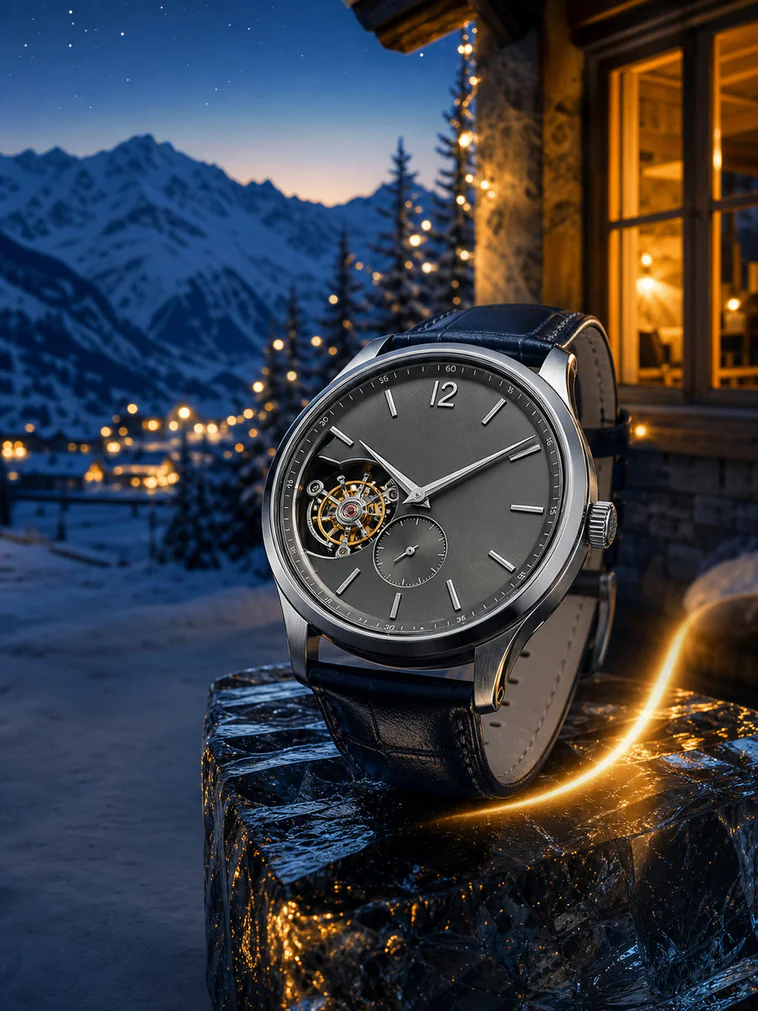
Product clarity and shine enhancement example

Schärfe und Glanz verbessern

Enhance edges, textures, and lighting for a cleaner result.

Produktretusche für verschiedene E-Commerce-Anforderungen

Von lokalen Reparaturen bis zu einem einheitlichen Finish – zuverlässige Bilder für unterschiedliche Produktkategorien.
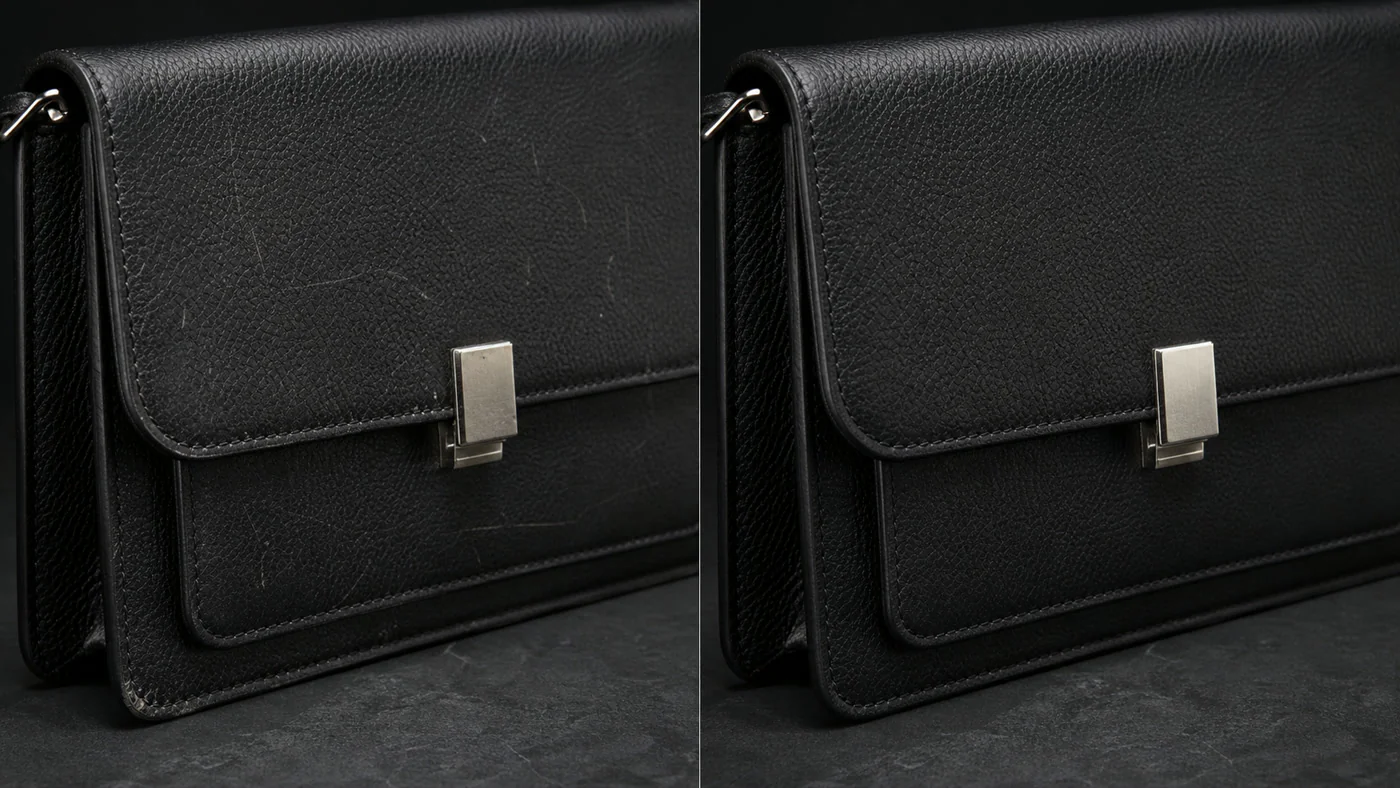
Before and after product scratch repair

Kratzer und kleine Defekte entfernen

Clean scratches, stains, and dust while preserving the original material and structure.
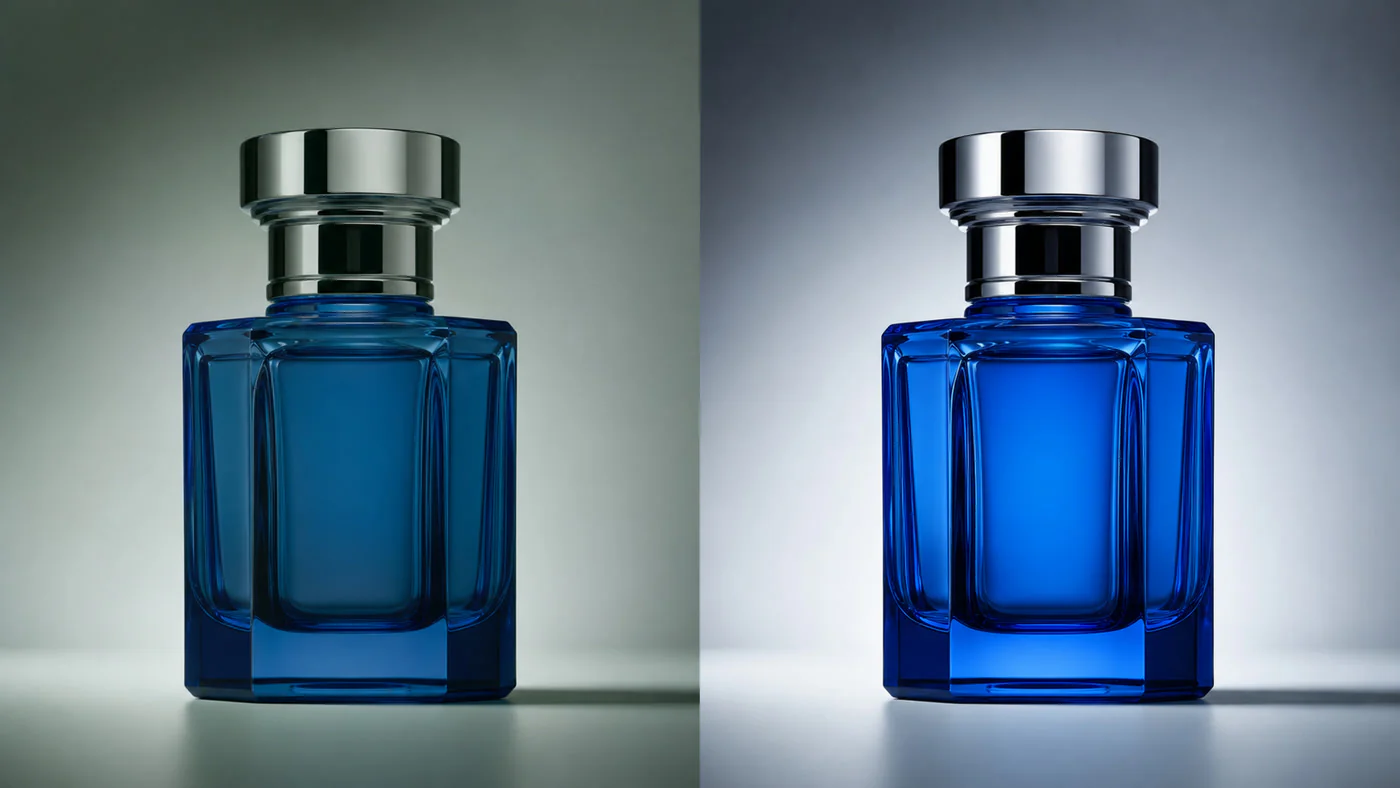
Before and after product texture enhancement

Materialien und Details verbessern

Enhance the textures and edges of leather, metal, glass, and other materials.
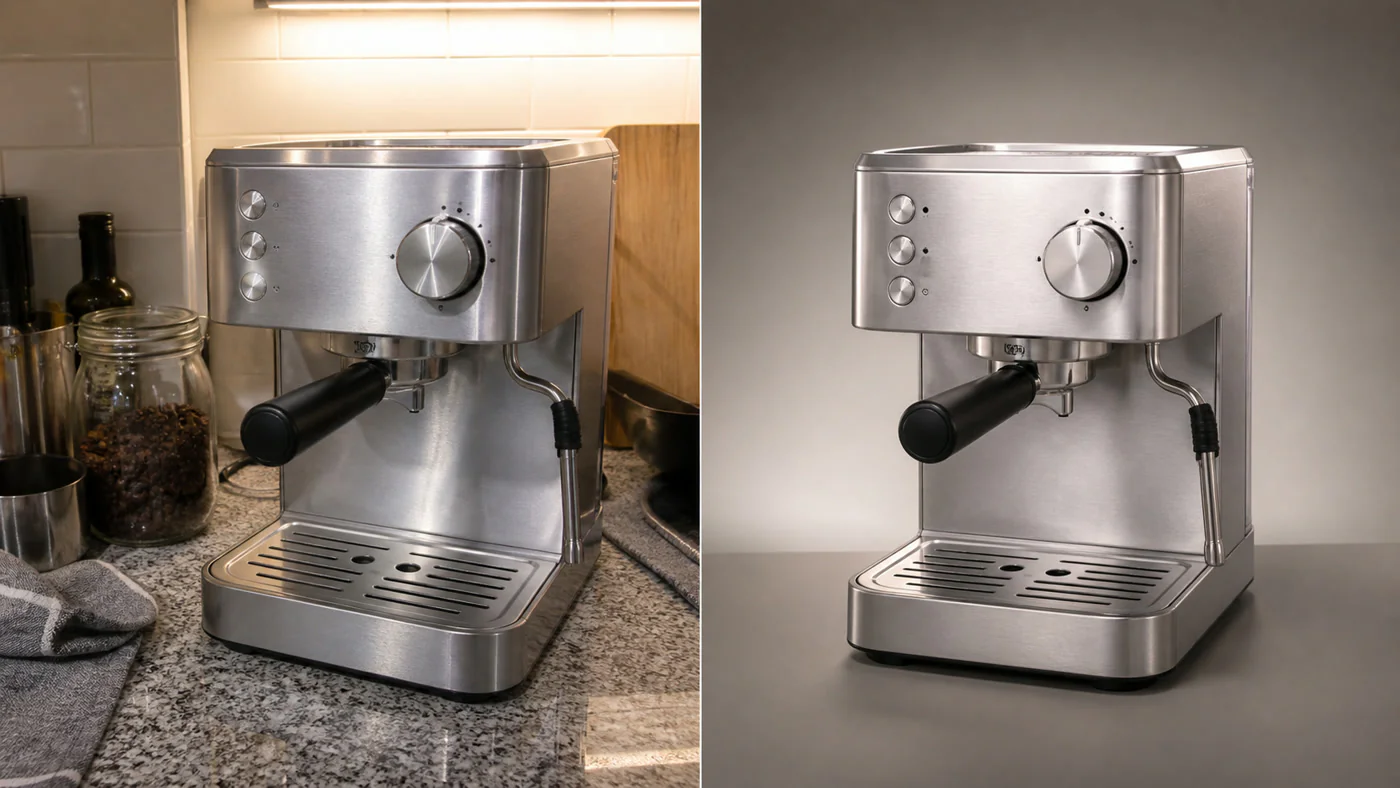
Before and after product color correction

Produktfarbe und Glanz korrigieren

Reduce color casts and exposure problems for more natural, consistent color.
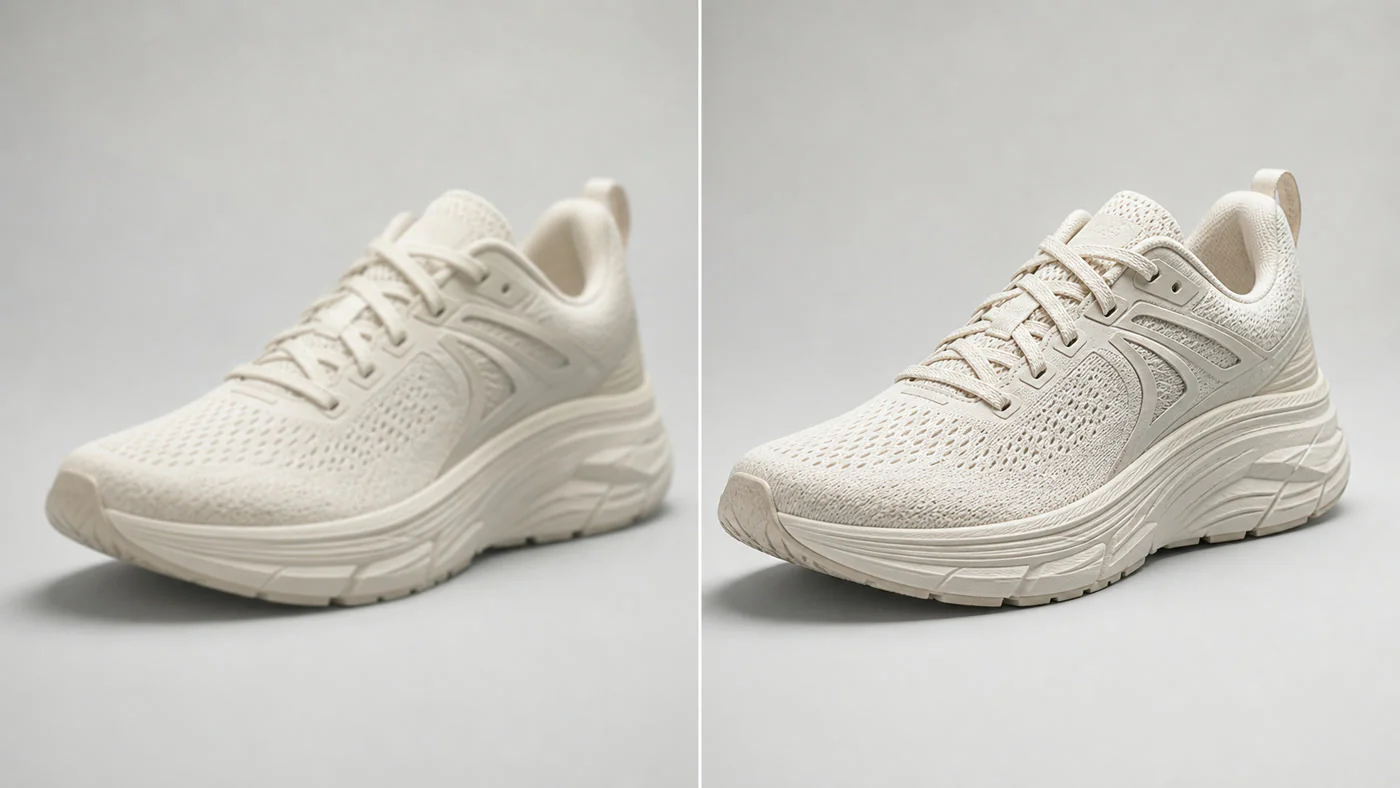
Before and after product image consistency improvement

Einheitliches Finish für Produktbilder

Bring brightness, color, and polish into better alignment across a product set.

Produktbild in drei Schritten retuschieren

Originalfoto hochladen, gewünschte Verbesserungen wählen und das Ergebnis prüfen und herunterladen.
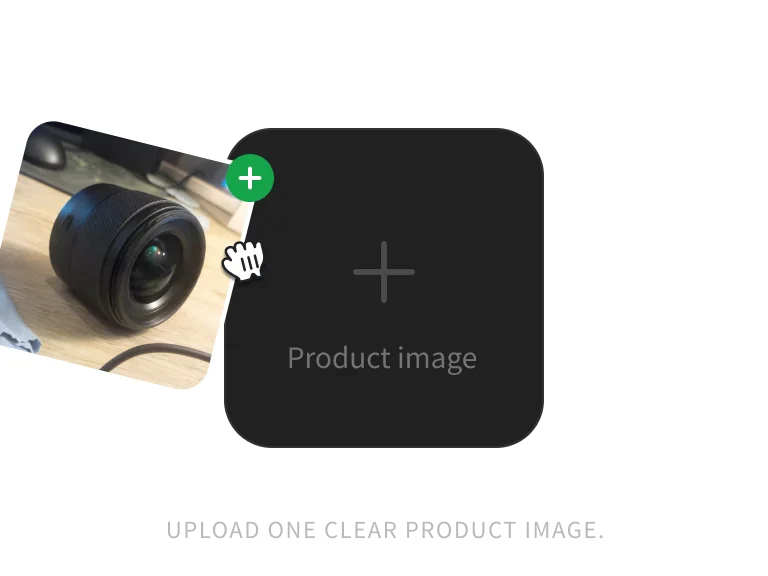
Product image ready for retouching

Schritt 1: Produktbild hochladen

Upload one clear JPG, PNG, or WebP product image up to 10MB.
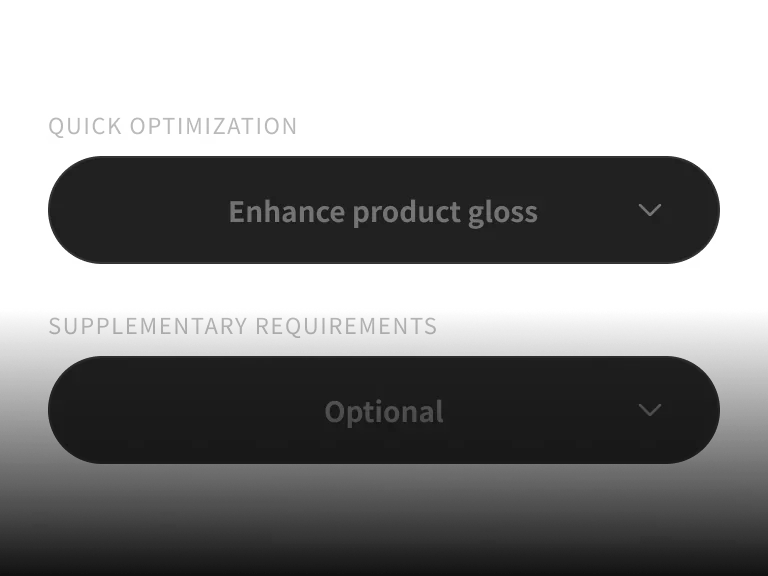
Product retouching options

Schritt 2: Retusche-Optionen wählen

Select shine, scratch repair, clarity, color correction, or perspective correction.
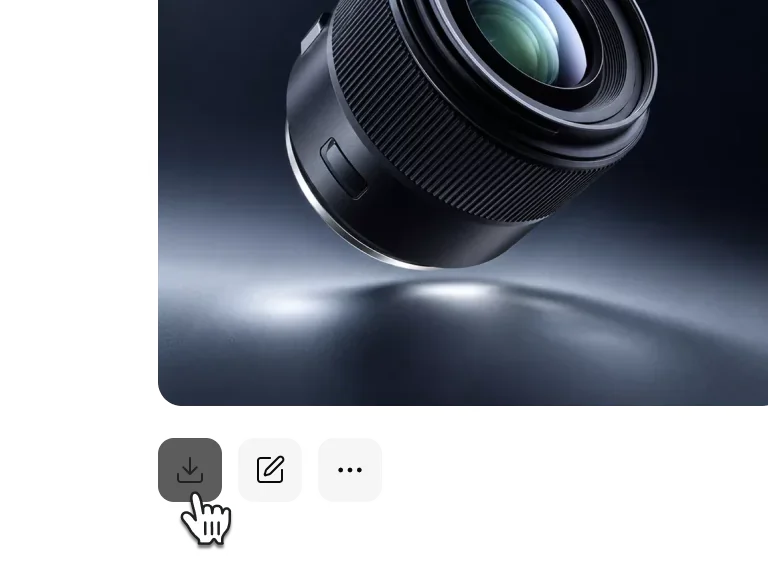
AI-retouched product image

Schritt 3: Erstellen und herunterladen

Review the retouched product details, then download the finished image.

Produktbild hochladen und KI-Retusche starten

PixPix repariert Mängel, verbessert die Schärfe und verfeinert das Produkt-Finish.

WÄHLE DEINEN PLAN

Erhalte mehr Generierungen und früheren Zugang zu neuen PixPix-Kreativfunktionen.

FAQ zur KI-Produktretusche

Häufige Fragen zu Modellen, Workflow und Nutzungsgrenzen.

It can repair scratches and blemishes, improve clarity and shine, correct color, and reduce perspective distortion. Results depend on the source image and product details.