GPT Image 2.5

Explore GPT Image 2.5: richer detail, precise edits, consistent refinements and faster image generation.

From a clear brief to your next image

Choose a reference, describe your direction and review each iteration.

Your reference
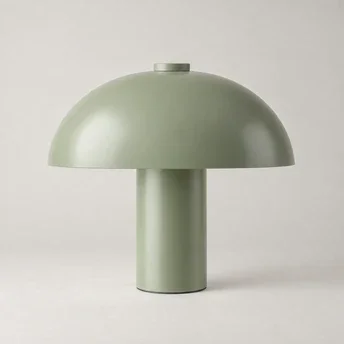
Sage mushroom lamp on a neutral studio background
Add a reference

01 · Set the direction

Start with a visual reference or describe a new scene.

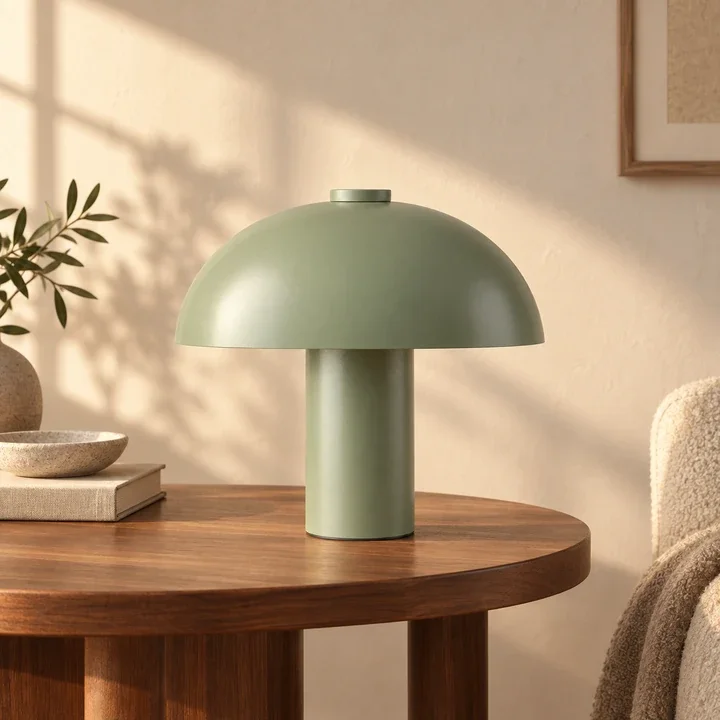
Place this lamp on a walnut side table in a warm minimalist room. Preserve its shape and sage finish.

02 · Write your brief

Specify the subject, composition, light and details to preserve.

The same sage lamp in a warm walnut interior

03 · Review and refine

Check your result, then make one focused change at a time.

More intention in every image

Model highlights from OpenAI’s September 8, 2026 announcement.

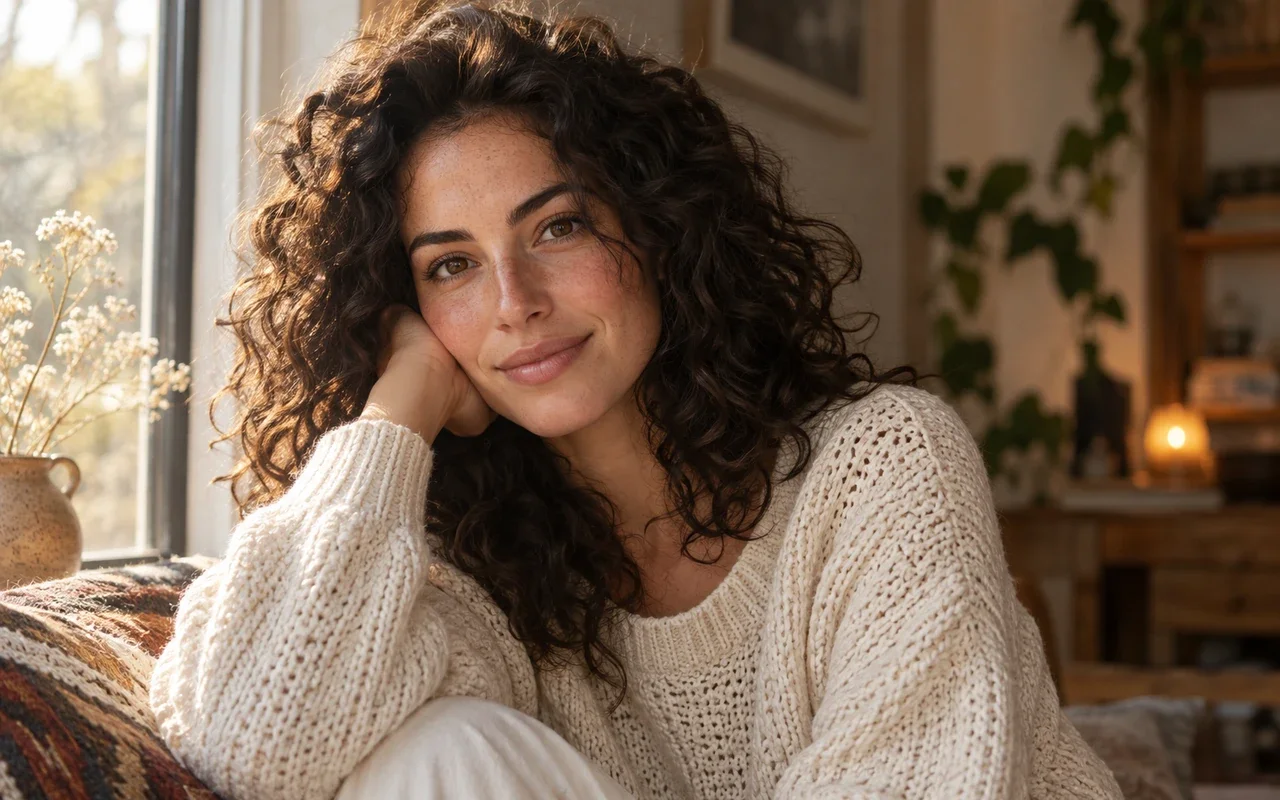
Natural window-lit portrait

NATURAL DETAIL & REFERENCE FIDELITY

Details that feel natural

More natural lighting, richer textures and stronger preservation of recognizable subjects from reference photos.

  • Natural lighting
  • Richer textures
  • Recognizable reference subjects
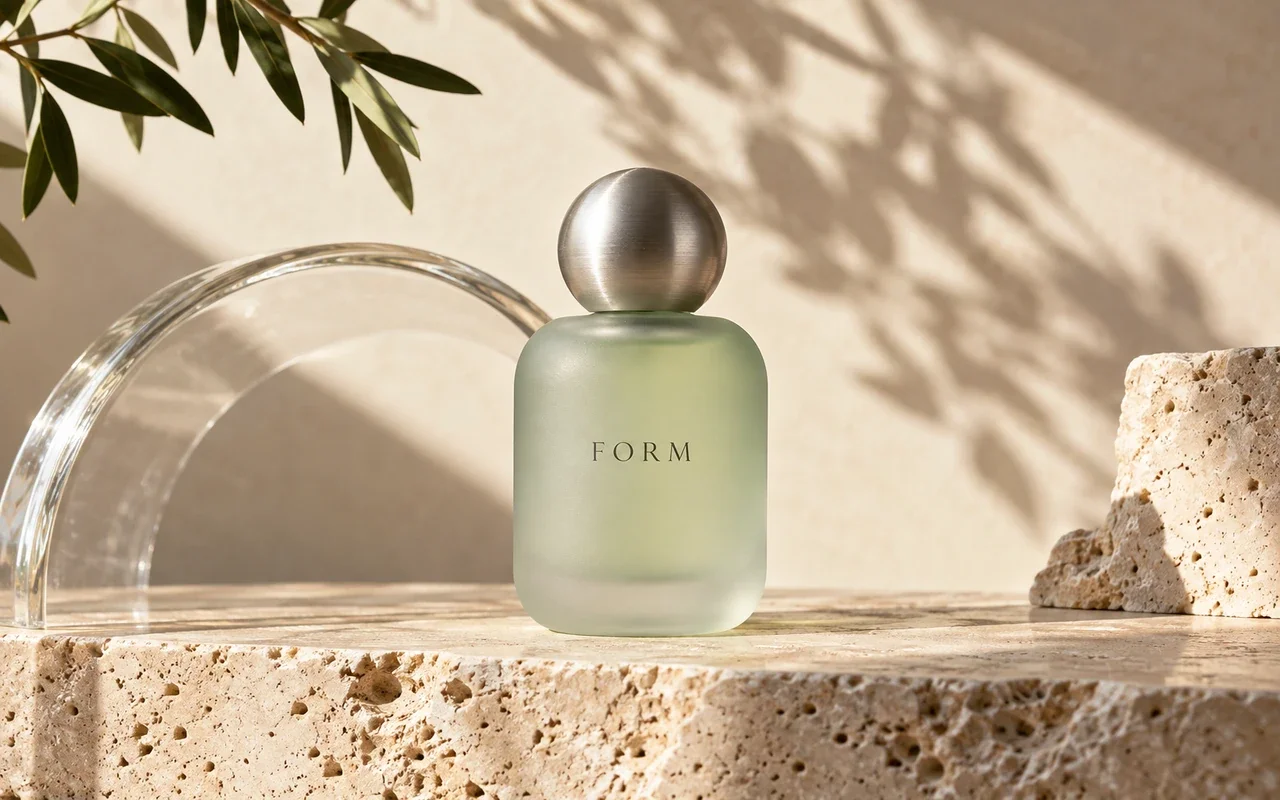
Frosted jade perfume product photograph

PRECISE EDITS & LASTING CONSISTENCY

Refine the detail. Keep the vision.

More precise local edits and improved consistency across successive changes help preserve the surrounding image.

  • Targeted local changes
  • Preserved surrounding details
  • More consistent successive edits
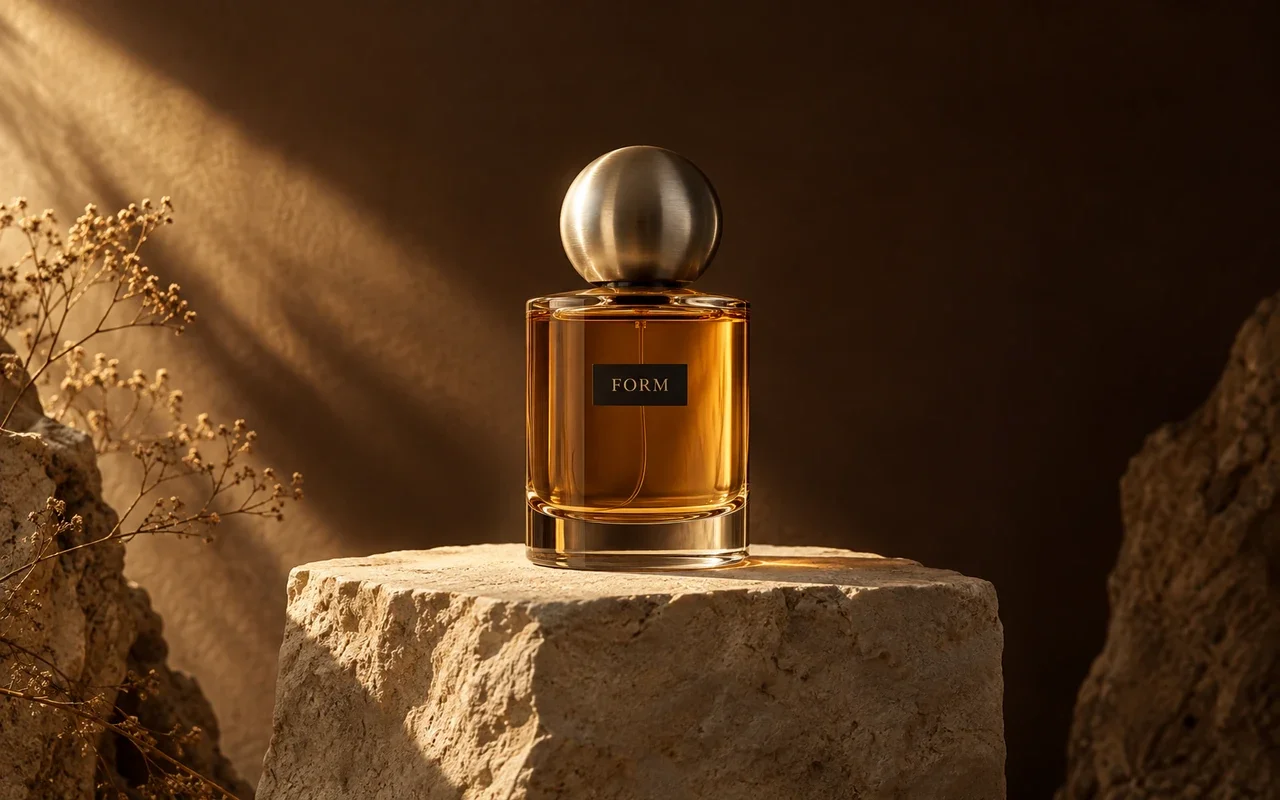
Amber perfume in a dark studio
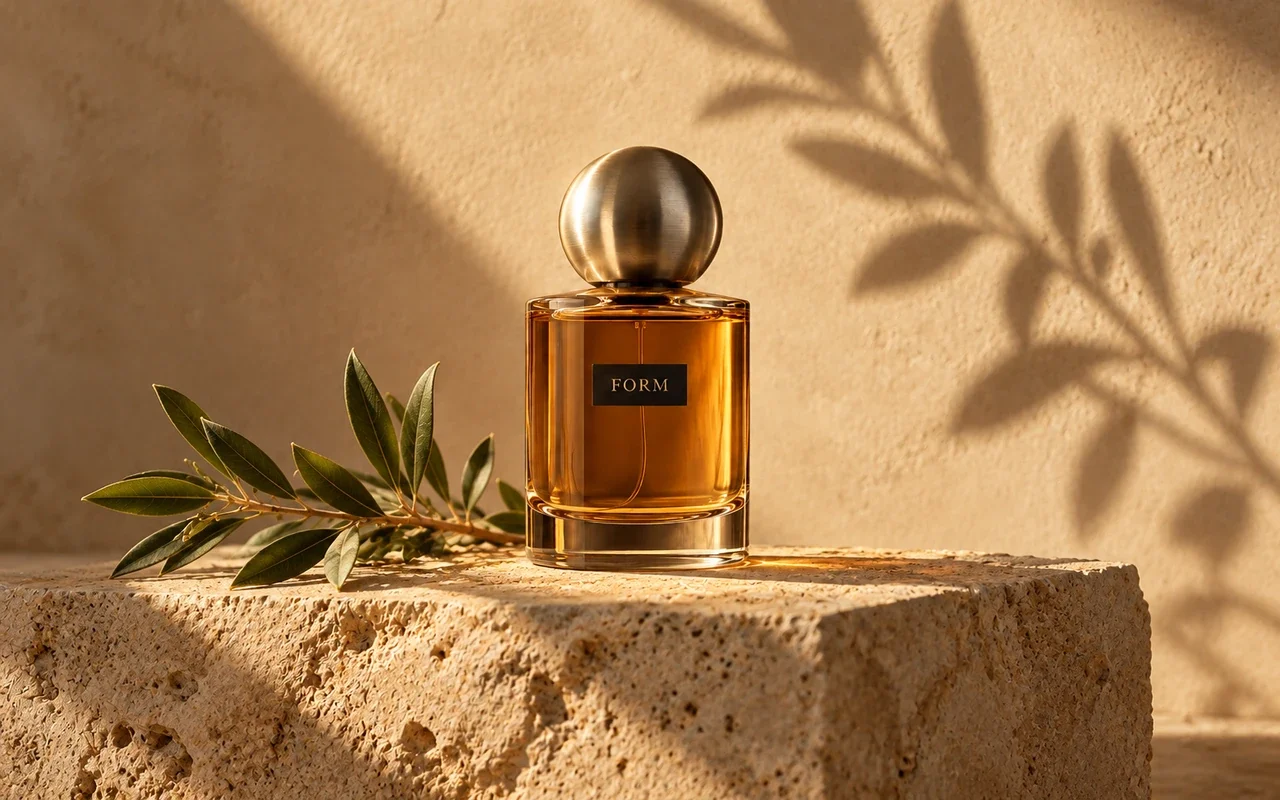
The same amber perfume with botanical shadows
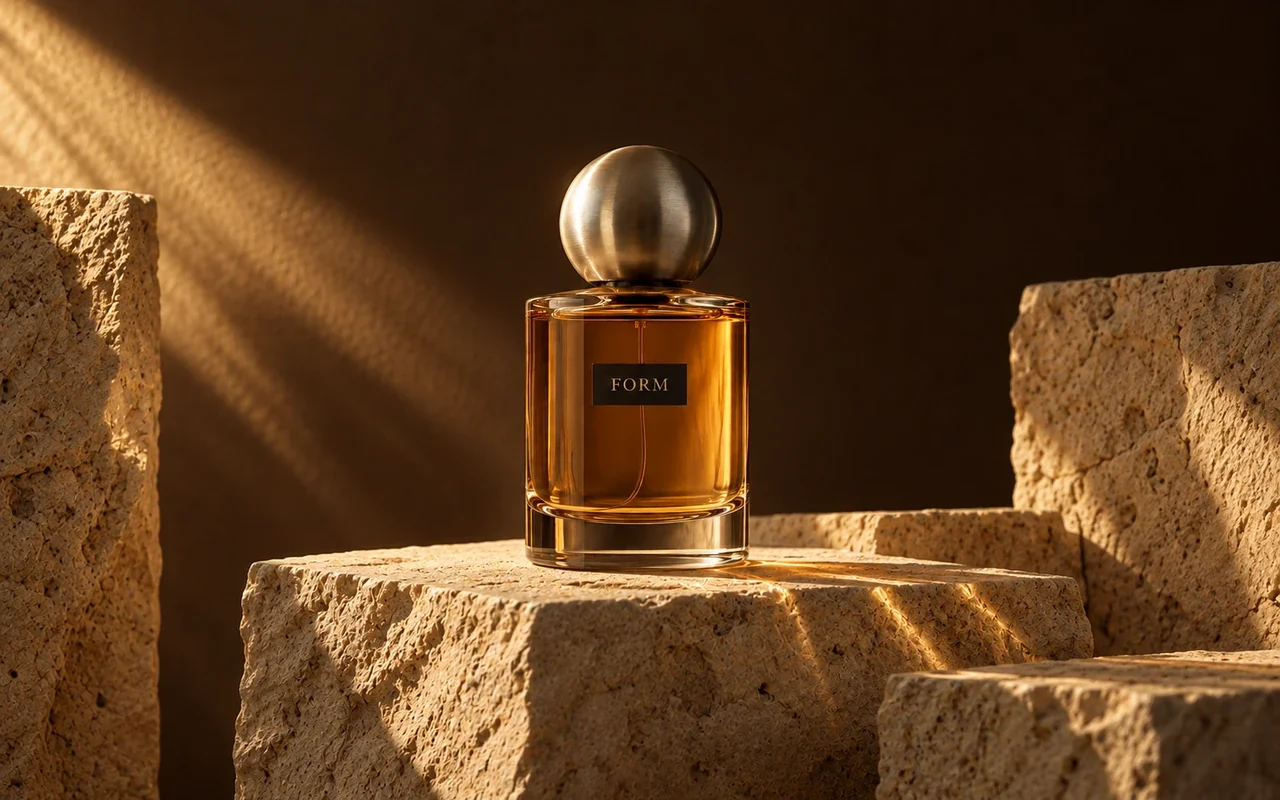
The same amber perfume on sculptural stone

COMPLEX INSTRUCTIONS & VISUAL STYLE

Give complex ideas a clear form

Better understanding of complex visual instructions, layouts and styles, including transparent backgrounds.

  • Complex visual directions
  • Coherent layouts
  • Stronger style adherence
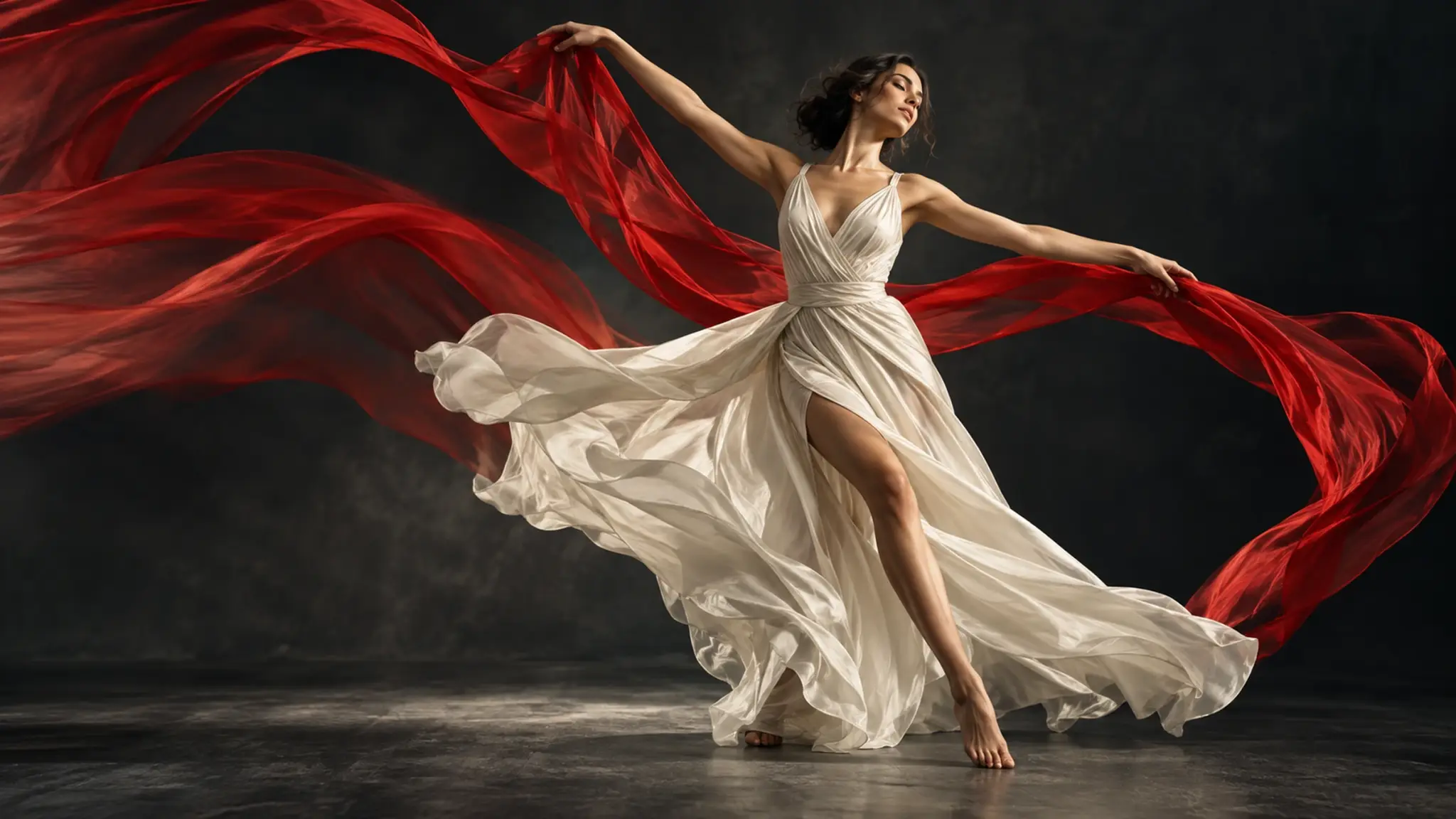
Ivory silk dancer and flowing red fabric
Show example 1

Your next image starts with an idea

Bring a clear brief to the workbench and explore the available image models.

PICK YOUR PLAN

Get more generations and priority access to PixPix creative tools.

GPT Image 2.5 FAQ

Explore GPT Image 2.5 image generation, editing capabilities and how to get started. Read OpenAI’s announcement

OpenAI’s new image model family, introduced with ChatGPT Images 2.5 on September 8, 2026.