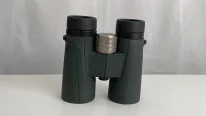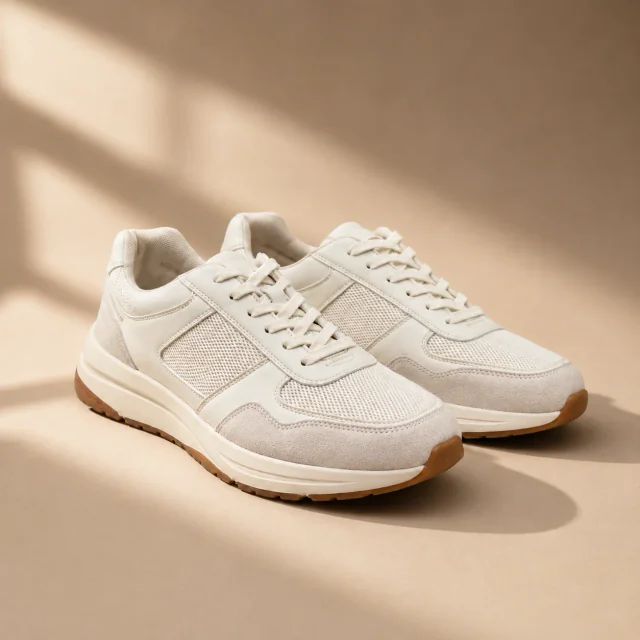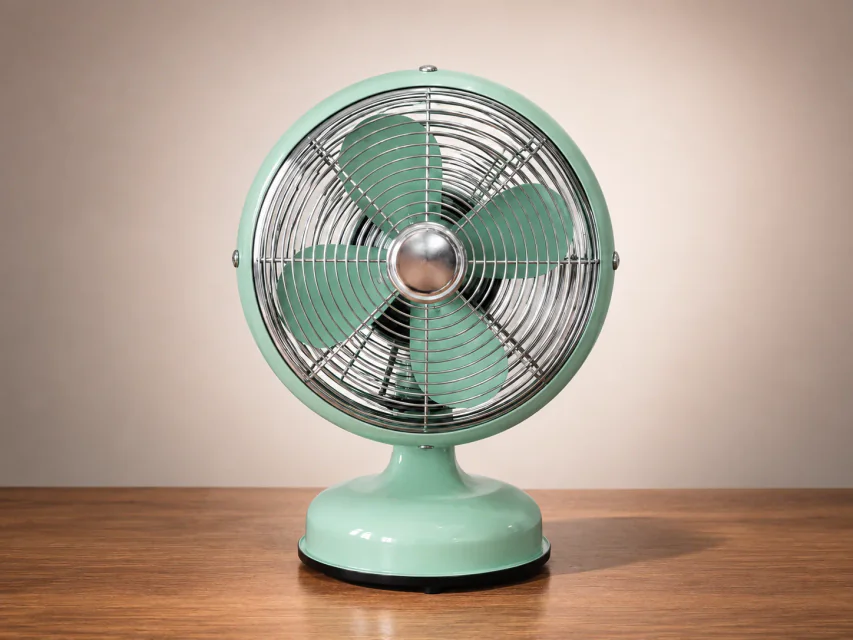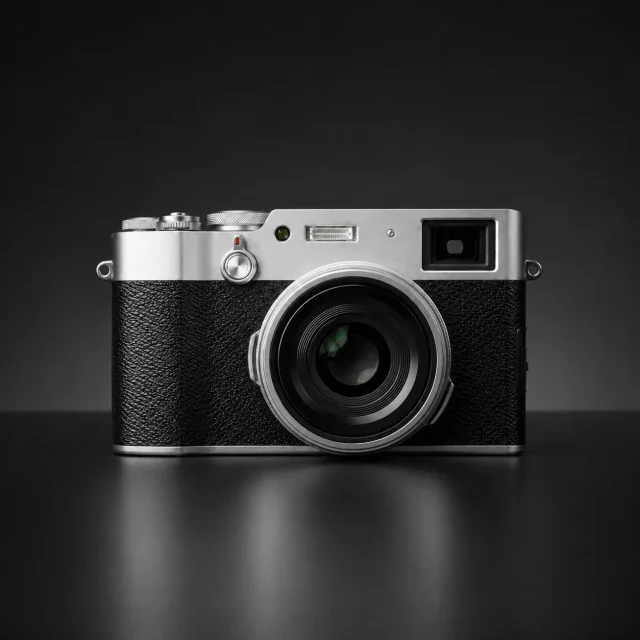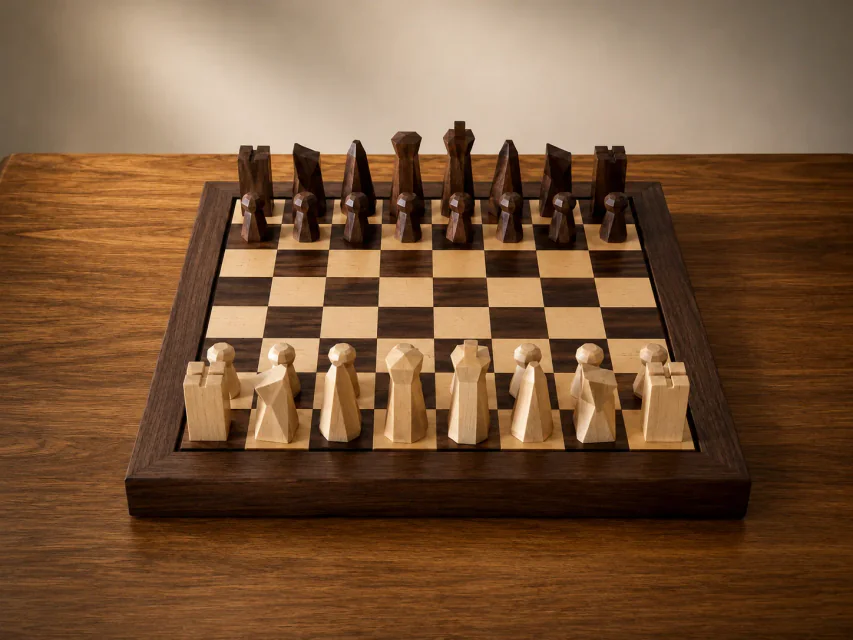
Alat Retouch Produk AI

Unggah foto produk dan gunakan PixPix AI untuk memperbaiki cacat, meningkatkan ketajaman, serta mengoreksi warna dan perspektif.
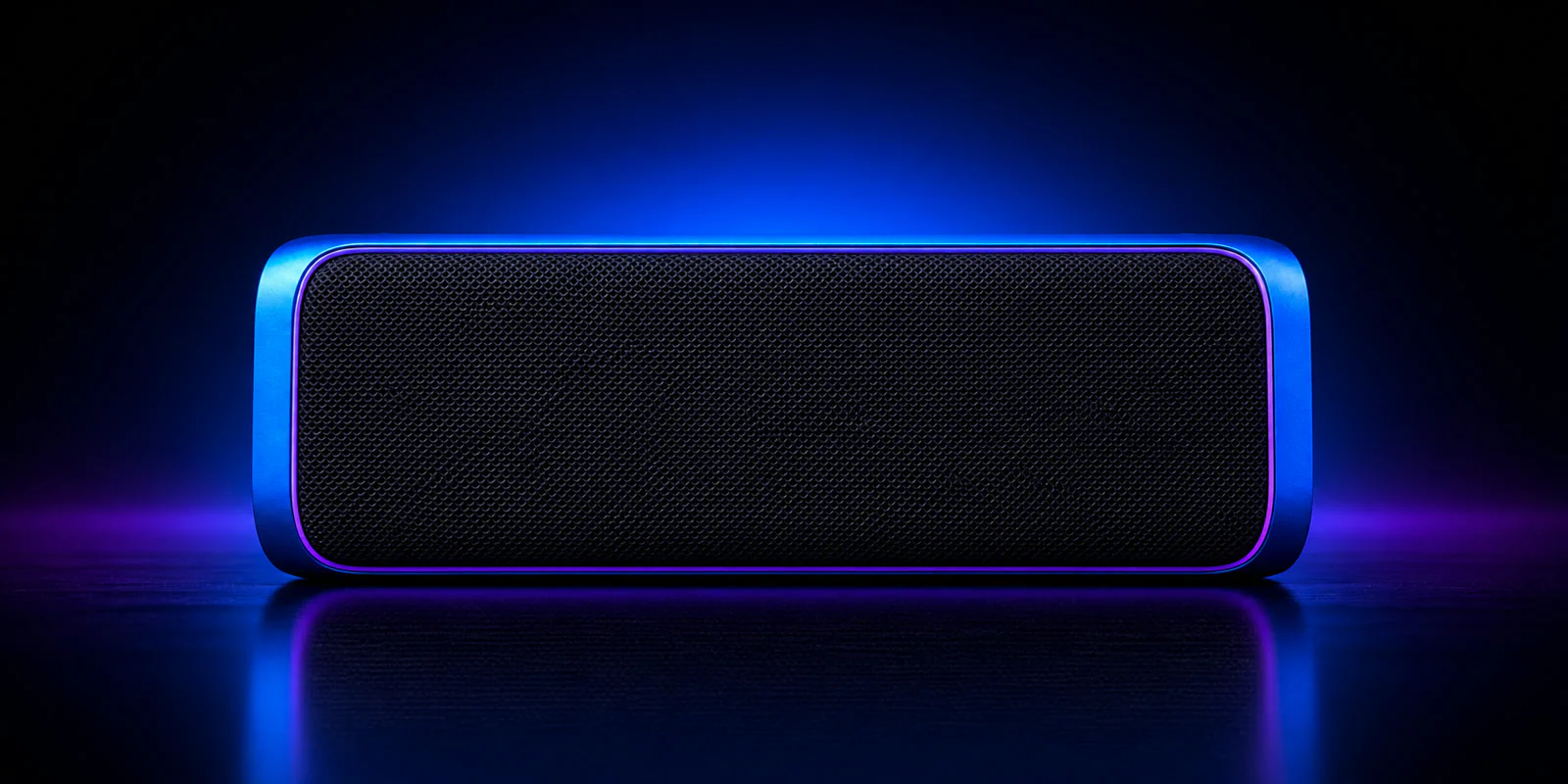
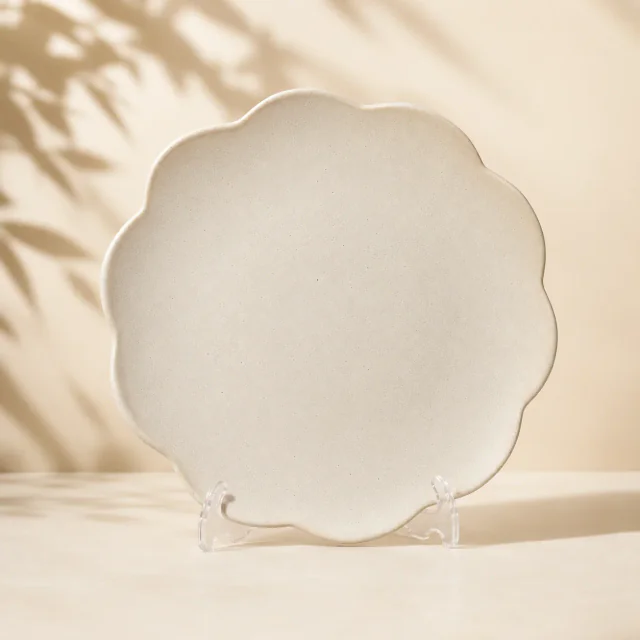
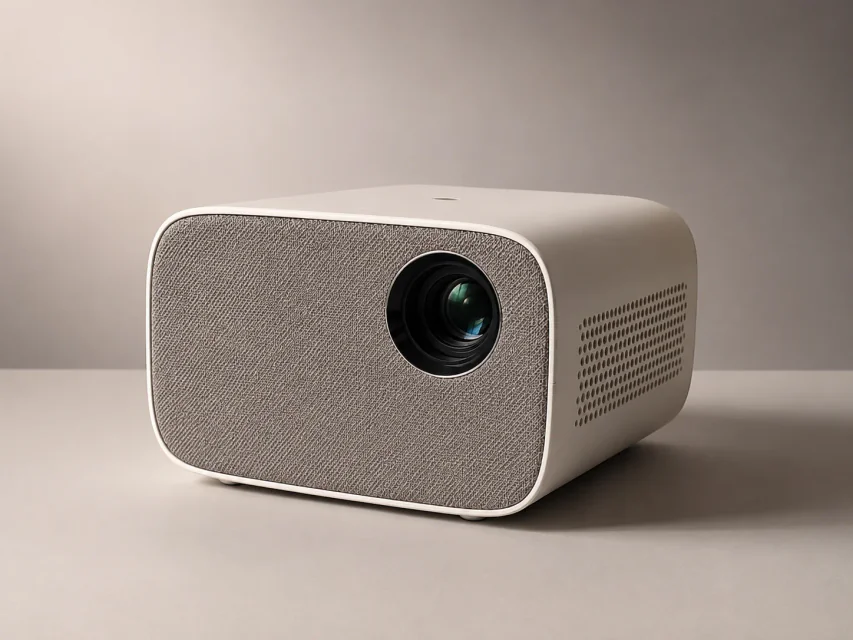
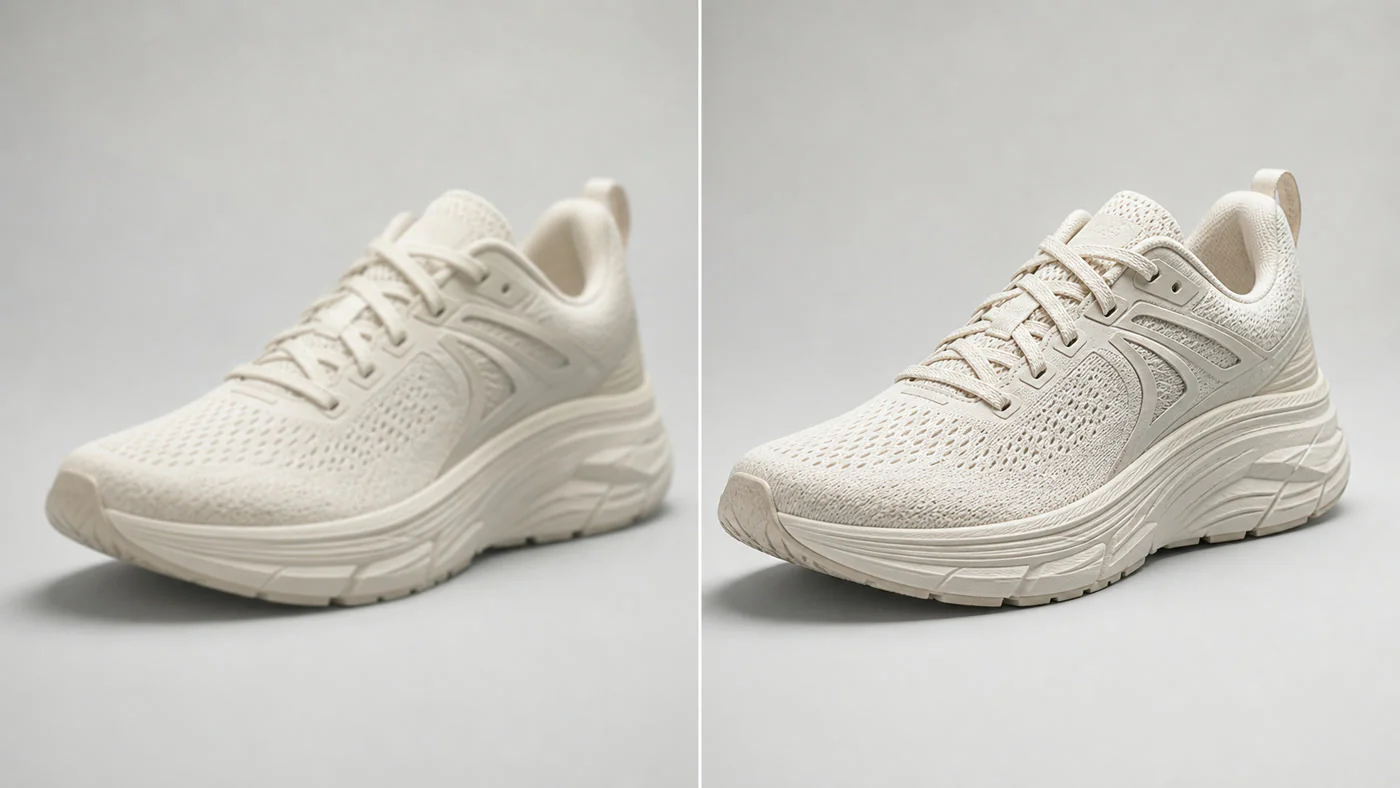
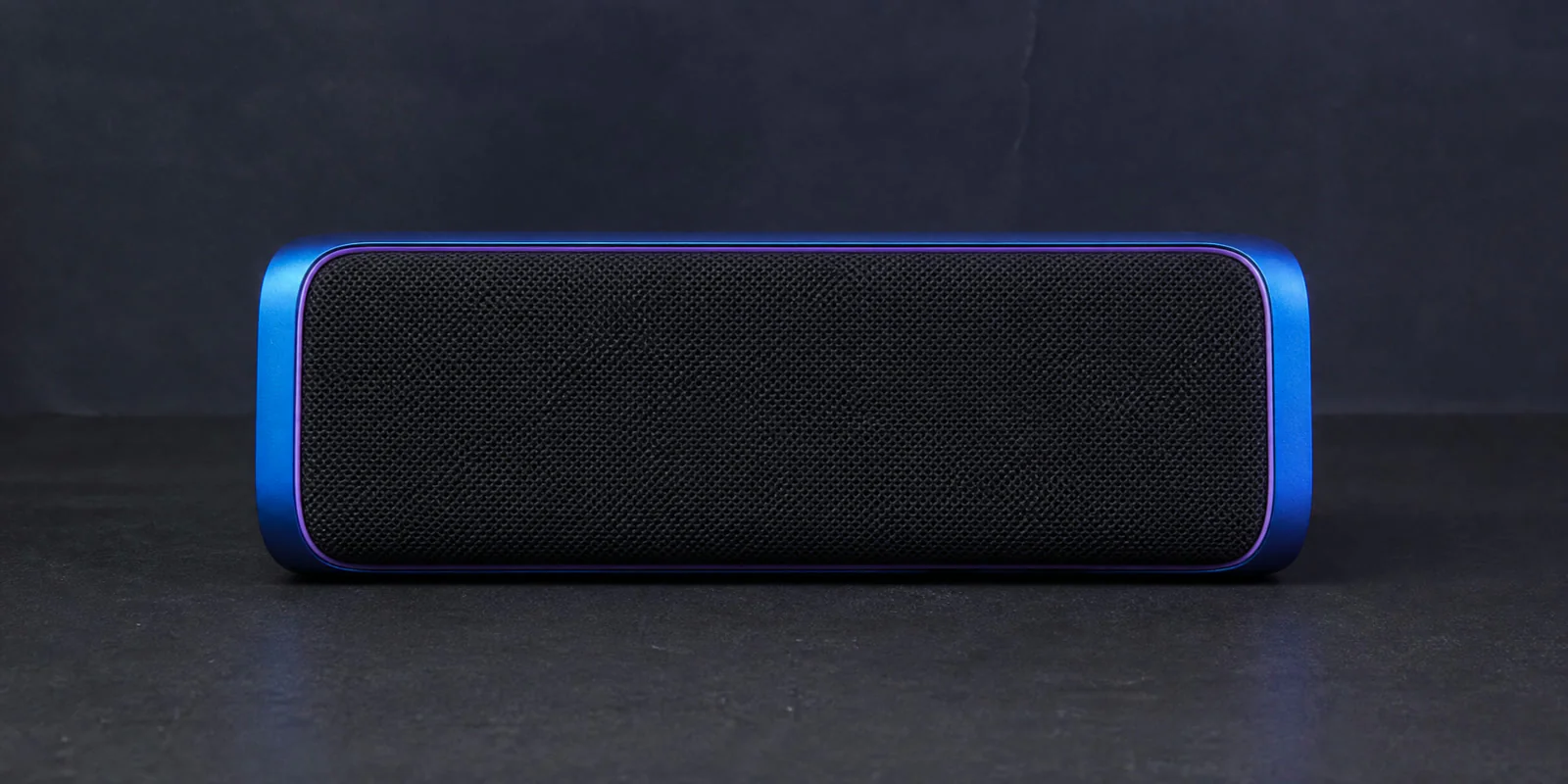
Sesudah retouch

Contoh Retouch Gambar Produk AI

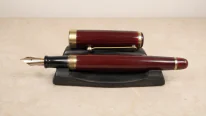
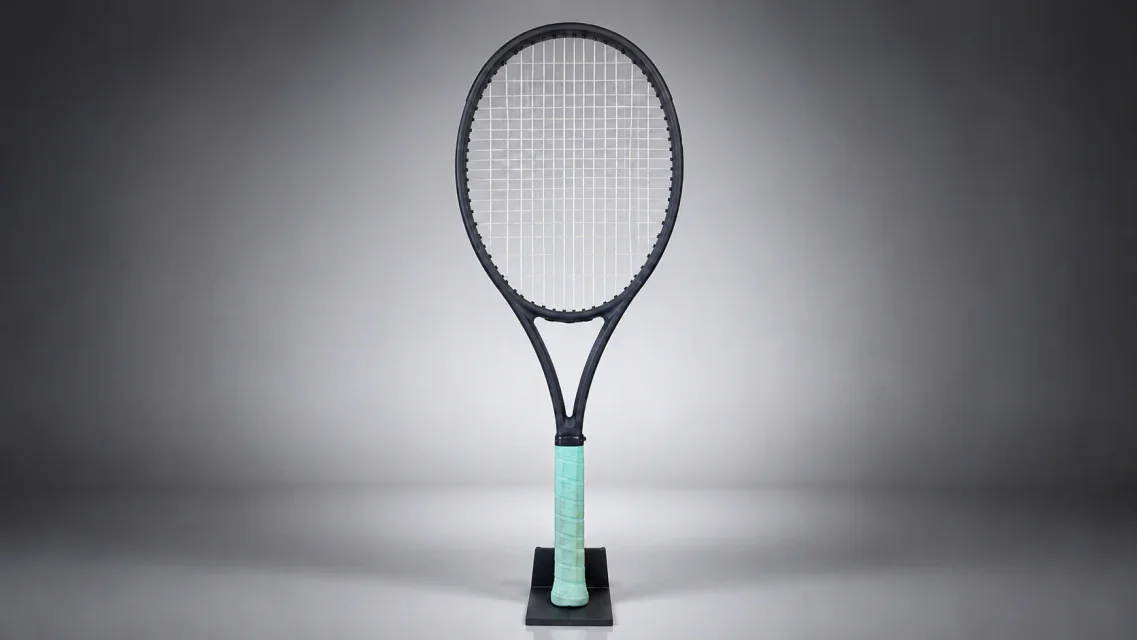
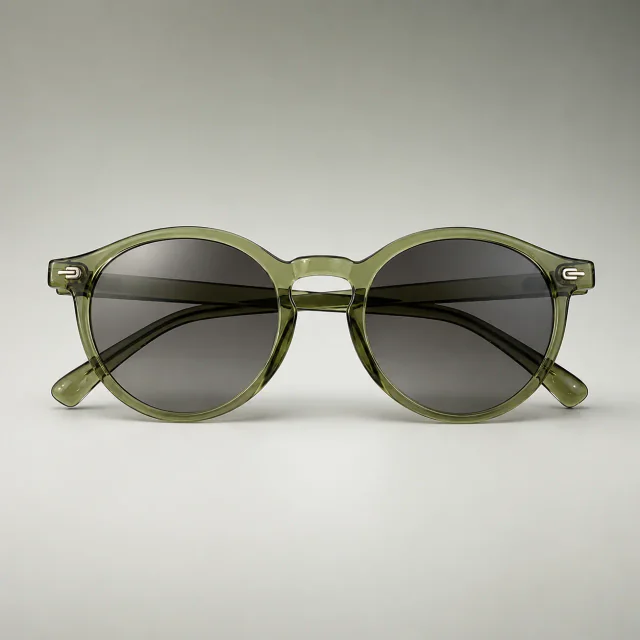
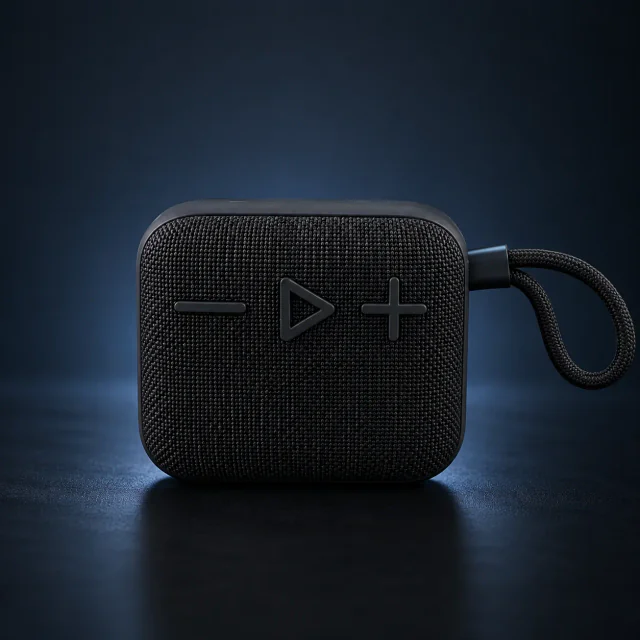
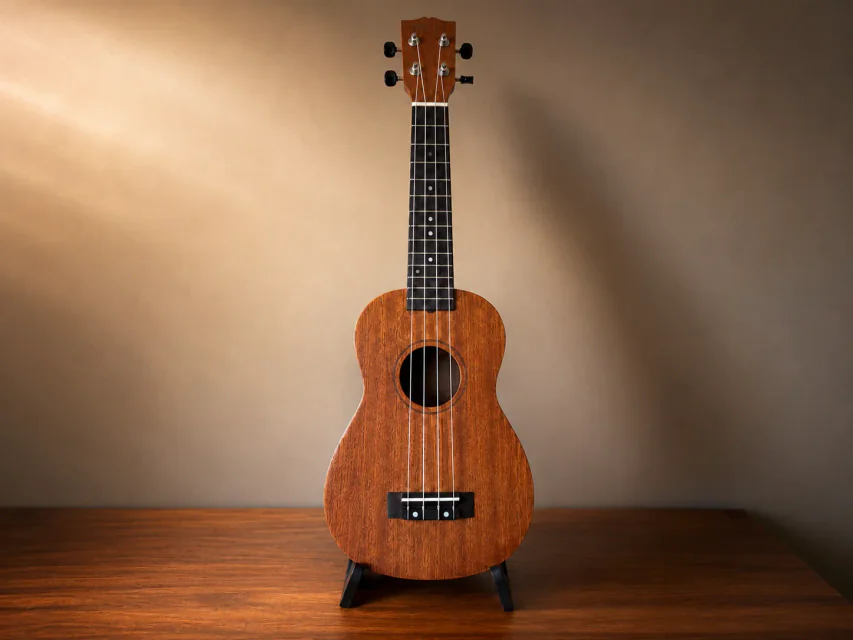
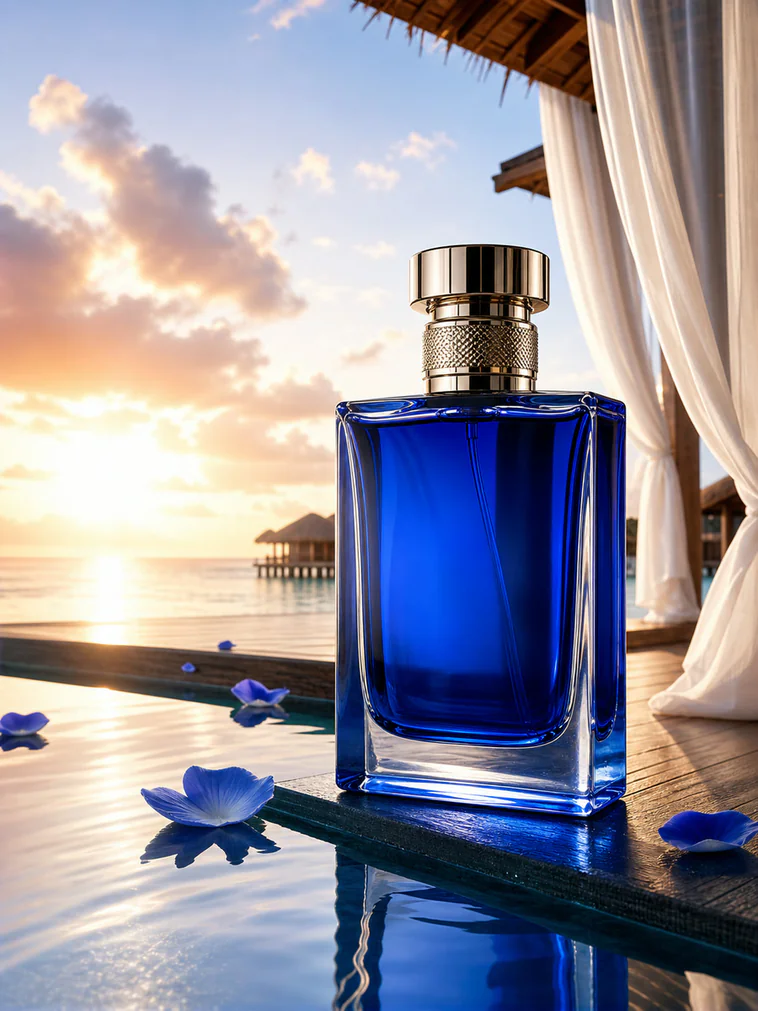
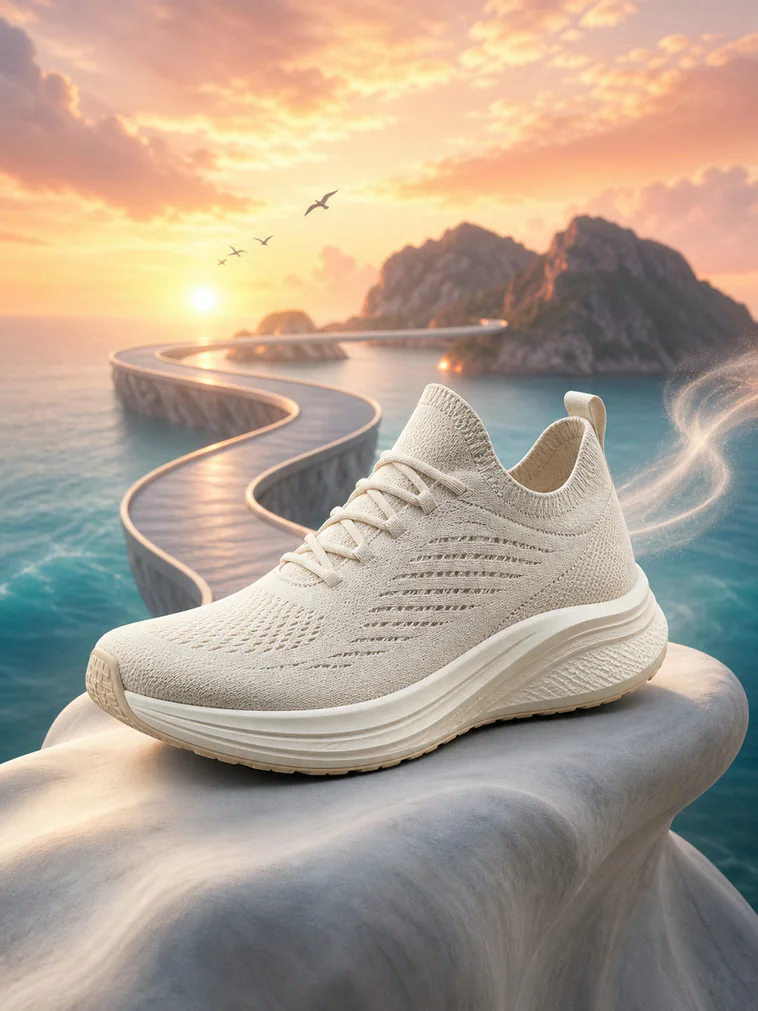
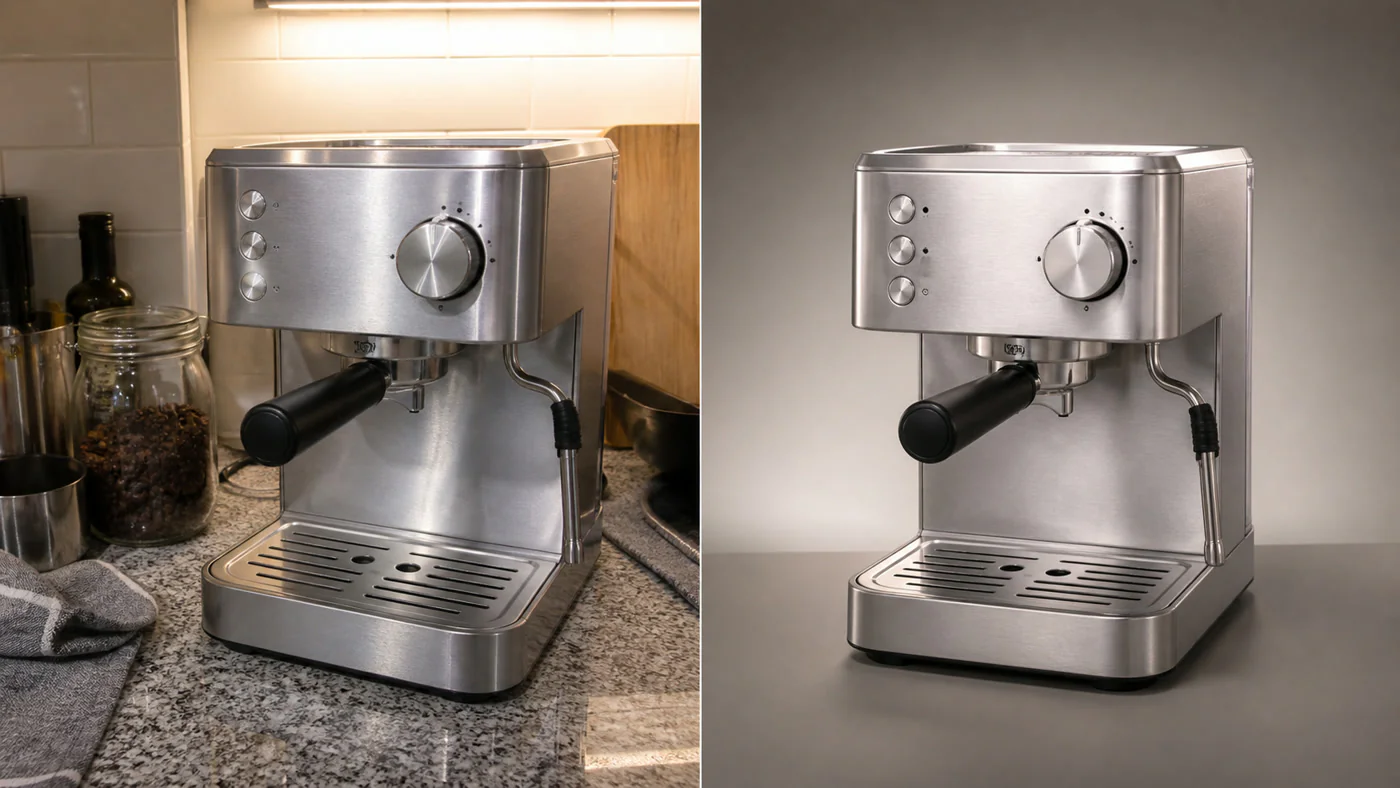
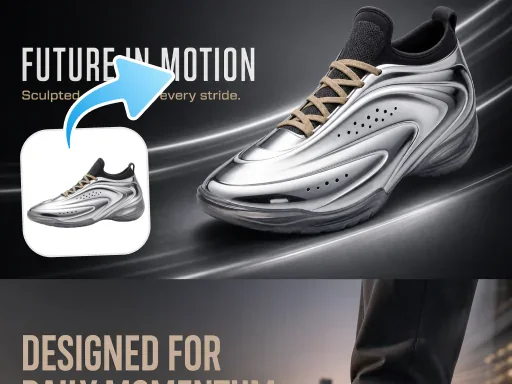
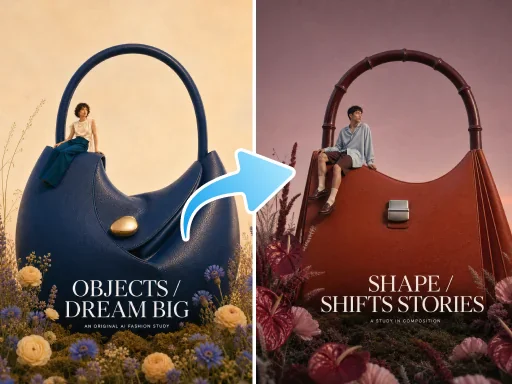
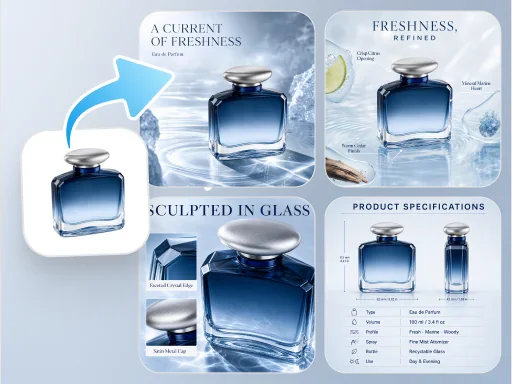
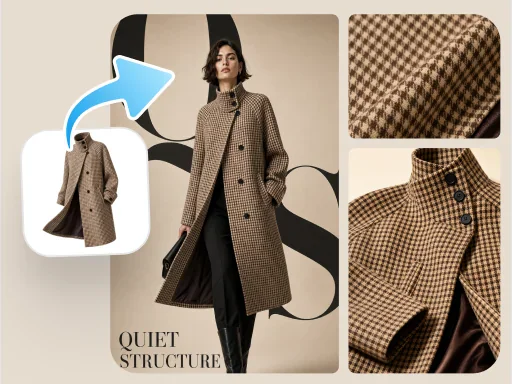
PixPix meningkatkan ketajaman, warna, dan hasil akhir sambil mempertahankan struktur produk.
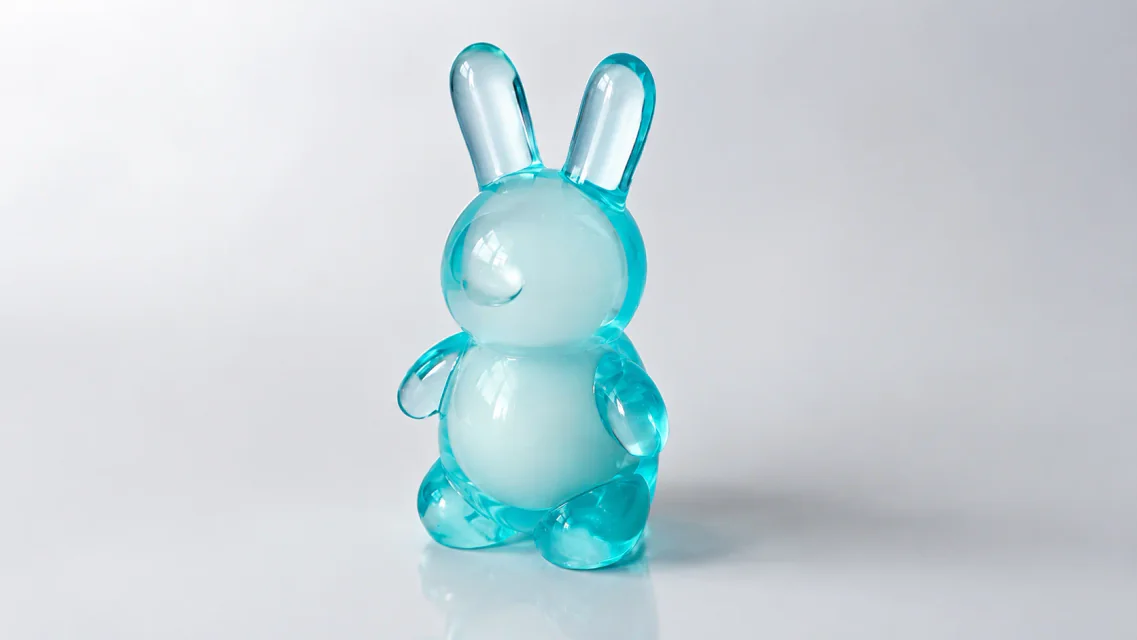
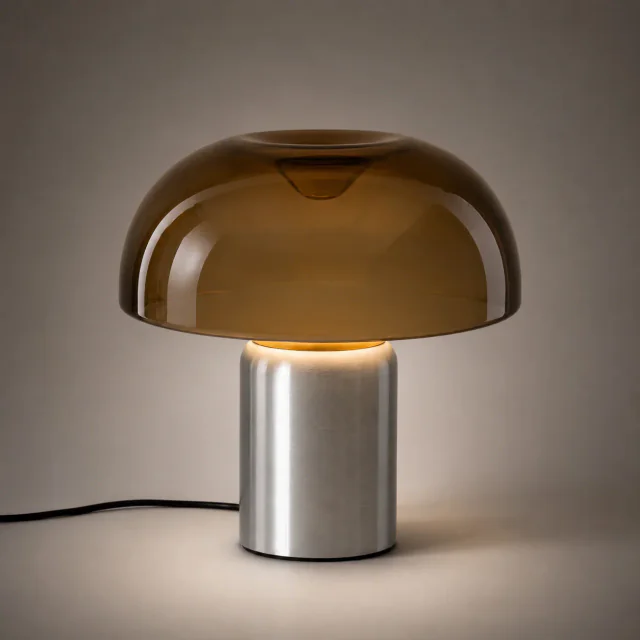
Gambar produk lampu meja yang telah di-retouch
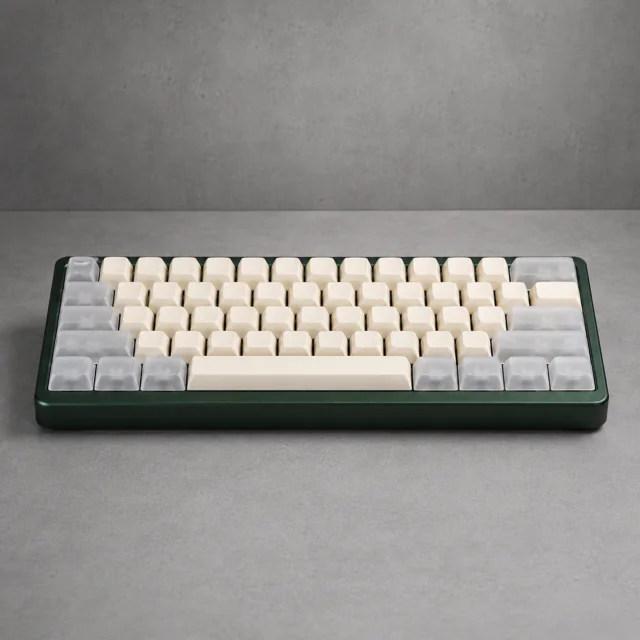
Gambar produk keyboard mekanis yang telah di-retouch
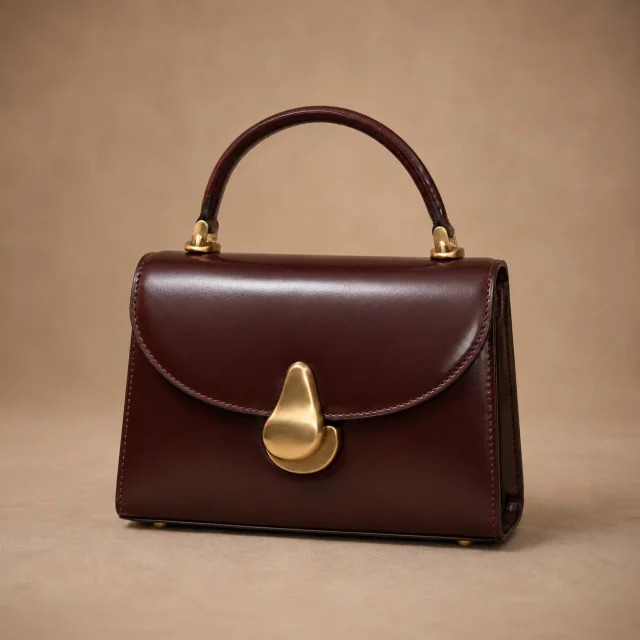
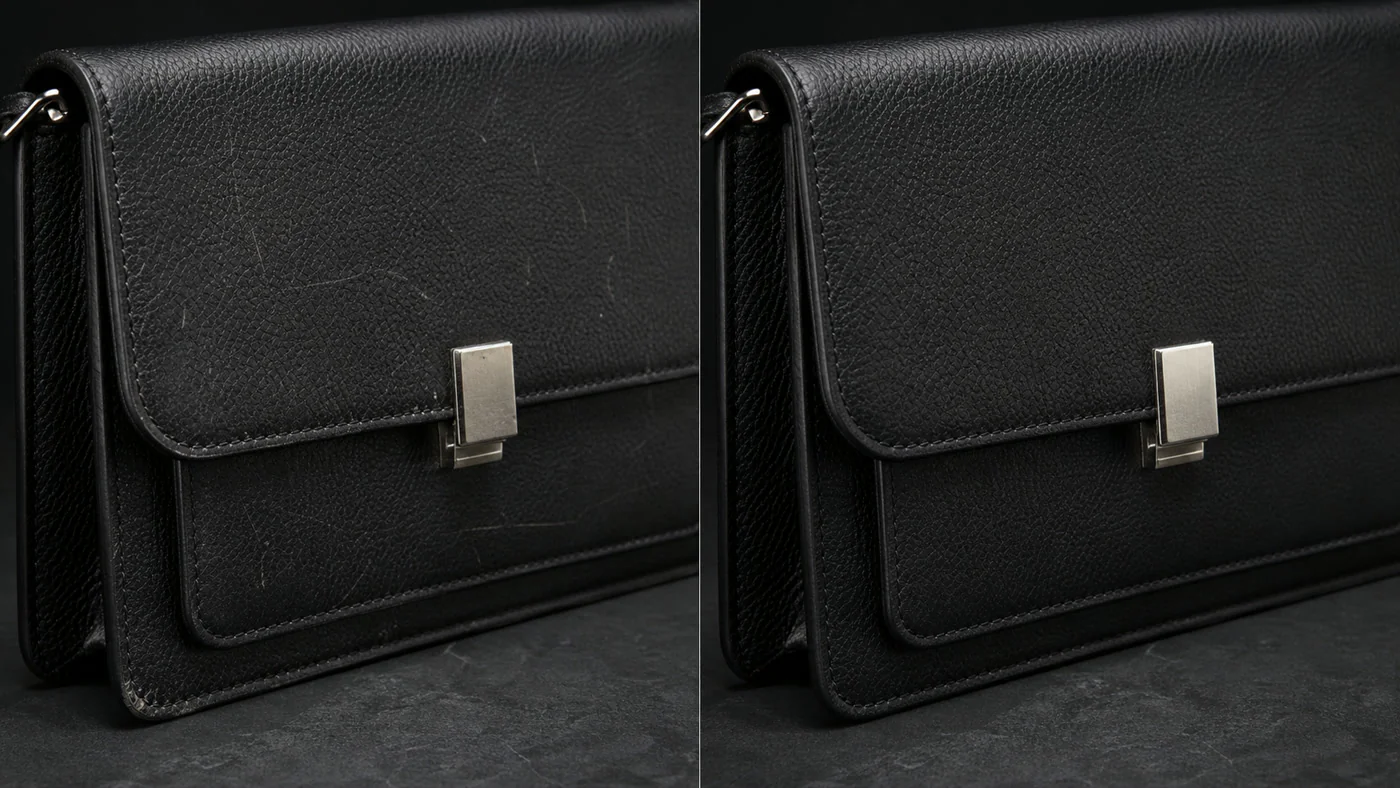
Gambar produk tas tangan kulit yang telah di-retouch
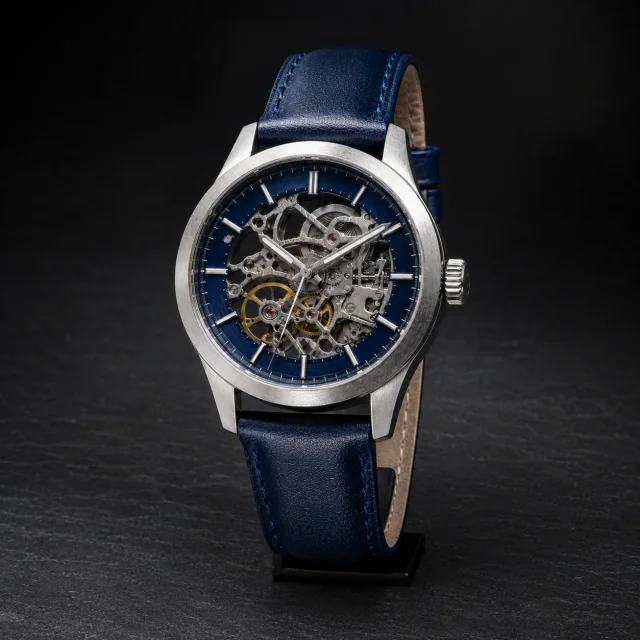
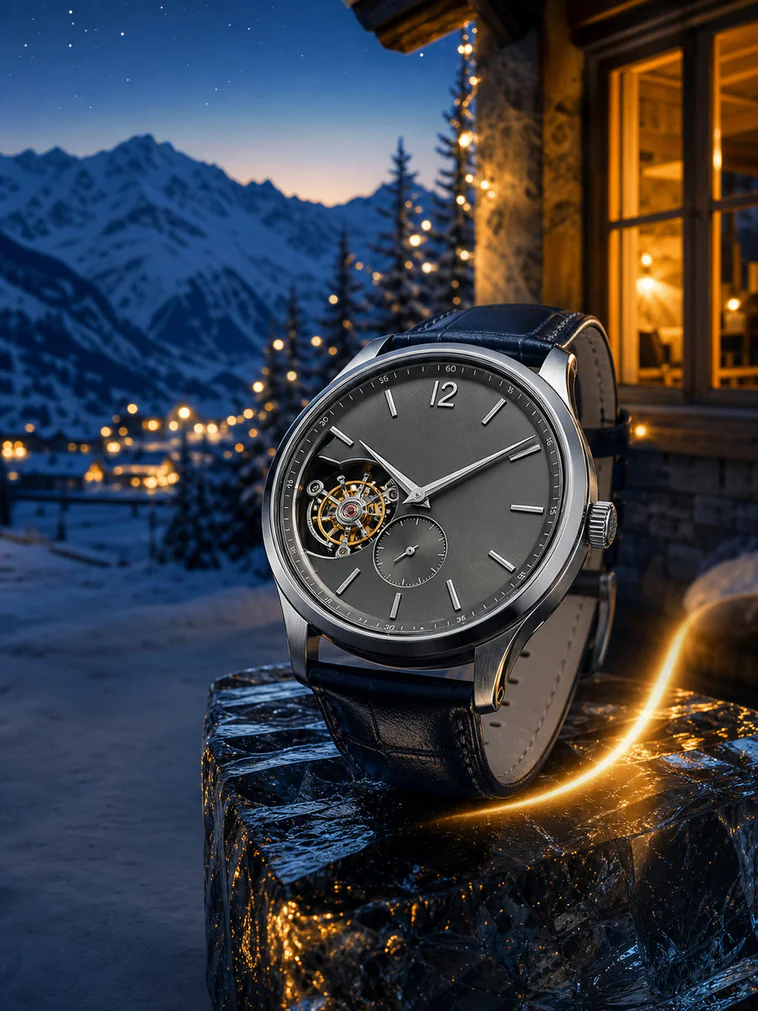
Gambar produk jam tangan yang telah di-retouch
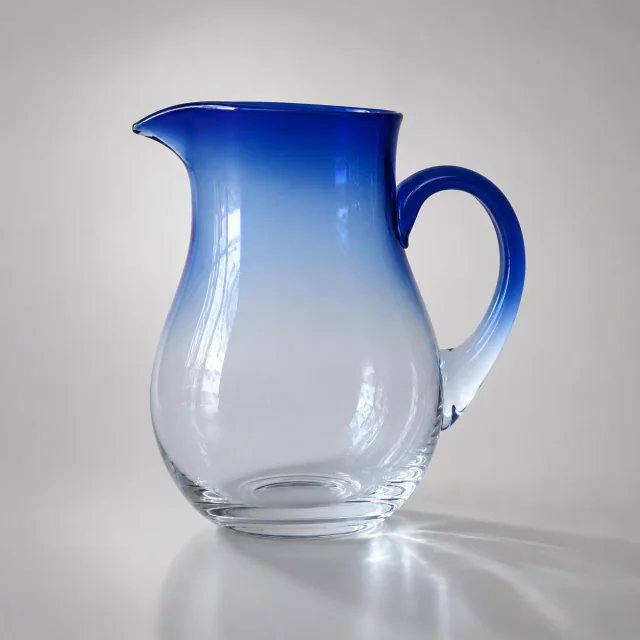
Gambar produk teko kaca yang telah di-retouch
Gambar produk tas tangan kulit yang telah di-retouch
Gambar produk teko kaca yang telah di-retouch
Gambar produk lampu meja yang telah di-retouch
Gambar produk jam tangan yang telah di-retouch
Gambar produk keyboard mekanis yang telah di-retouch

Retouch Produk dengan PixPix AI

Memahami struktur dan material, mempertahankan detail penting, dan menghasilkan tampilan komersial.

Product feature preservation example

Pertahankan ciri produk

Recognize the original shape, material, color, and brand details.

Product scratch and blemish repair example

Perbaiki cacat kecil

Clean up scratches, stains, dust, and local texture issues.

Commercial product retouching example

Buat visual siap jual

Refine color and finish for ecommerce presentation.

Product clarity and shine enhancement example

Tingkatkan ketajaman dan kilau

Enhance edges, textures, and lighting for a cleaner result.

Retouch untuk Berbagai Kebutuhan E-commerce

Dari perbaikan lokal hingga hasil akhir yang konsisten untuk berbagai kategori produk.
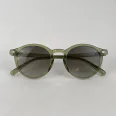
Before and after product scratch repair

Hilangkan goresan dan cacat kecil

Clean scratches, stains, and dust while preserving the original material and structure.

Before and after product texture enhancement

Tingkatkan material dan detail

Enhance the textures and edges of leather, metal, glass, and other materials.

Before and after product color correction

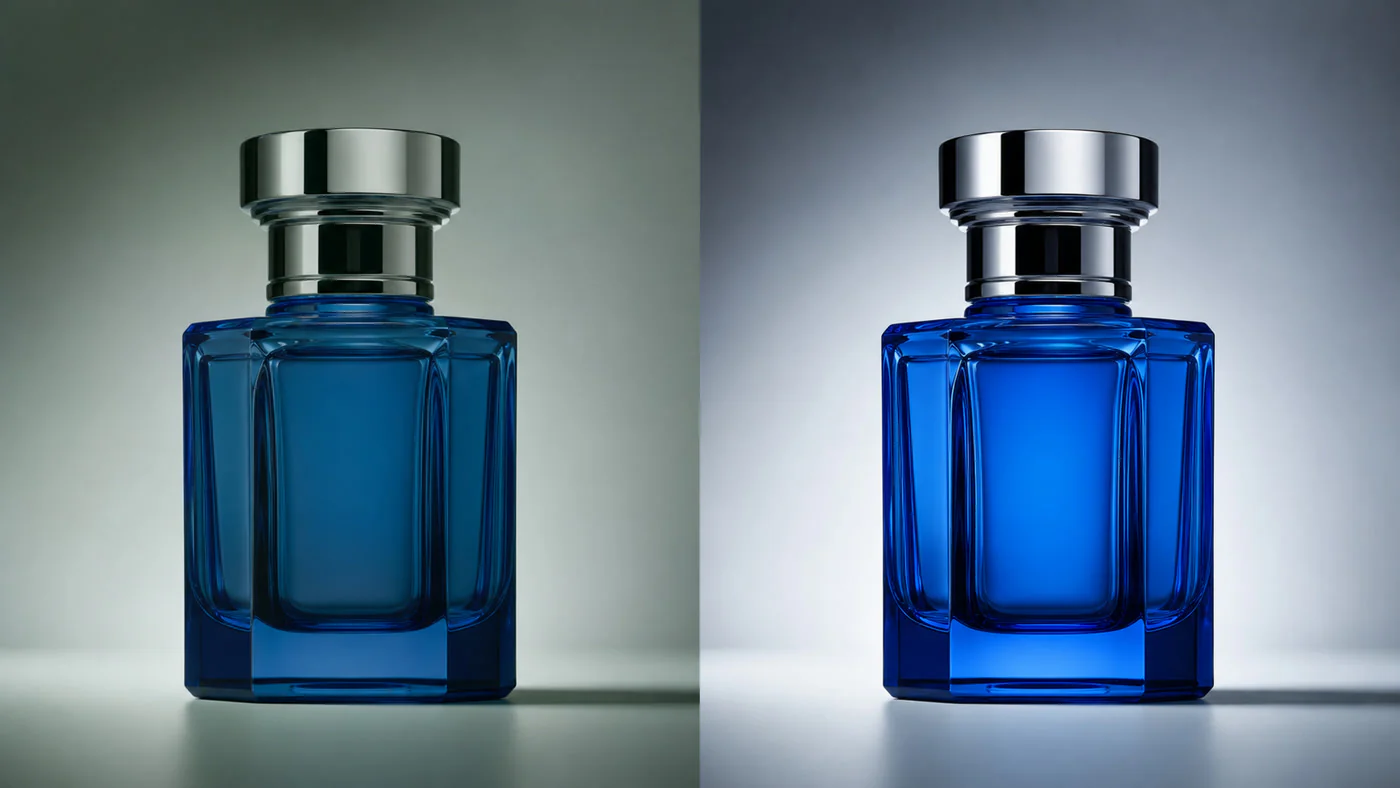
Koreksi warna dan kilau produk

Reduce color casts and exposure problems for more natural, consistent color.

Before and after product image consistency improvement

Samakan hasil akhir antar gambar

Bring brightness, color, and polish into better alignment across a product set.

Retouch Produk dalam Tiga Langkah

Unggah foto, pilih peningkatan, lalu tinjau dan unduh hasilnya.

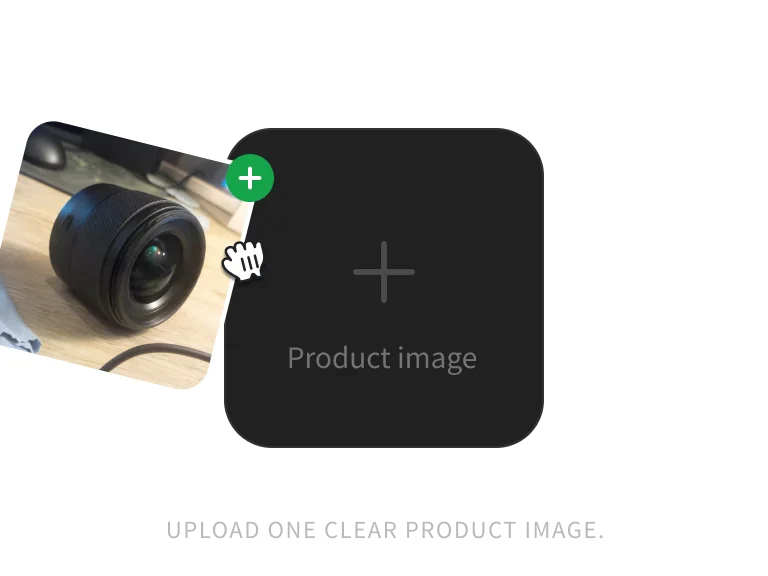
Product image ready for retouching

Langkah 1: Unggah gambar produk

Upload one clear JPG, PNG, or WebP product image up to 10MB.

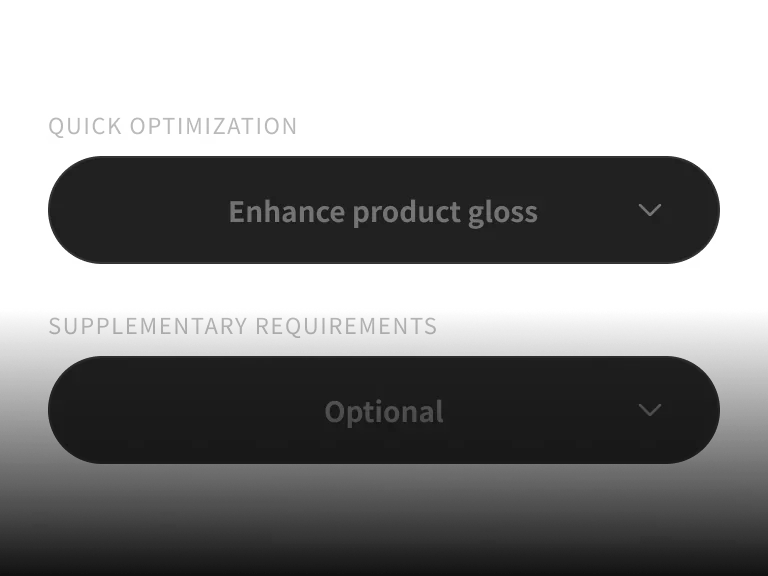
Product retouching options

Langkah 2: Pilih opsi retouch

Select shine, scratch repair, clarity, color correction, or perspective correction.

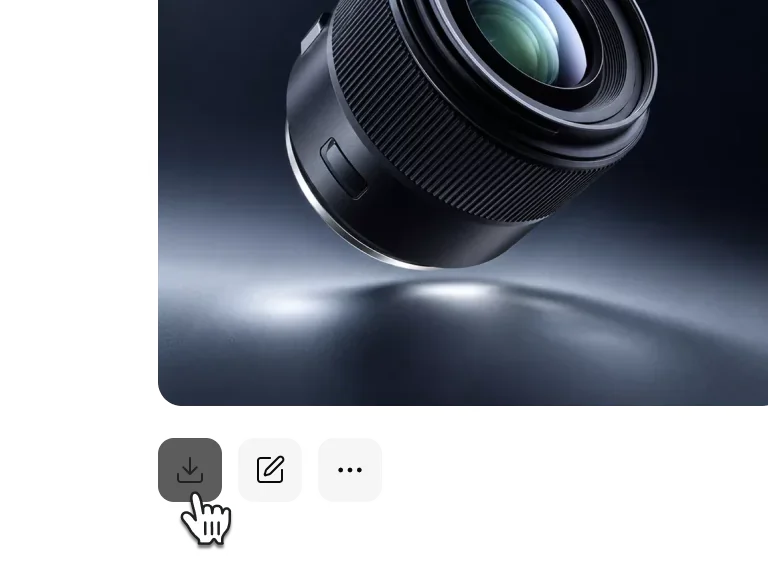
AI-retouched product image

Langkah 3: Buat dan unduh

Review the retouched product details, then download the finished image.

Unggah Satu Gambar dan Mulai Retouch AI

Biarkan PixPix memperbaiki cacat, meningkatkan ketajaman, dan menyempurnakan produk.
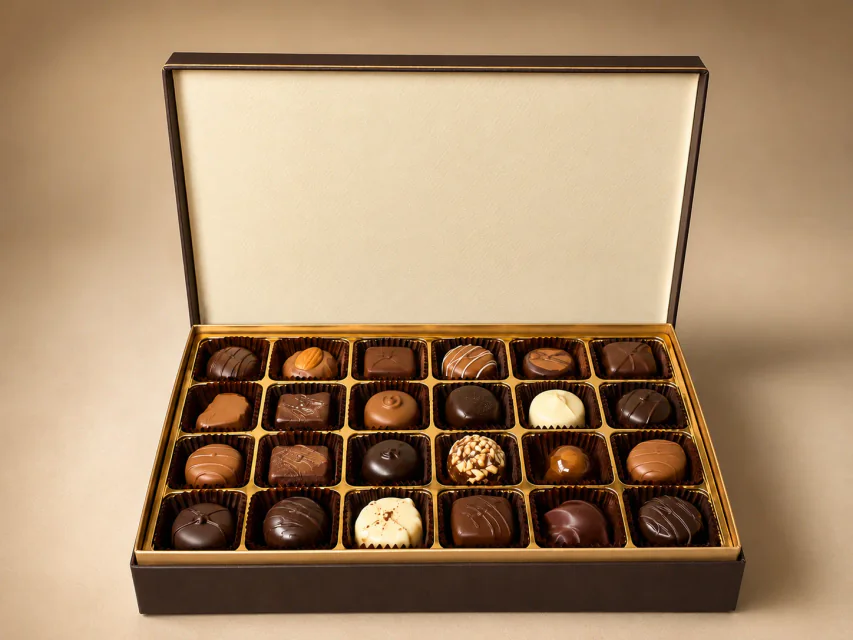
PILIH PAKET ANDA

Dapatkan lebih banyak generasi dan akses prioritas ke fitur kreatif baru PixPix.

FAQ Retouch Produk AI

Pertanyaan umum tentang model, alur kerja, dan batas penggunaan.

It can repair scratches and blemishes, improve clarity and shine, correct color, and reduce perspective distortion. Results depend on the source image and product details.