【Execution Route | Must Not Appear on Screen】
If the image-generation tool can be invoked multiple times: concatenate the sharing rules with A–F separately and execute six times; each time, generate only one independent 1000×1000 square image, resulting in six sub-images.
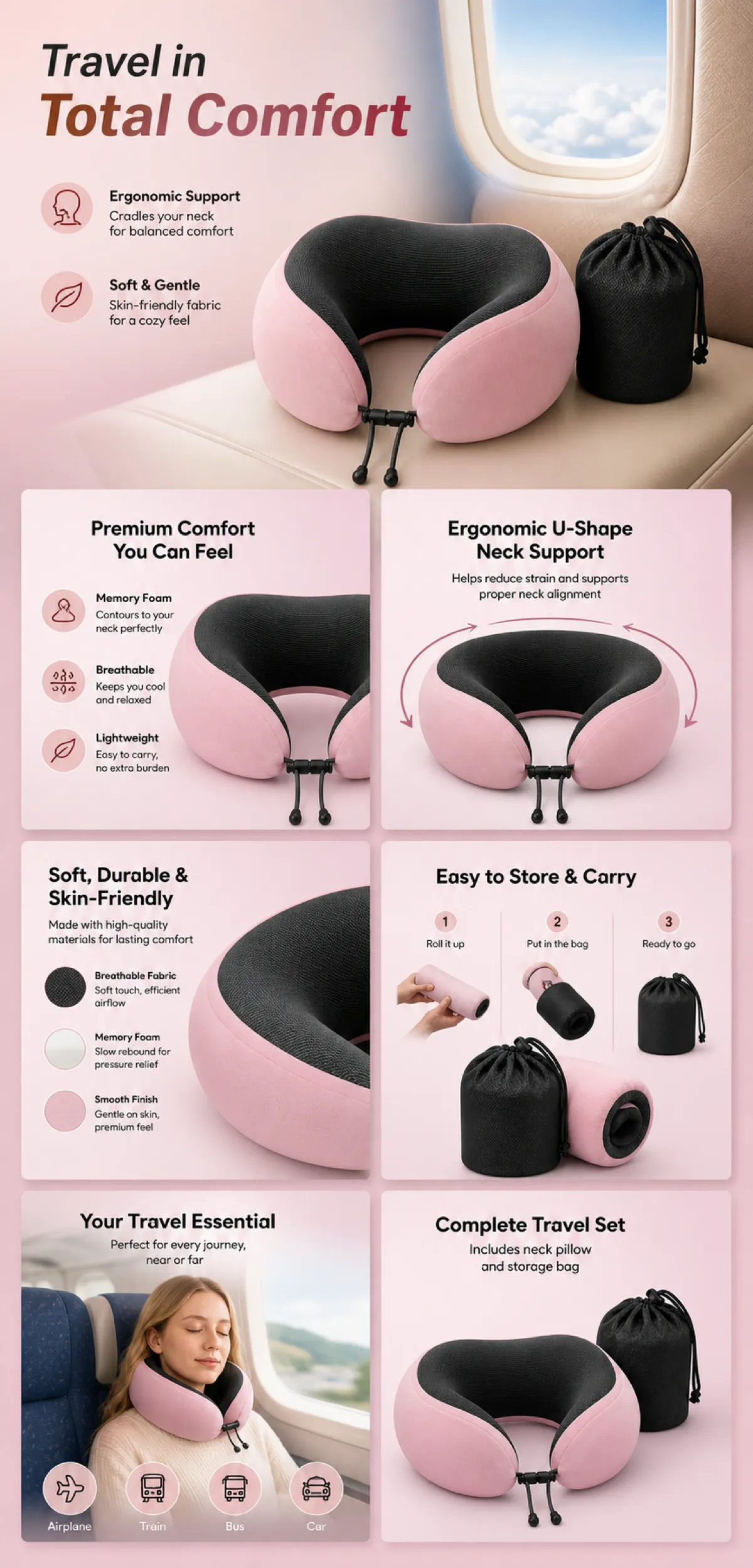
If the tool can only generate once: use a 2:3 vertical canvas measuring 1200×2500, with approximately 30% at the top reserved for the product’s main visual integrated into the background, and arrange the remaining area into a 2-column × 3-row grid labeled A/B, C/D, and E/F. All six cards should be of equal size, with an aspect ratio close to 1:1. Do not use a 1:1 outer canvas, nor full-width cards, cross-column cards, merged cards, borders, frames, or white margins.
【Sharing Rules】
The provided product reference image serves as the sole basis for the product’s appearance, structure, color, quantity, accessories, and relative proportions. Product orientation: pink U-shaped travel neck pillow, black interior, and storage pouch; supportive, soft, foldable, airport‑friendly, and portable. The product itself, along with any newly generated characters, animals, props, or text, must maintain natural proportions—stretching, flattening, or non‑uniform scaling is prohibited—and the background must extend fully across all four edges. Branding must uniformly follow the MOCKUP style; remove original branding, logos, watermarks, contact information, social media handles, platform details, gibberish, and irrelevant content. Copywriting should be concise, clear, and credible, retaining the language of the reference image without adding unsubstantiated absolute claims or medical promises. A–F are merely control markers and must not appear on screen.
【A | Core Selling Point】
Highlight the product’s most important value and its complete main subject; keep the headline short and clear.
【B | Structure & Materials】
Showcase key structural elements, materials, or components using close-up shots or simple annotations, adhering to the product’s intended orientation.
【C | Real‑World Use】
Generate natural scenes featuring people, animals, or everyday settings to demonstrate realistic usage, ensuring proportions and actions appear believable.
【D | Details & Steps】
Use close-ups, step-by-step instructions, or flowcharts to explain operations, textures, interfaces, storage solutions, or care details.
【E | Lifestyle】
Illustrate how the product seamlessly integrates into daily life scenarios such as home, commuting, outdoor activities, travel, or work.
【F | Sets & Carrying】
Accurately depict the product, its accessories, quantities, and storage relationships; do not add any components absent from the reference image.