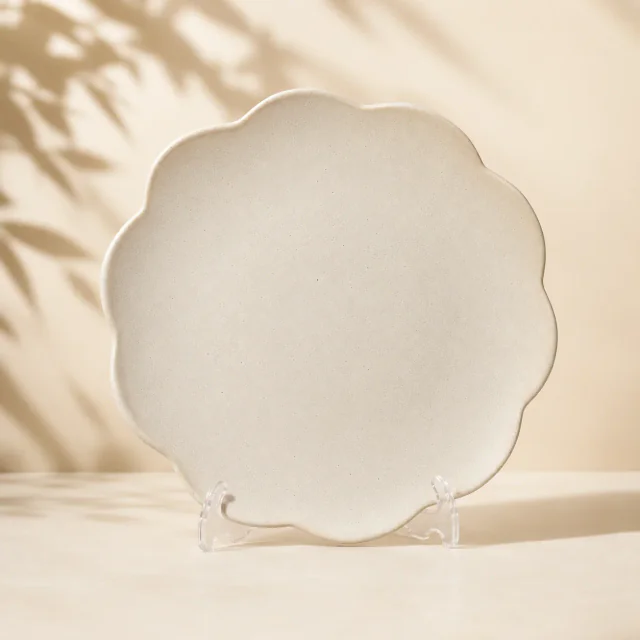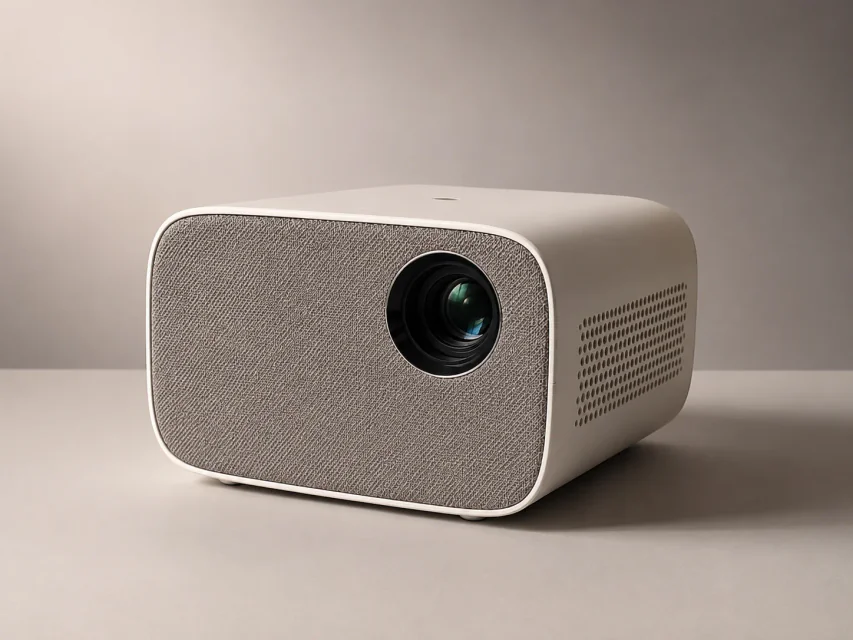
AI 商品レタッチツール

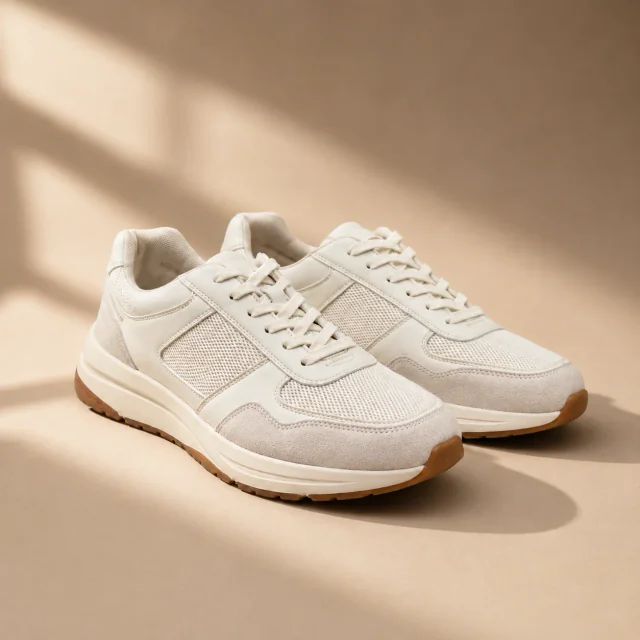
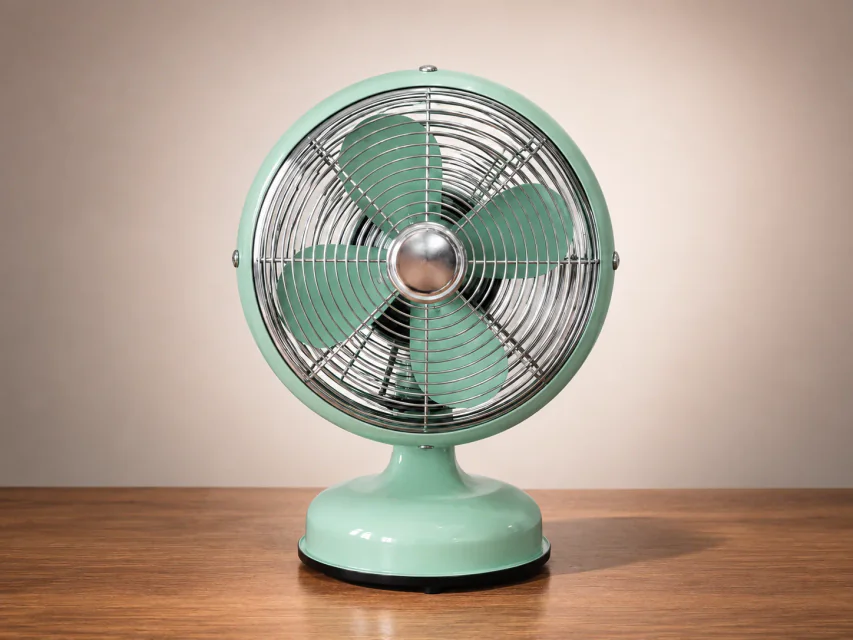
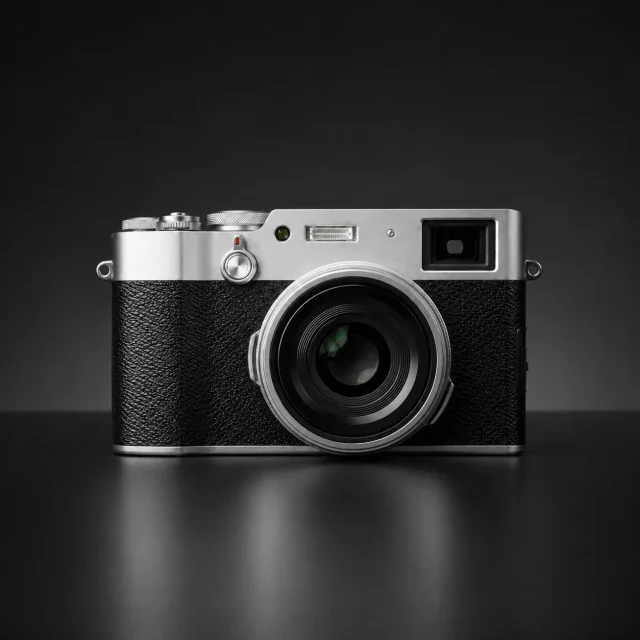
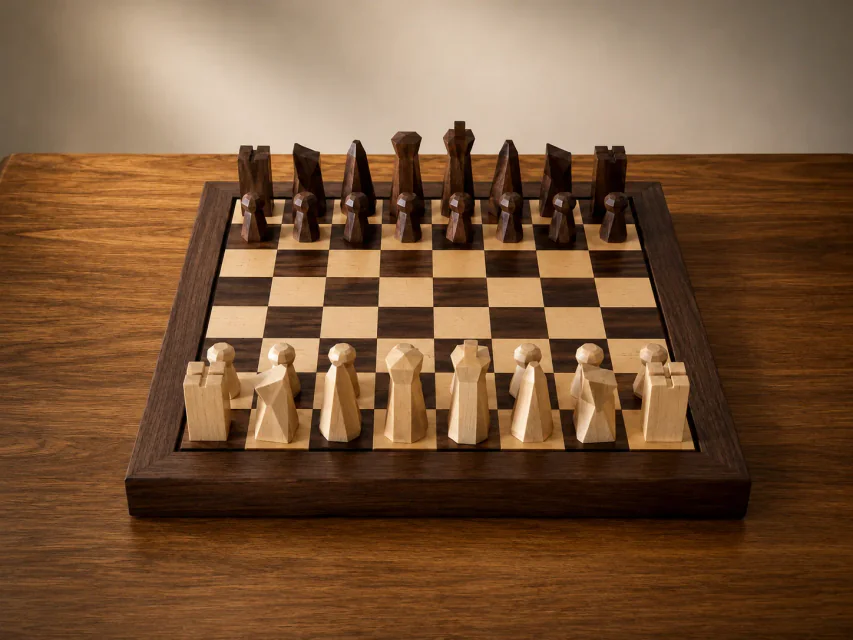
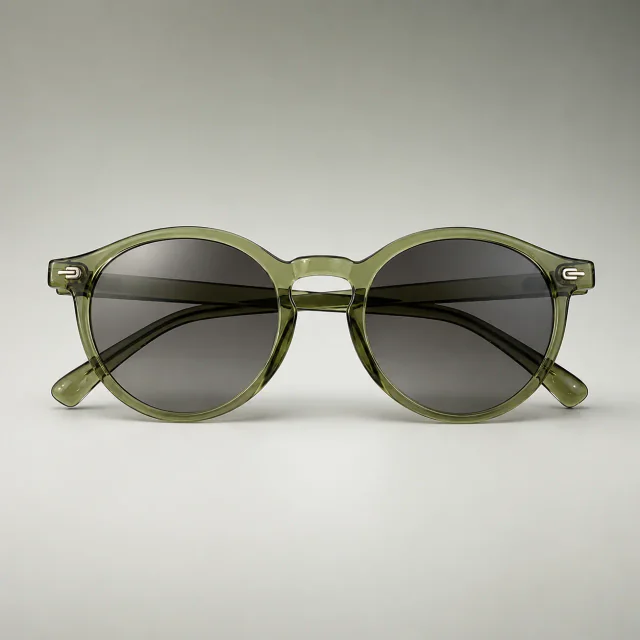
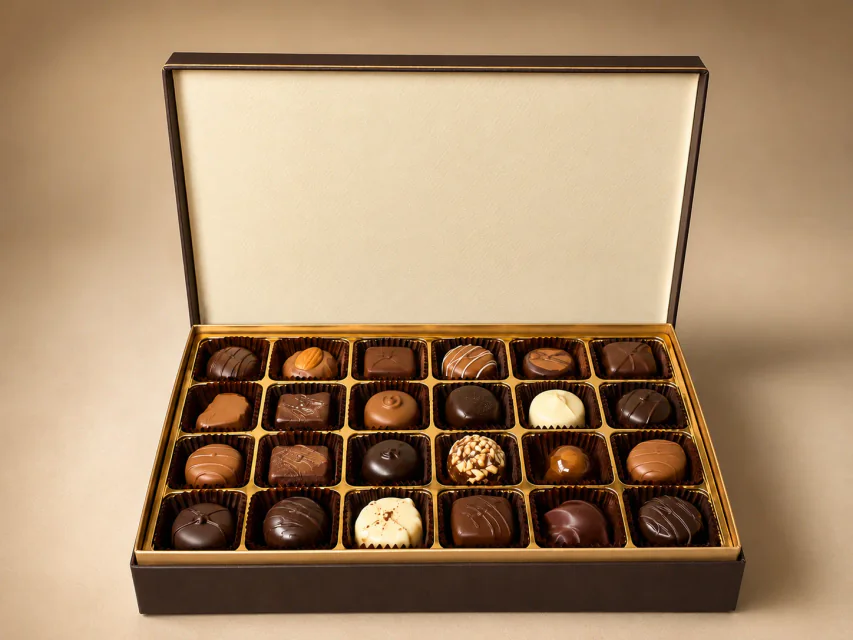
商品写真をアップロードし、PixPix AIで傷の修復、鮮明化、色補正、遠近補正を行えます。
レタッチ後

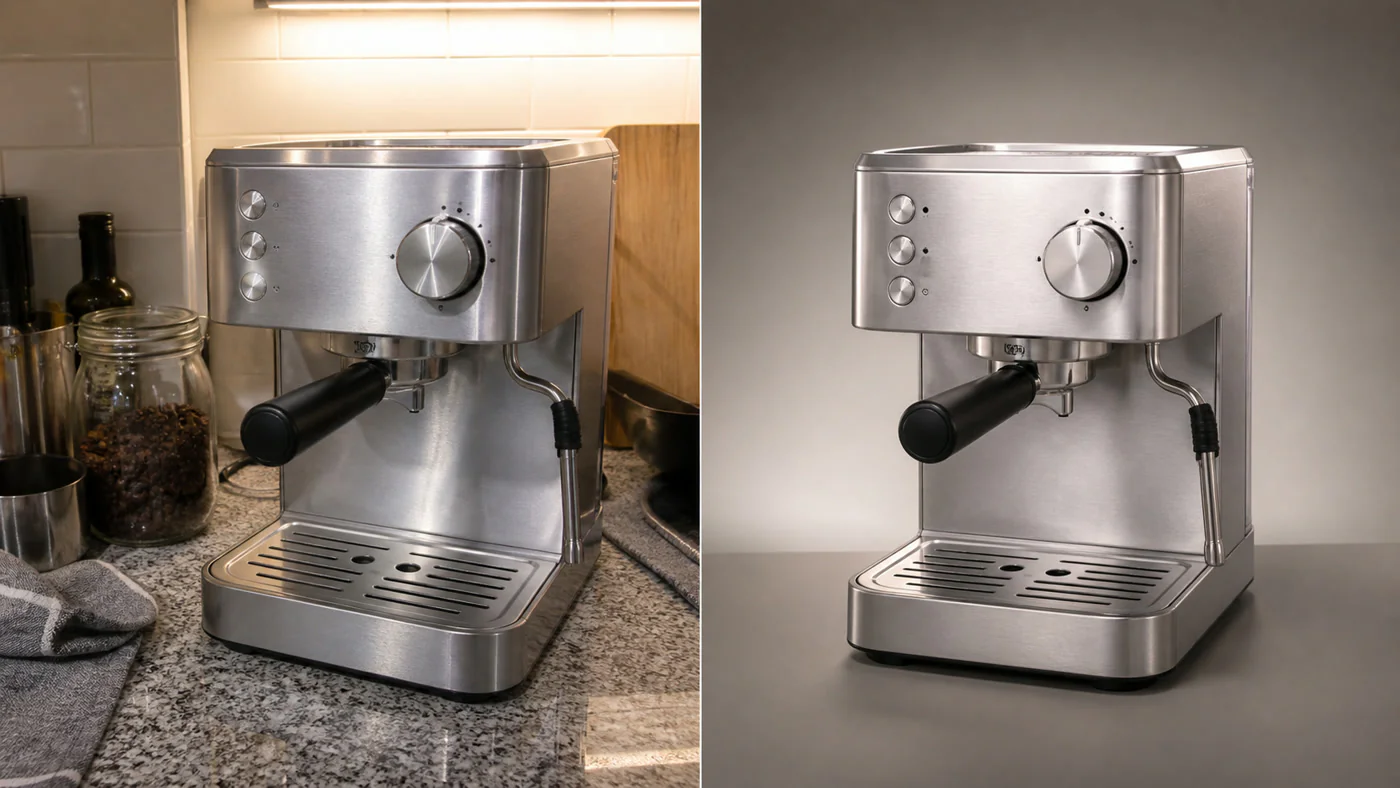
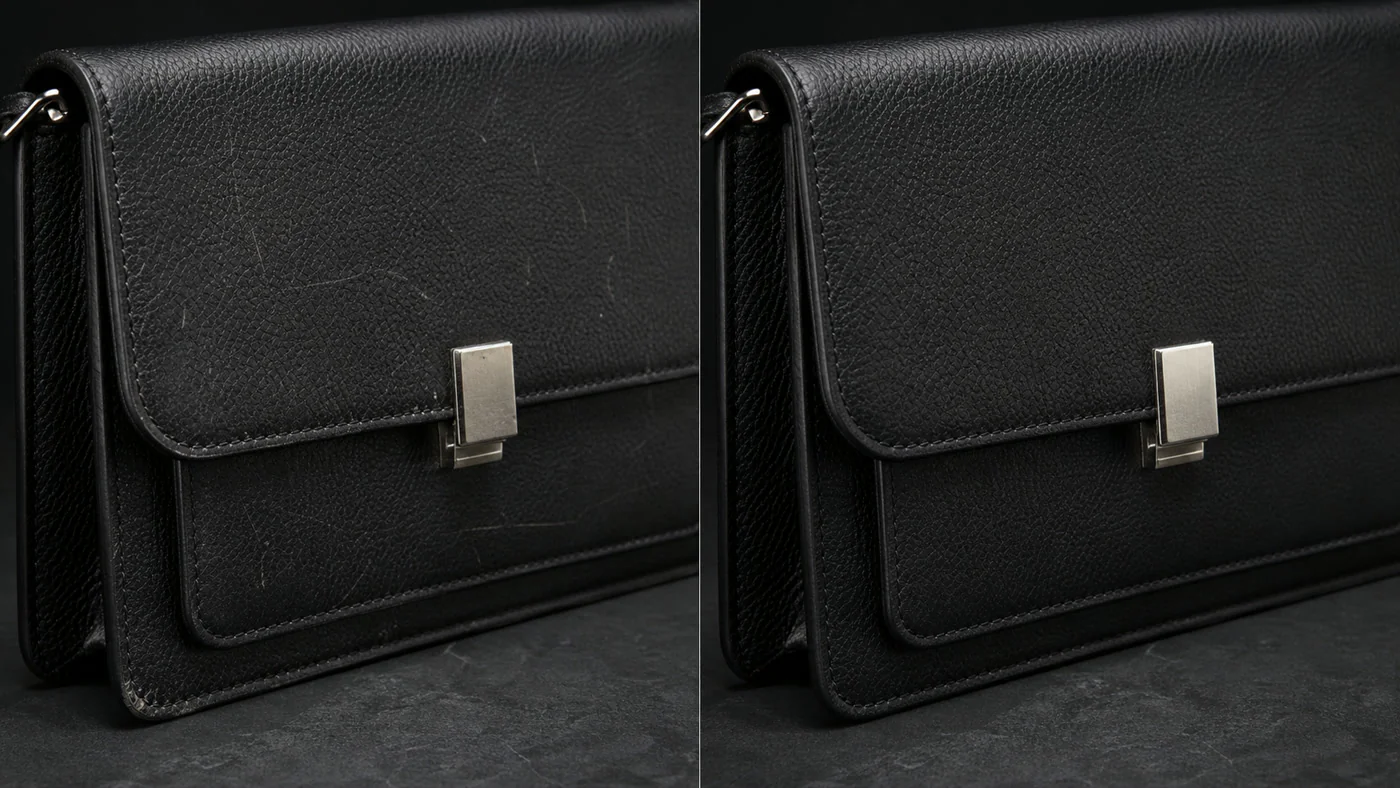
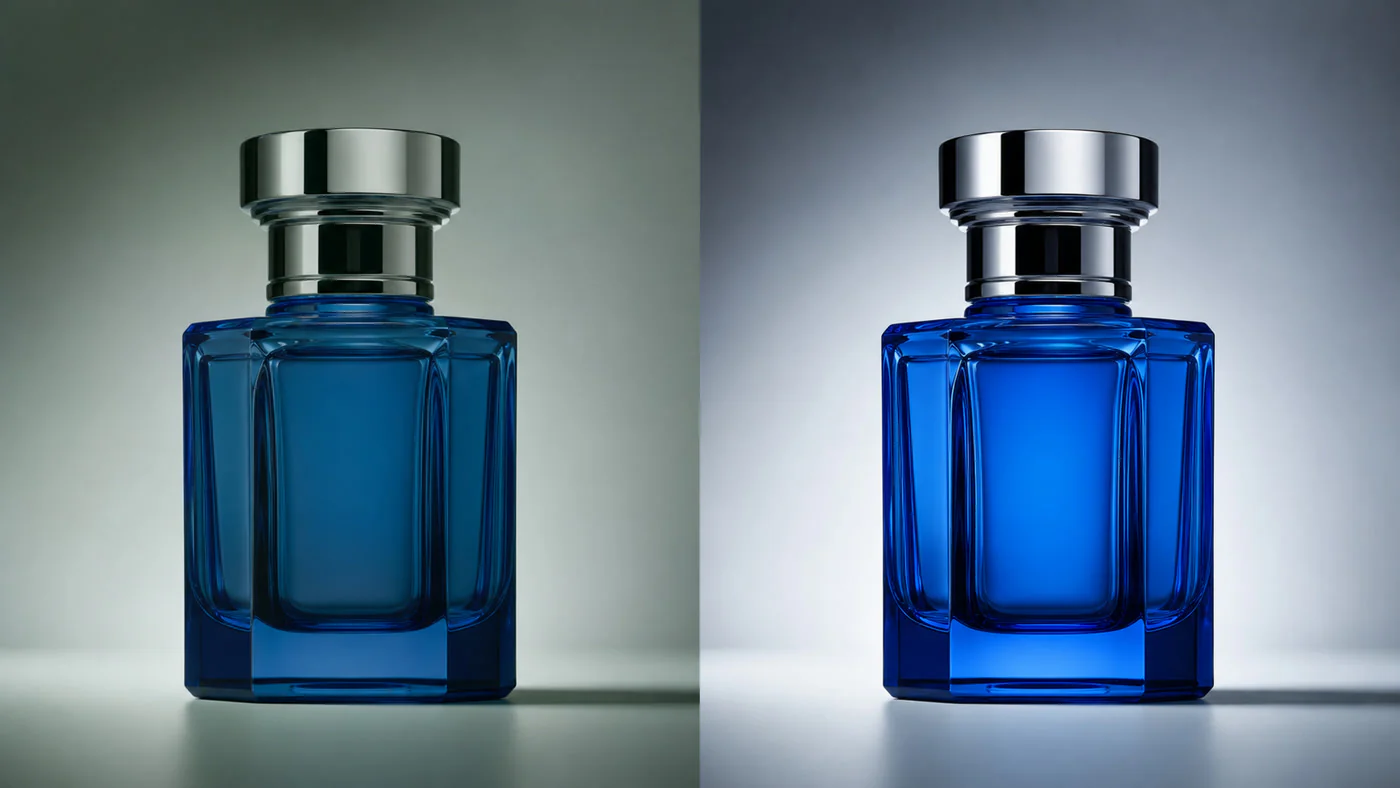
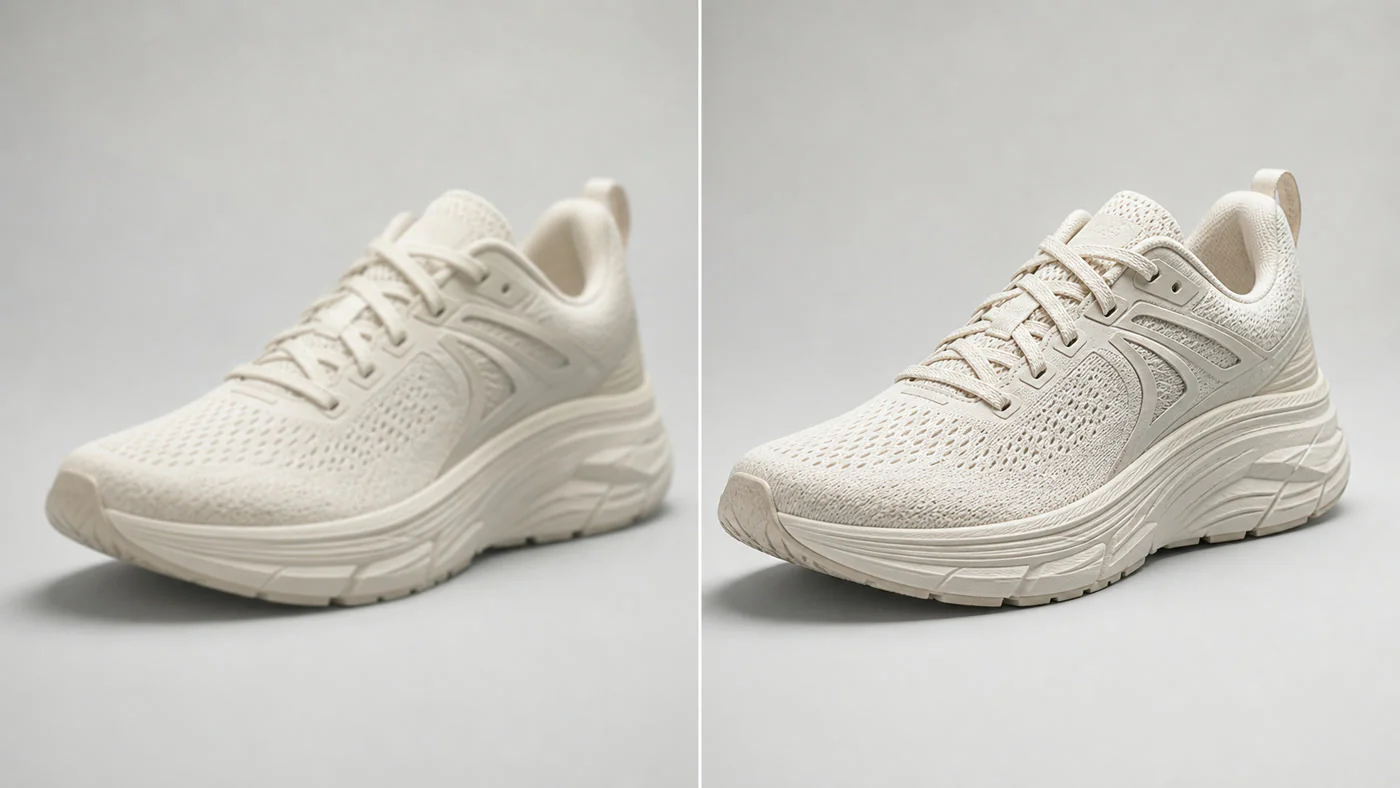
AI 商品レタッチ事例

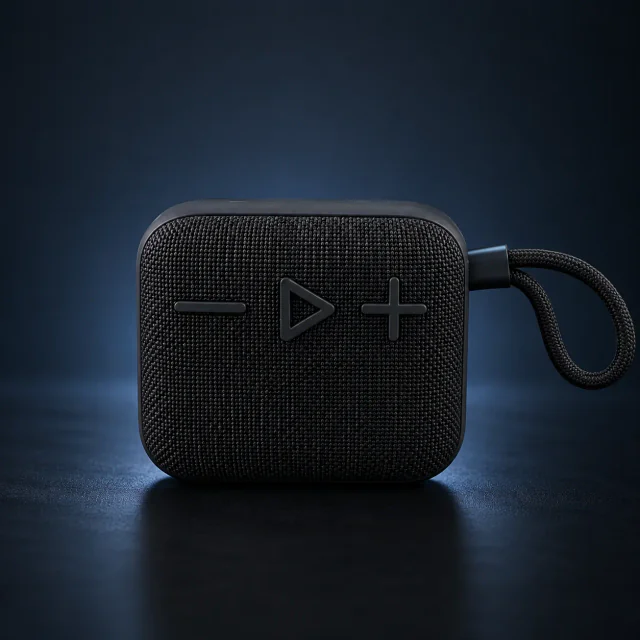
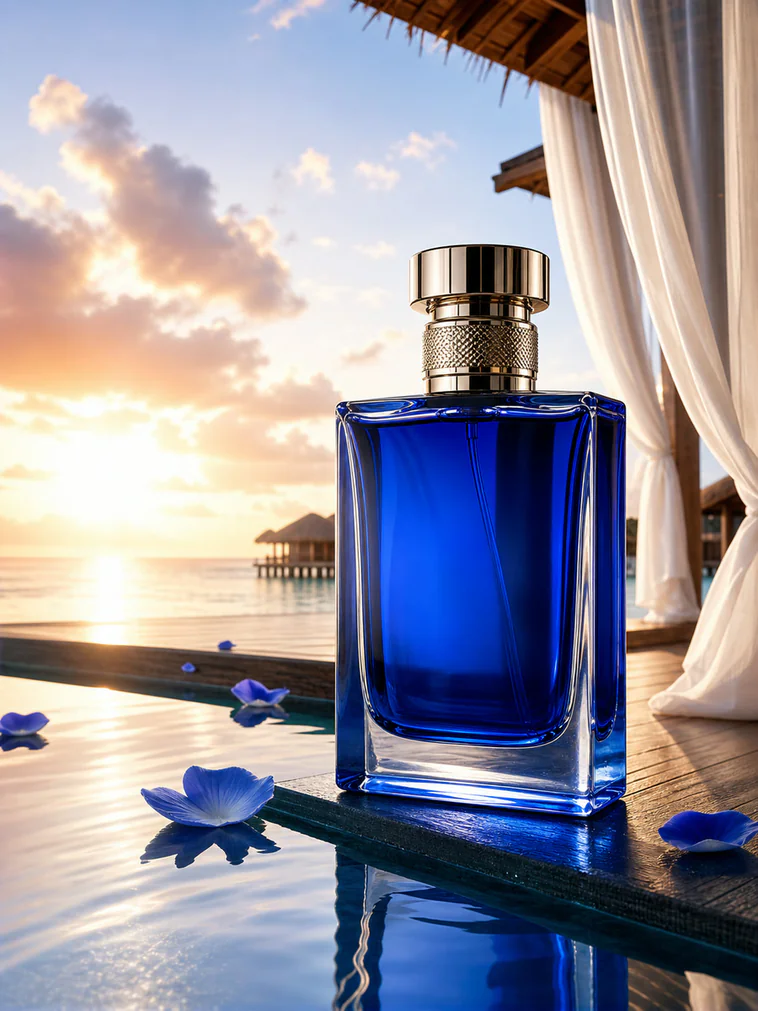
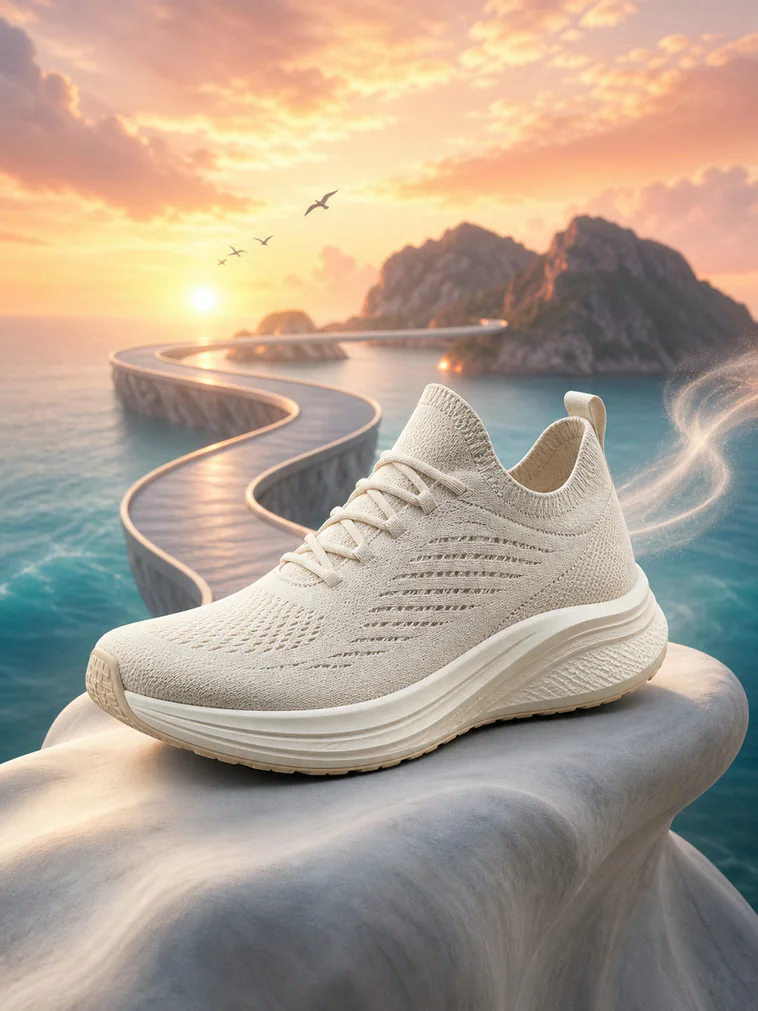
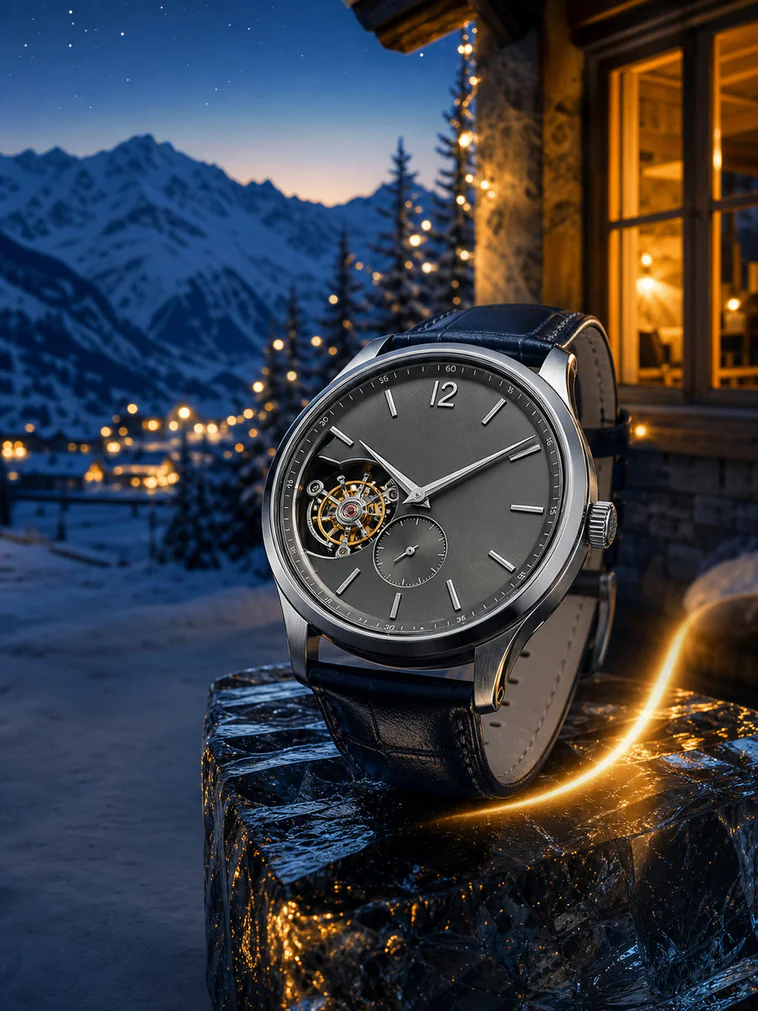
PixPixは商品の構造を保ちながら、傷の修復から質感、鮮明さ、色、仕上がりまで改善します。
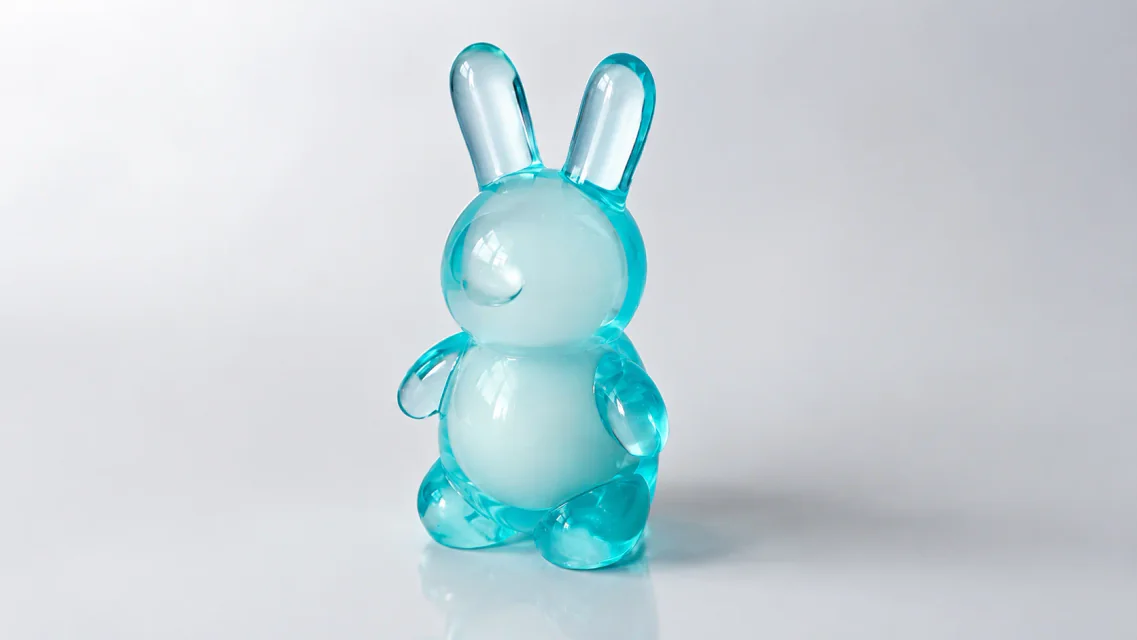
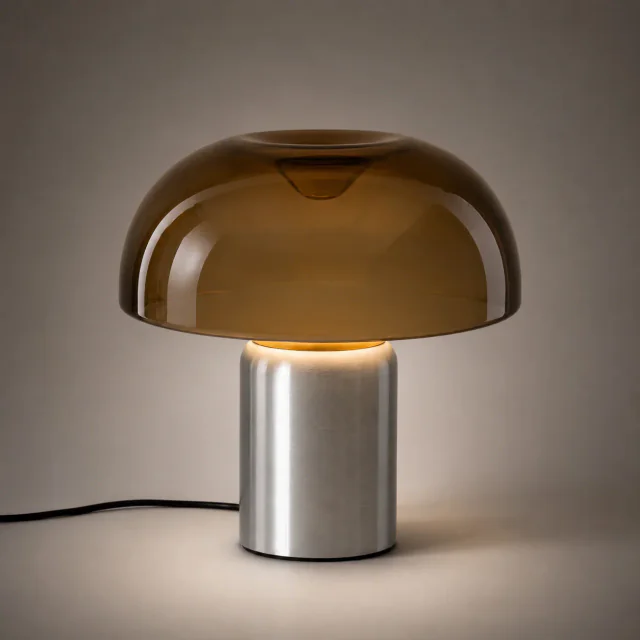
レタッチされたテーブルランプの商品画像
レタッチされたテーブルランプの商品画像
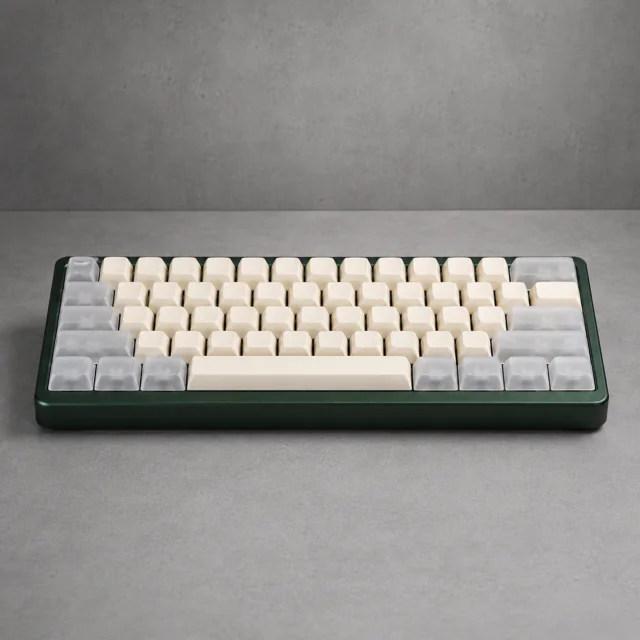
レタッチされたメカニカルキーボードの商品画像
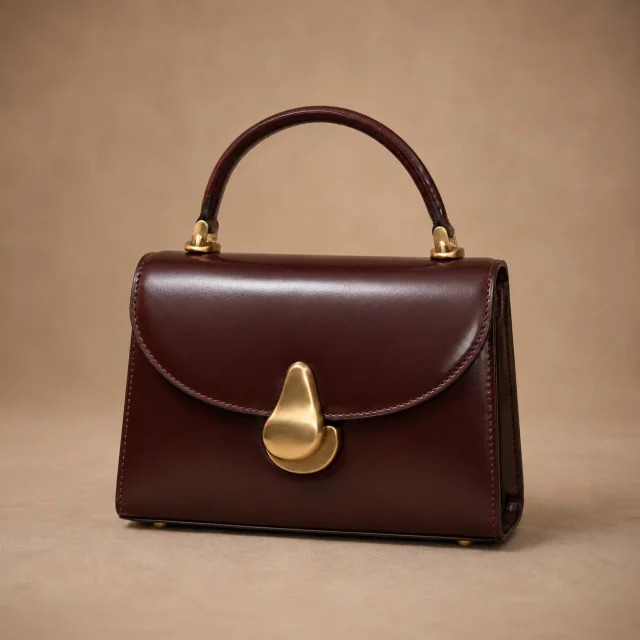
レタッチされた革製ハンドバッグの商品画像
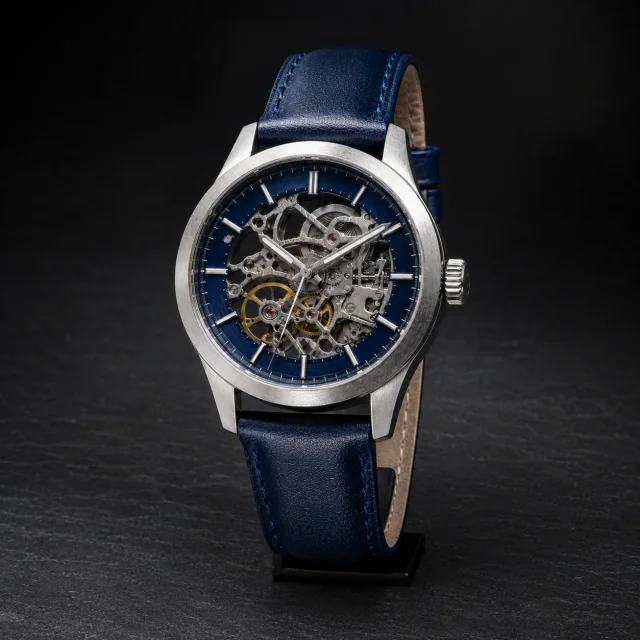
レタッチされた腕時計の商品画像
レタッチされた腕時計の商品画像
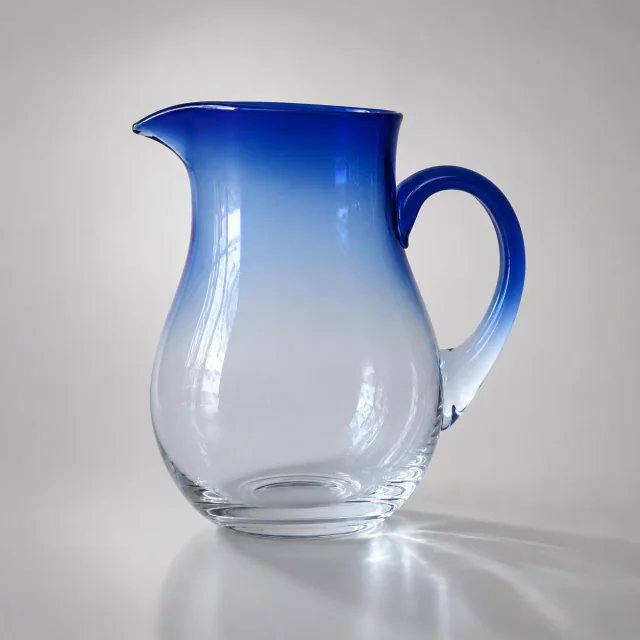
レタッチされたガラスピッチャーの商品画像
レタッチされた革製ハンドバッグの商品画像
レタッチされたガラスピッチャーの商品画像
レタッチされたテーブルランプの商品画像
レタッチされたテーブルランプの商品画像
レタッチされた腕時計の商品画像
レタッチされた腕時計の商品画像
レタッチされたメカニカルキーボードの商品画像

PixPix AIによる商品レタッチ

商品の構造と素材を理解し、特徴を保ちながら商用レベルの仕上がりを実現します。
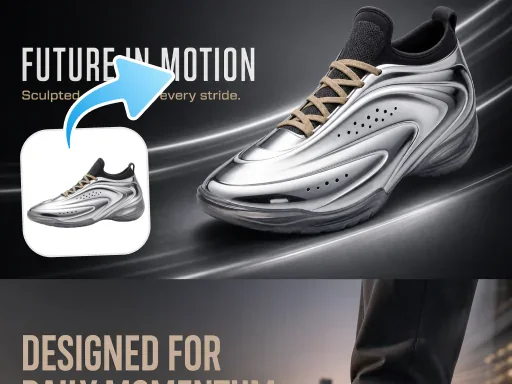
Product feature preservation example

商品の特徴を正確に維持

Recognize the original shape, material, color, and brand details.

Product scratch and blemish repair example

細かな欠点をスマートに修復

Clean up scratches, stains, dust, and local texture issues.

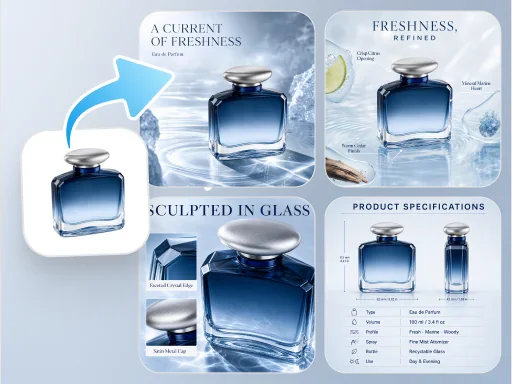
Commercial product retouching example

商用レベルのビジュアルを作成

Refine color and finish for ecommerce presentation.

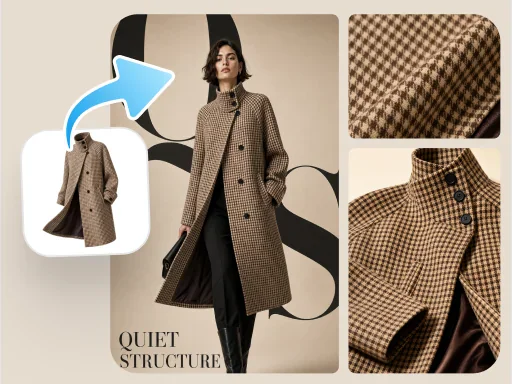
Product clarity and shine enhancement example

鮮明さと光沢を向上

Enhance edges, textures, and lighting for a cleaner result.

さまざまなEC商品に対応するレタッチ

部分修復から統一感のある仕上げまで、多様な商品カテゴリの画像を整えます。
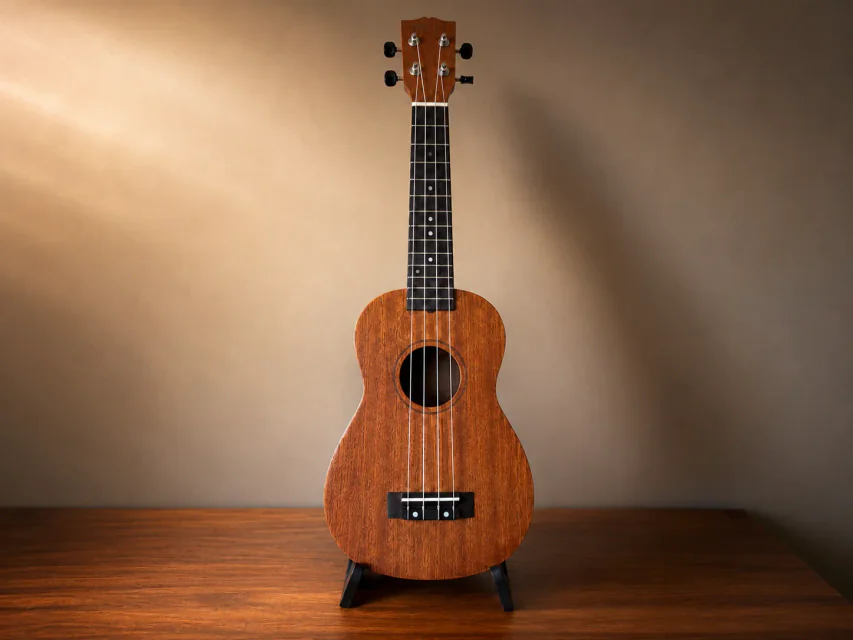
Before and after product scratch repair

表面の傷や小さな欠点を除去

Clean scratches, stains, and dust while preserving the original material and structure.

Before and after product texture enhancement

素材感と細部を改善

Enhance the textures and edges of leather, metal, glass, and other materials.

Before and after product color correction

商品の色と光沢を補正

Reduce color casts and exposure problems for more natural, consistent color.

Before and after product image consistency improvement

複数画像の仕上がりを統一

Bring brightness, color, and polish into better alignment across a product set.

3ステップで商品画像をレタッチ

元画像をアップロードし、補正内容を選択して、結果を確認・ダウンロードします。
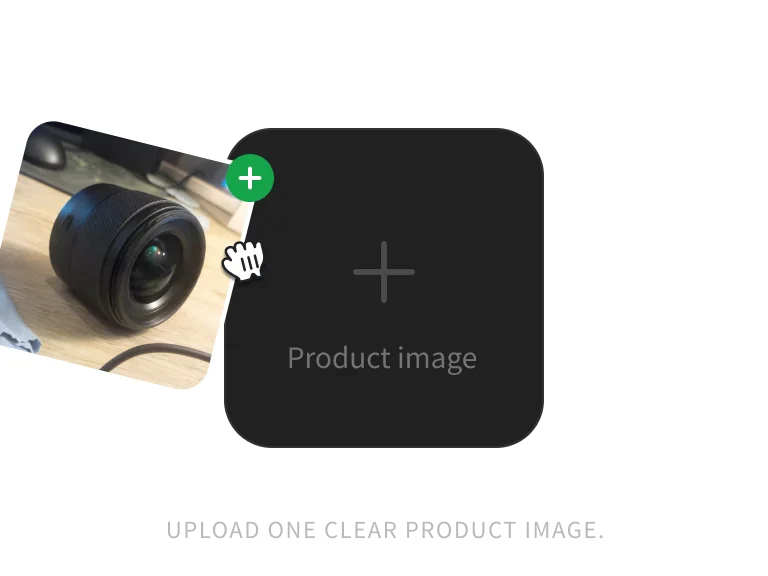
Product image ready for retouching

ステップ1:商品画像をアップロード

Upload one clear JPG, PNG, or WebP product image up to 10MB.
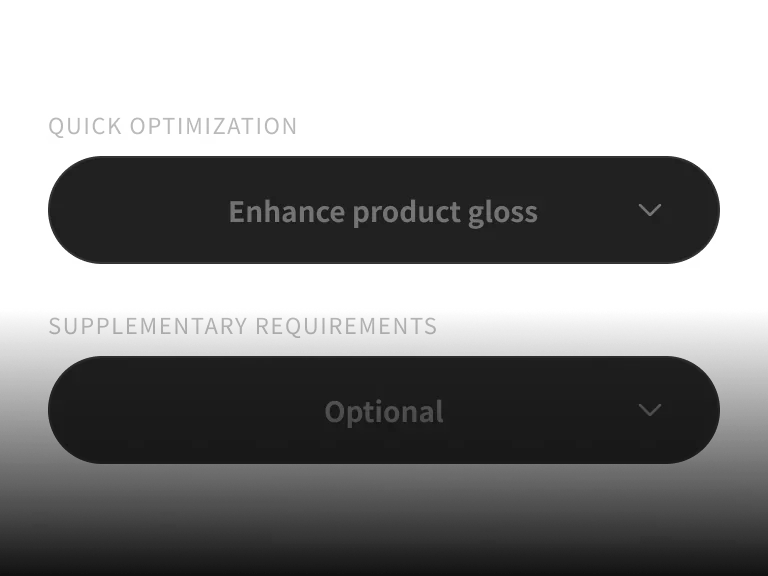
Product retouching options

ステップ2:レタッチ項目を選択

Select shine, scratch repair, clarity, color correction, or perspective correction.
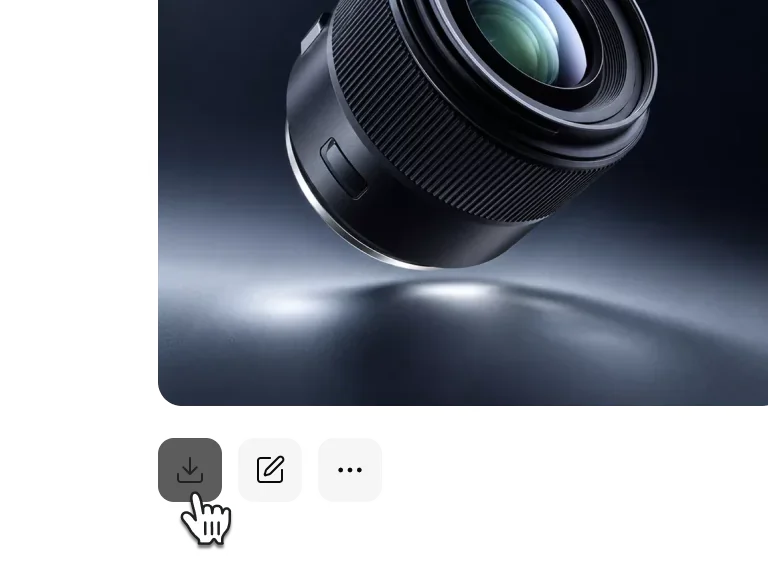
AI-retouched product image

ステップ3:生成してダウンロード

Review the retouched product details, then download the finished image.

商品画像を1枚アップロードしてAIレタッチを開始

PixPixが傷を修復し、鮮明さと商品の質感を高めます。

プランを選ぶ

より多くの生成回数と、PixPixの新しいクリエイティブ機能への優先アクセスを利用できます。

AI 商品レタッチ FAQ

モデル、ワークフロー、利用範囲に関するよくある質問。
It can repair scratches and blemishes, improve clarity and shine, correct color, and reduce perspective distortion. Results depend on the source image and product details.